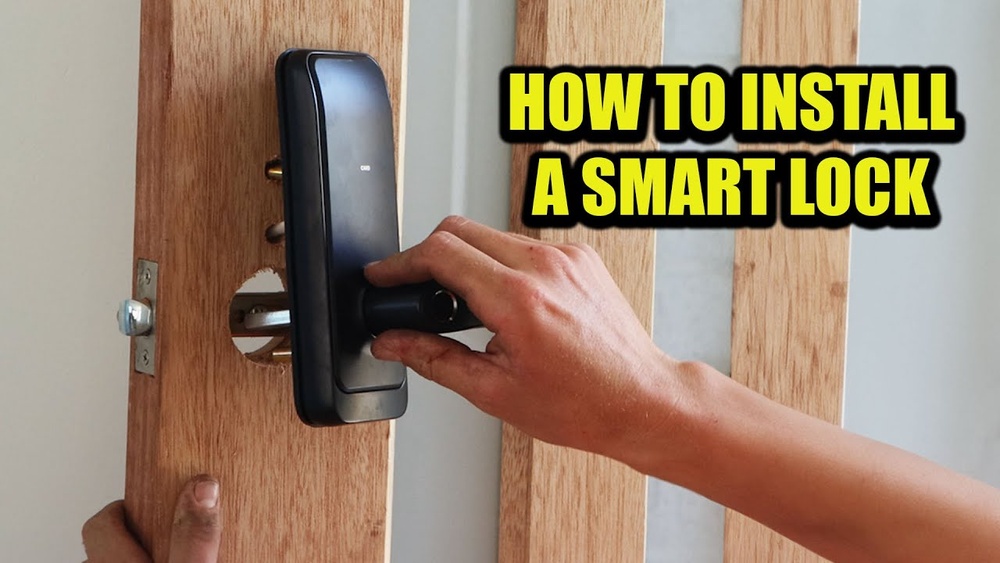

Imagine never fumbling for your keys again or worrying about lost copies falling into the wrong hands. Installing a smart door lock can give you that peace of mind and add a sleek, modern touch to your home.
If you think it sounds complicated, don’t worry—you’re about to discover a simple, step-by-step way to upgrade your door security all by yourself. Keep reading, and by the end, you’ll have the confidence and know-how to install your smart lock quickly and easily.
Your home’s safety and convenience are just a few steps away.

Credit: www.reddit.com
Choosing The Right Smart Lock
Choosing the right smart lock is important for home security and convenience. A suitable lock fits your door and meets your security needs. It should be easy to use and install. This section guides you through the key points to consider before buying a smart lock.
Types Of Smart Locks
There are several types of smart locks. Keypad locks use codes to open doors. Bluetooth locks connect with your phone nearby. Wi-Fi locks allow remote access from anywhere. Fingerprint locks use your fingerprint for entry. Choose the type that fits your lifestyle and needs.
Compatibility With Doors
Not all smart locks fit every door. Check your door’s thickness and lock type. Some locks work only with deadbolts. Others replace the entire lock system. Measure your door and compare it with the lock’s requirements. Proper fit ensures easy installation and good performance.
Security Features To Consider
Security is the main reason for smart locks. Look for features like encryption to protect data. Auto-locking adds safety by locking the door automatically. Some locks send alerts when someone tries to open the door. Choose locks with strong security and reliable features.
Budget And Brand Options
Smart locks come in many price ranges. Set a budget that fits your needs. Well-known brands often offer better support and quality. Cheaper options may lack important features. Balance cost with security and functionality. Read reviews to find trusted brands within your budget.
Preparing For Installation
Preparing for installation is the first step to a smooth smart door lock setup. It helps avoid mistakes and saves time. Taking a few simple steps before starting ensures the lock fits and works correctly. Follow these tips to get ready.
Tools You’ll Need
Gathering the right tools makes installation easier. Most smart locks need a screwdriver, drill, measuring tape, and pencil. A level tool helps keep the lock straight. Check your lock’s instructions for any extra tools required.
Checking Door Measurements
Measure your door carefully before buying a smart lock. Check the thickness of the door and the backset, which is the distance from the door edge to the center of the lock hole. These measurements ensure the lock fits well. Also, measure the height of the lock hole and the door’s width.
Removing Existing Locks
Remove the old lock before installing the new one. Use a screwdriver to take off the screws from the lock and handle. Keep the screws in a safe place in case you need them later. Clean the area to remove dirt or debris that may affect the new lock’s fitting.
Step-by-step Installation
Installing a smart door lock is easier than many expect. Step-by-step guidance helps ensure a smooth process. Follow these simple instructions to fit your new lock properly. Each part has a clear role in the system. Taking time with each step guarantees security and functionality.
Installing The Deadbolt
Start by removing the old deadbolt from your door. Check that the new deadbolt fits the existing hole. Insert the deadbolt into the side of the door. Secure it tightly with screws included in the package. Make sure the bolt moves freely without sticking.
Mounting The Exterior Keypad
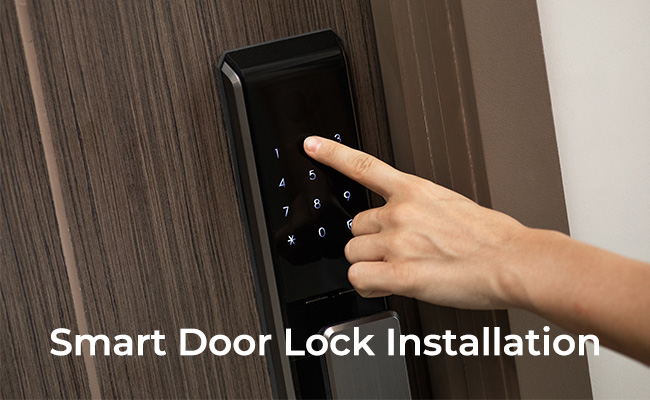
Place the keypad on the outside of the door. Align it with the deadbolt holes. Feed the connecting cable through the door hole carefully. Secure the keypad using the screws provided. Test the keypad buttons for smooth pressing.
Attaching The Interior Assembly
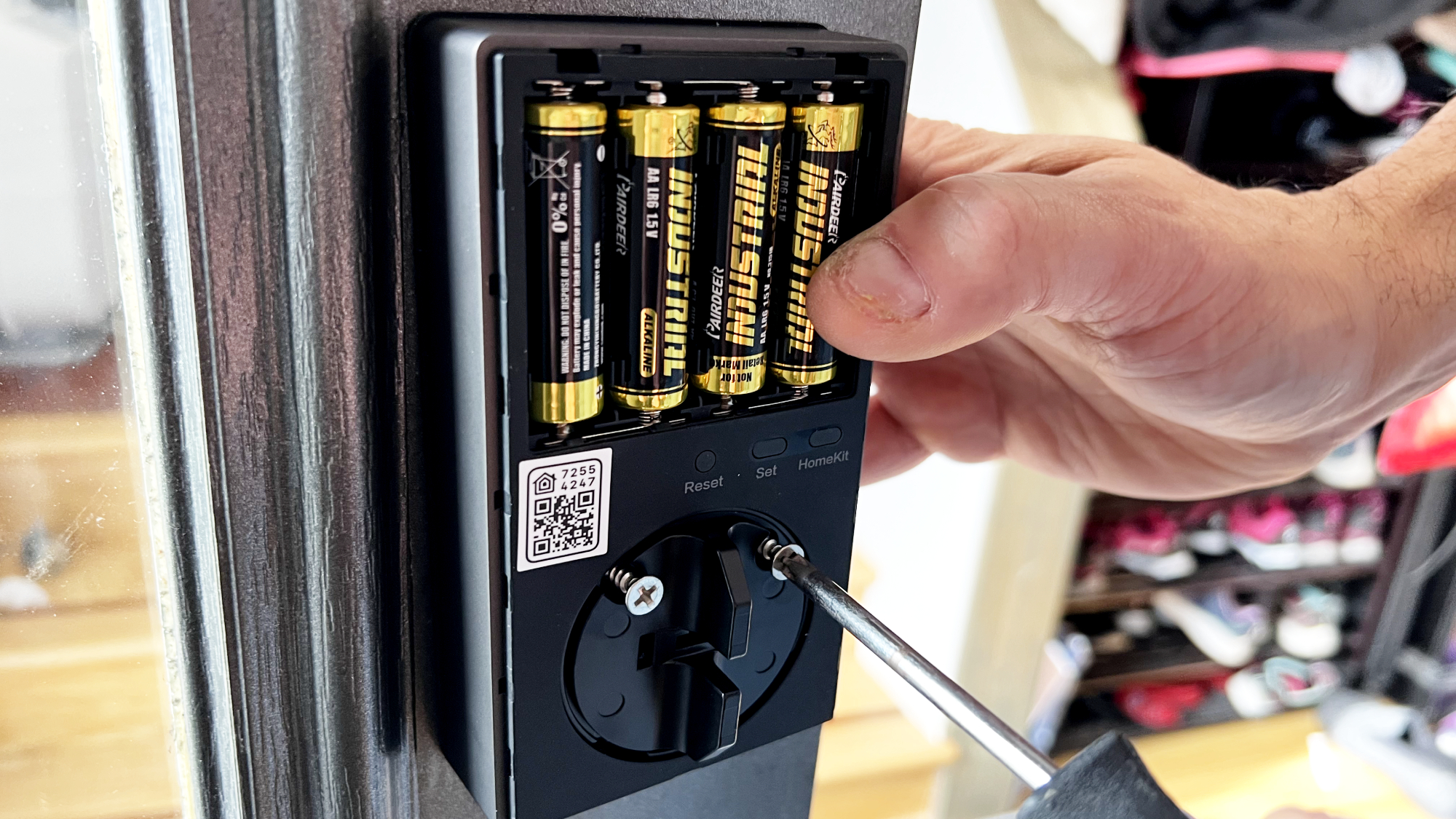
Connect the cable from the keypad to the interior assembly. Position the interior piece on the inside of the door. Attach it firmly with the screws supplied. Insert batteries into the compartment to power the lock. Check the battery is correctly placed and secure.
Connecting The Lock Mechanism
Link the interior assembly to the deadbolt mechanism. Use the provided screws and mounting plate. Tighten everything evenly to avoid misalignment. Test the lock by turning the thumb turn inside. Ensure the bolt extends and retracts without issues.
Credit: www.tomsguide.com
Setting Up Smart Features
Setting up the smart features of your door lock brings convenience and control. This part lets you manage access from your phone. You can also set codes for family or friends. Connecting the lock to your smart home creates a seamless experience. Follow these steps to make the most of your smart lock.
Pairing With Mobile Apps
Start by downloading the lock’s official app on your phone. Open the app and create an account if needed. Turn on Bluetooth or Wi-Fi on your phone. Follow the app’s instructions to find your lock. Tap to pair and wait for confirmation. This link lets you control the lock remotely.
Configuring User Codes
Access the user code section in the app. Create unique codes for each person who needs access. Set time limits or permanent codes as required. Save each code carefully. This step helps keep your home secure and organized.
Enabling Remote Access
Enable remote access in the app settings. This allows you to lock or unlock from anywhere. Check your internet connection for smooth operation. You can also receive notifications about door activity. Remote access adds a layer of security and ease.
Integrating With Smart Home Systems
Connect your smart lock to systems like Alexa or Google Home. Open the smart home app and add the lock as a device. Follow prompts to authorize the connection. Voice commands can then lock or unlock your door. Integration makes your home smarter and more efficient.
Testing And Troubleshooting
After installing your smart door lock, testing and troubleshooting ensure it works smoothly. Check every function to avoid future problems. This step helps keep your home secure and your lock reliable.
Checking Lock Functionality
Start by locking and unlocking your door using the keypad or app. Confirm the lock responds quickly each time. Test manual key override if your lock has one. Check if the door closes and locks properly without force. Listen for unusual noises during operation. Verify that the smart features, like remote access, work correctly. Test all user codes or fingerprints to ensure recognition.
Resolving Common Issues
If the lock does not respond, check its connection to Wi-Fi or Bluetooth. Reset the lock by following the manufacturer’s guide. Clear the keypad or touchscreen if it fails to register input. Tighten any loose screws that may affect alignment. Replace the batteries if the lock shows low power warnings. Re-sync the lock with your smartphone app if commands fail. Contact support if the problem continues after these steps.
Battery Maintenance Tips
Use high-quality batteries recommended by the manufacturer. Change batteries every six months or sooner if low. Remove batteries if the lock will not be used for long. Keep spare batteries on hand for emergencies. Avoid mixing old and new batteries in the lock. Clean battery contacts to prevent corrosion. Regular battery care ensures your lock runs without interruption.
Credit: reolink.com
Enhancing Security Measures
Enhancing security measures is key when installing a smart door lock. It helps protect your home and keeps unwanted visitors out. Simple steps can raise your lock’s safety. Strong security means peace of mind for you and your family.
Using Two-factor Authentication
Two-factor authentication adds an extra layer of security. It requires two steps to unlock the door. Usually, a password or code plus a phone confirmation. This makes it harder for thieves to break in. Even if one part is stolen, they still can’t enter.
Regular Firmware Updates
Firmware updates fix bugs and improve security features. Smart locks often get new updates from the maker. Installing these updates keeps your lock safe from new threats. Set your lock to update automatically or check often. Outdated software can leave your home vulnerable.
Monitoring Access Logs
Access logs show who enters and when. You can see the history on your phone or app. This helps spot unusual activity quickly. If someone tries to break in, you will know. Monitoring logs keeps you aware and in control of your smart lock.
Frequently Asked Questions
What Tools Are Needed To Install A Smart Door Lock?
You need a screwdriver, drill, measuring tape, and batteries. Some models may require a chisel or additional hardware. Always check the lock’s installation guide for specific tools.
How Long Does It Take To Install A Smart Door Lock?
Installation typically takes 20 to 40 minutes. It depends on your door type and lock model. Reading the manual carefully can speed up the process.
Can I Install A Smart Lock On Any Door?
Most smart locks fit standard doors 1 3/8 to 2 inches thick. Check your door’s specifications and lock compatibility before buying. Some locks may not fit metal or unusual doors.
Do Smart Door Locks Require Wi-fi For Installation?
Wi-Fi is not needed for physical installation but is often required for remote features. Some locks use Bluetooth or Z-Wave instead. Confirm connectivity options before installation.
Conclusion
Installing a smart door lock can boost your home’s safety. Follow each step carefully for the best results. Double-check the lock fits your door before starting. Test the lock several times after installation. This helps ensure it works smoothly every time.
Enjoy the convenience of keyless entry and enhanced security. Smart locks offer peace of mind with modern features. Keep your instructions handy for future reference or troubleshooting. Taking time to install it right saves you effort later. Your home feels safer and more modern with this upgrade.