
Are you looking to boost your home security while making your life easier? Choosing the right video doorbell that works seamlessly with Google can transform how you monitor your front door.
Imagine getting instant alerts, live video feeds, and even answering visitors—all through your Google Assistant. But with so many options out there, how do you find the perfect fit for your needs? Keep reading to discover which video doorbells truly sync with Google and how they can make your home smarter and safer.
Google-compatible Video Doorbells
Video doorbells that work with Google make home security easy and smart. These devices connect with Google Assistant, allowing voice control and real-time alerts. Users can see who is at the door using their phone or smart display.
Integration with Google means you can ask your device to show the doorbell camera feed. This feature offers convenience and peace of mind without needing to open apps manually.
Google Nest Hello
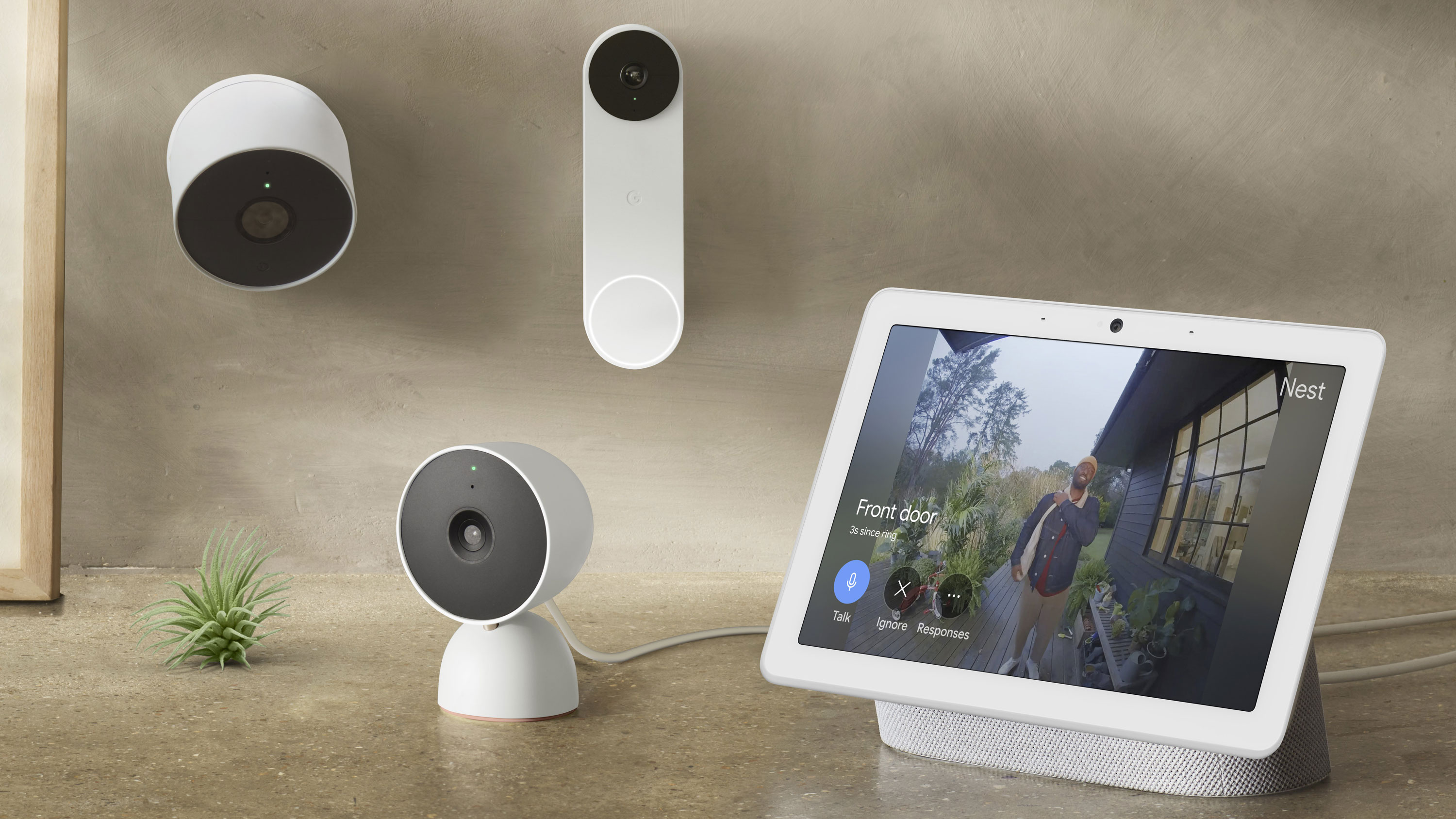
Google Nest Hello is designed to work perfectly with Google Home devices. It offers clear video and night vision. You can get alerts and speak to visitors using Google Assistant. Setup is simple, and it fits well in any smart home system.
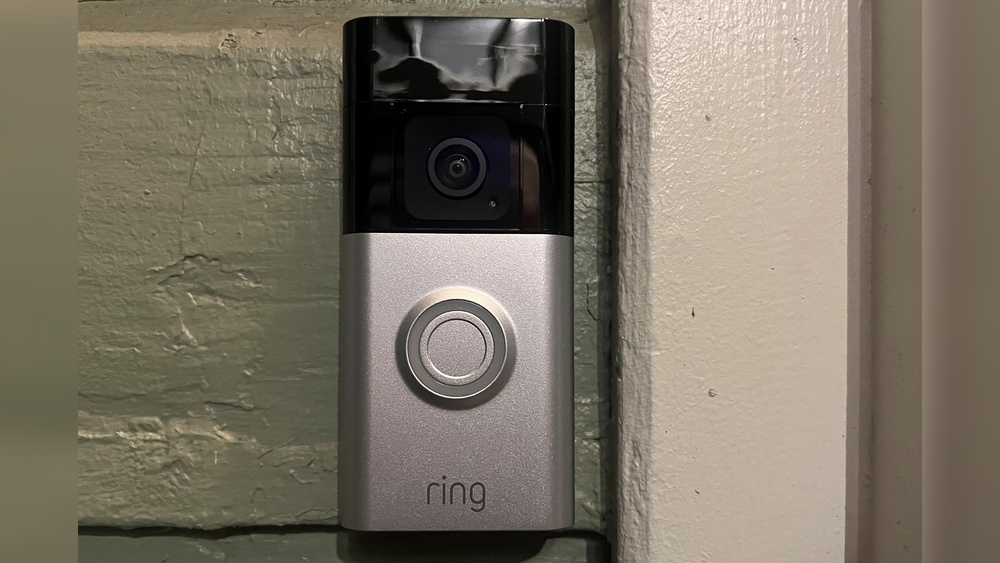
Ring Video Doorbell
Ring video doorbells also support Google Assistant. They provide motion detection and two-way talk features. With Google, you can ask to show the front door camera on your smart display. Ring offers various models to fit different budgets.
Eufy Video Doorbell
Eufy video doorbells connect smoothly with Google Assistant. These devices have local storage and no monthly fees. You can check your front door with voice commands and receive instant alerts. Eufy models are known for good battery life.
Key Features To Consider
Choosing the right video doorbell that works with Google involves understanding key features. These features ensure the doorbell fits your needs and works smoothly with Google Assistant. Focus on aspects like video quality, audio, motion alerts, smart integration, and power options. These details help you pick the best device for your home security.
Video Quality And Night Vision
Clear video is essential for identifying visitors. Look for doorbells with at least 1080p resolution. Night vision lets you see people even in dark settings. Infrared or color night vision improves safety around the clock.
Two-way Audio
Two-way audio allows you to talk with visitors remotely. This feature helps you answer the door without opening it. A good speaker and microphone ensure clear sound both ways.
Motion Detection And Alerts
Motion detection sends alerts when someone approaches your door. Smart sensors reduce false alarms from pets or passing cars. Instant notifications keep you informed anytime.
Integration With Google Assistant
Google Assistant compatibility lets you control the doorbell with voice commands. You can see visitors on Google Nest Hub or Chromecast devices. Seamless integration boosts convenience and security.
Power Options And Installation
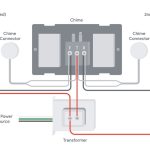
Video doorbells come with battery or wired power options. Battery models offer flexible installation but need recharging. Wired models provide continuous power but need professional setup. Choose based on your home’s wiring and ease of installation.
Top Video Doorbells For Google Homes
Choosing the right video doorbell for your Google Home setup improves home security. These devices connect easily with Google Assistant. They let you see visitors and answer through your phone or smart speaker. Compatibility is key for smooth operation and voice control.
Here are some of the top video doorbells that work well with Google Home. Each offers unique features and easy integration.
Nest Hello
Nest Hello is made by Google. It fits perfectly with Google Home devices. It shows HD video and sends alerts when someone is at the door. You can talk to visitors using Google Assistant voice commands. The video is clear day and night.
Ring Video Doorbell Pro
Ring Video Doorbell Pro offers crisp video quality. It connects easily to Google Home for live viewing. You get instant alerts on your phone or smart speaker. The two-way talk feature lets you speak with guests from anywhere.
Eufy Video Doorbell
Eufy Video Doorbell has no monthly fees for video storage. It supports Google Assistant for voice commands. The device has a wide field of view and detects motion accurately. It offers clear video day and night.
Arlo Video Doorbell
Arlo Video Doorbell works well with Google Home devices. It has HD video and a built-in siren. You can answer visitors hands-free using Google Assistant. The device sends notifications when it detects motion.
August View Doorbell
August View Doorbell combines smart home features with Google Home support. It offers high-quality video and two-way talk. You can see and speak to visitors using voice commands. The device fits modern home designs.
Credit: www.esseg.eu
Comparing Performance And Value
Choosing the right video doorbell that works with Google involves balancing performance and value. Different models offer various features, quality levels, and prices. Understanding these factors helps pick the best fit for your home and budget.
Video And Audio Quality
Clear video is essential for identifying visitors. Most Google-compatible doorbells offer HD video. Some models provide higher resolution and better night vision than others. Audio quality also varies. Good two-way audio lets you hear and speak to visitors clearly. Check for noise cancellation features for clearer sound.
Smart Home Integration
Compatibility with Google Assistant is key. Some doorbells integrate smoothly, allowing voice commands and alerts. Others support fewer smart home features. Look for models that work well with Google Nest devices. This ensures a seamless smart home experience and easy control from your phone or speaker.
Subscription Plans And Pricing
Many doorbells require subscription plans for video storage. Some offer free, limited storage, while others need monthly fees. Compare the cost and length of video history included. Choose a plan that fits your budget and security needs. Avoid surprises by understanding what features need extra payment.
Ease Of Use And Setup
Simple setup saves time and frustration. Most video doorbells support DIY installation with clear instructions. Check if the doorbell works with your existing wiring or battery power. The app should be easy to navigate. Look for quick connection to Google Assistant and reliable app performance.
Tips For Optimizing Your Video Doorbell
Optimizing your video doorbell improves its performance and security. Small changes can make a big difference. Follow these tips to get the best from your device.
Best Placement Practices
Place the doorbell at eye level, about 4 feet from the ground. This height captures faces clearly. Avoid direct sunlight or bright lights behind the doorbell. They can cause glare and poor video quality. Ensure the doorbell covers the main entrance and walkway. Test the view on your phone before final installation.
Connecting With Google Devices
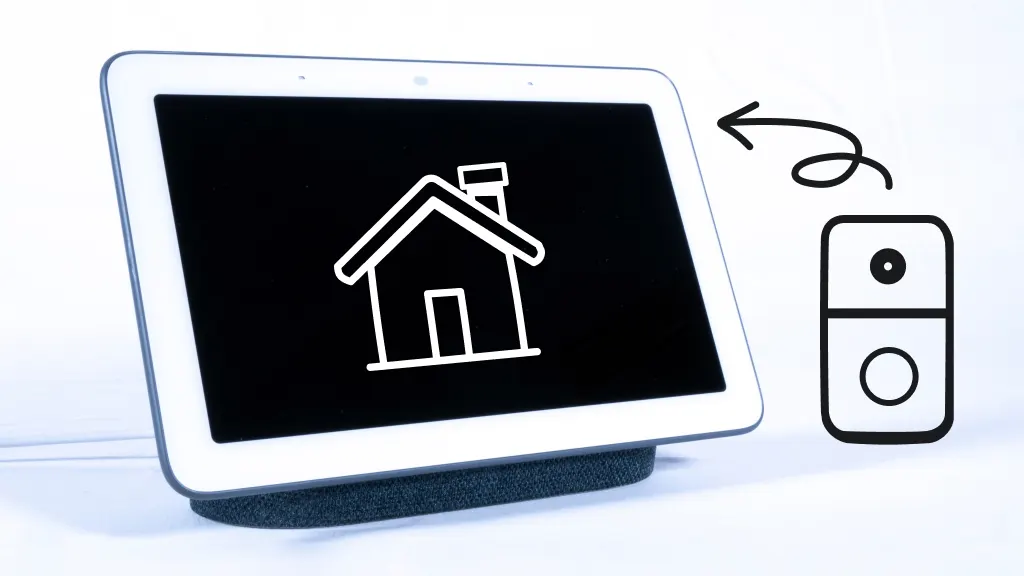
Link your video doorbell to Google Home app for easy control. Use the app to add the doorbell as a new device. Follow the setup steps carefully to connect to Wi-Fi. Check that your Google Nest or Google Assistant device detects the doorbell. Voice commands can then show the camera feed on smart displays.
Enhancing Security Settings
Set strong, unique passwords for your video doorbell account. Enable two-factor authentication for extra protection. Adjust motion detection zones to reduce false alerts. Turn on alerts for unusual activity to stay informed. Regularly update the doorbell’s firmware to fix security issues.
Troubleshooting Common Issues
Check Wi-Fi strength if video lags or disconnects. Restart the doorbell and router to fix connection problems. Clear the app cache if notifications stop working. Ensure the doorbell’s firmware is up to date. Consult the user manual or support if problems persist.
/cdn.vox-cdn.com/uploads/chorus_asset/file/23262926/jtuohy_220217_5036_0008.jpg)
Credit: www.totalplumbingfl.com
Credit: www.asurion.com
Frequently Asked Questions
Which Video Doorbells Are Compatible With Google Assistant?
Popular video doorbells compatible with Google Assistant include Nest Hello, Ring Video Doorbell, and Arlo Video Doorbell. These devices integrate seamlessly with Google Home for voice control and notifications.
Can Google Home Show Video Doorbell Feeds?
Yes, Google Home devices with a screen, like Nest Hub, can display live video feeds from supported doorbells. This allows you to see visitors without using your phone.
How Do I Connect A Video Doorbell To Google Assistant?
To connect, install the doorbell’s app, link your Google account, and enable the device in Google Home. Follow prompts to complete setup for voice commands.
Are There Any Video Doorbells With Native Google Integration?
Yes, Nest Hello is designed by Google for native integration. It offers smooth compatibility and enhanced features within the Google ecosystem.
Conclusion
Choosing a video doorbell that works with Google makes home security easier. Many popular brands offer smooth Google Assistant integration. This means you can check who’s at the door using just your voice. Setting up these devices is simple and quick.
They help you stay connected to your home, even when you are away. Think about your needs and budget before buying. A compatible video doorbell adds convenience and safety. It’s a smart step toward a modern home.