
You rely on your Ring Video Doorbell to keep your home safe and stay connected with visitors. But what happens if those important videos are lost or deleted?
Backing up your Ring videos to the cloud ensures you never miss a moment, giving you peace of mind and easy access whenever you need it. You’ll discover simple, step-by-step ways to securely save your videos online. Keep reading to protect your memories and stay in control of your home security like a pro.

Credit: www.homedepot.com
Ring Video Doorbell Features
The Ring Video Doorbell offers many helpful features for home security. It lets you see who is at your door through live video. The device records video clips when it detects motion or rings. You can talk to visitors using the built-in microphone and speaker. These features help you stay connected and safe, even when away from home.
Video Recording Basics
The Ring Doorbell records video automatically. It starts recording when motion is sensed or the doorbell is pressed. Videos show clear images day and night with infrared night vision. The recorded clips are short and easy to review. You can watch live video anytime through the Ring app on your phone.
Cloud Storage Options
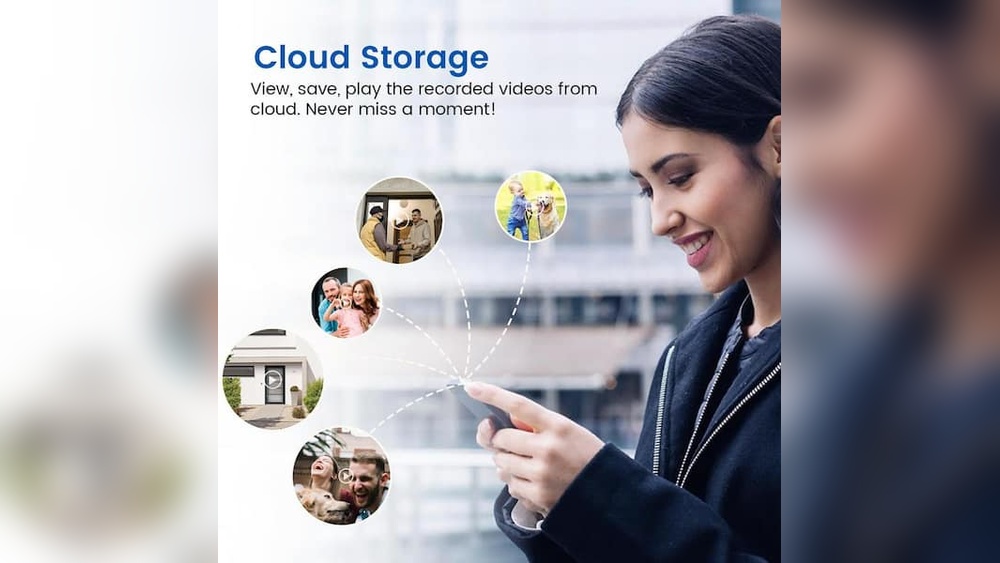
Ring stores videos in the cloud for easy access. Cloud storage means videos save on Ring’s secure servers. This keeps your clips safe, even if the doorbell is damaged. You must subscribe to a Ring Protect plan to save videos in the cloud. These plans allow video storage for several days. They also let you download and share video clips.

Credit: www.amazon.com
Setting Up Cloud Backup
Setting up cloud backup for your Ring Video Doorbell videos keeps your footage safe. It allows you to access videos anytime from any device. This process is simple and only takes a few steps.
Start by choosing the right subscription plan. Then, link your doorbell to the cloud. This ensures all your videos are stored securely online.
Choosing A Subscription Plan
Ring offers several cloud storage plans. Each plan varies by price and storage time. Pick a plan that fits your needs and budget. Basic plans usually store videos for 30 days. Higher plans offer longer storage or more features. Choose wisely to avoid paying for unused services.
Linking Your Doorbell To The Cloud
Open the Ring app on your phone or tablet. Go to the device settings for your doorbell. Find the option to enable cloud backup or video recording. Follow the on-screen instructions to link your account. Make sure your doorbell is connected to Wi-Fi. Once linked, your videos will upload automatically.
Managing Video Storage
Managing video storage for your Ring Video Doorbell is important to keep your footage safe and organized. The cloud storage system helps you save videos without filling up your device. Proper management ensures you have space for new videos and easy access to older ones.
Understanding how to access, delete, and save clips can improve your experience. It also prevents losing important moments. Let’s explore how to handle your saved Ring videos effectively.
Accessing Saved Videos
Open the Ring app on your phone or tablet. Tap the “History” tab to see all recorded videos. Scroll through your list to find specific clips. You can watch videos anytime from this section. This makes reviewing events simple and fast.
Videos are stored in the cloud, so you need an internet connection. Saved clips stay available as long as your subscription is active. Without it, older videos may be deleted automatically.
Deleting And Saving Clips
Select videos you no longer need and delete them to free storage space. Tap the trash icon to remove clips permanently. This helps keep your video library clean and organized.
To save important clips, use the download option in the Ring app. Save videos directly to your device or share them. This way, you keep valuable footage safe even if your subscription ends.
Troubleshooting Backup Issues
Backing up your Ring Video Doorbell videos to the cloud can sometimes run into issues. These problems can stop your videos from saving properly. Knowing how to fix these backup problems helps keep your footage safe and accessible.
Common Problems
One common issue is poor internet connection. Slow or unstable Wi-Fi can interrupt video uploads. Another problem is low storage space in your cloud account. Full storage stops new videos from saving. Sometimes, app glitches or outdated software cause backup failures. Power interruptions or device resets may also disrupt the backup process.
Fixes And Tips
Check your Wi-Fi signal strength near your Ring device. Move your router closer or use a Wi-Fi extender for better connection. Clear some space in your cloud storage by deleting old videos. Update your Ring app and device firmware regularly. Restart your Ring Video Doorbell and router to fix temporary glitches. Ensure your device has a steady power supply to avoid interruptions.
Enhancing Security With Cloud Backup
Backing up Ring Video Doorbell videos to the cloud improves security in many ways. It keeps your footage safe even if the doorbell is damaged or stolen. Cloud backup ensures you never lose important video evidence. This added layer of protection gives peace of mind for your home’s safety.
Cloud services store your videos on secure servers. These servers have strong defenses against hacking and data loss. Your videos remain accessible anytime, from any device with internet access.
Data Protection Measures
Cloud backup uses encryption to protect your videos. Encryption changes your data into unreadable code. Only you can decode and view your videos. This stops unauthorized people from seeing your footage.
Multiple backups are stored in different locations. This prevents data loss if one server fails. Regular updates keep security features strong. These measures keep your videos safe and available at all times.
Privacy Settings
Ring allows you to control who sees your videos. You can set sharing permissions for family or friends. You decide what others can watch or download.
Notifications alert you to any unusual activity. You can change passwords and enable two-factor authentication. These options help keep your account secure. Managing privacy settings lets you protect your personal video data fully.

Credit: www.amazon.com
Frequently Asked Questions
How Do I Backup Ring Videos To The Cloud?
Ring videos automatically back up to Ring’s cloud storage with an active subscription. You can access and download videos anytime from the Ring app or website.
Can I Save Ring Videos Without A Subscription?
No, Ring requires a Protect Plan subscription to store videos in the cloud. Without it, videos are only viewable live and not saved.
How Long Are Ring Videos Stored In The Cloud?
Ring stores videos for up to 60 days with a subscription. After that, videos are automatically deleted unless downloaded locally.
Is Cloud Backup Secure For Ring Doorbell Videos?
Yes, Ring uses encryption and secure servers to protect your videos. Your footage is private and only accessible through your account.
Conclusion
Backing up your Ring Video Doorbell videos to the cloud keeps them safe. You avoid losing important footage after a device issue or theft. Cloud storage makes it easy to access videos anytime, from anywhere. It also helps share clips with family or authorities quickly.
Choose a backup method that fits your needs and budget. Regular backups give peace of mind and protect your home security. Start backing up today to keep your videos secure and available. Simple steps can save you from future trouble.