
You want your home to feel safe and secure every time you step inside or leave. But how do you make sure your smart lock door is locked correctly, without any guesswork?
If you’ve ever wondered whether your smart lock is truly secured or how to lock it quickly and confidently, this guide is for you. Keep reading, because mastering the simple steps to lock your smart lock door can give you peace of mind and protect what matters most—your home and family.
Choosing The Right Smart Lock
Choosing the right smart lock is key to securing your home. Not all smart locks suit every door or need. Understanding the types and features helps pick the best one. Fit and compatibility ensure smooth installation and use.
Types Of Smart Locks
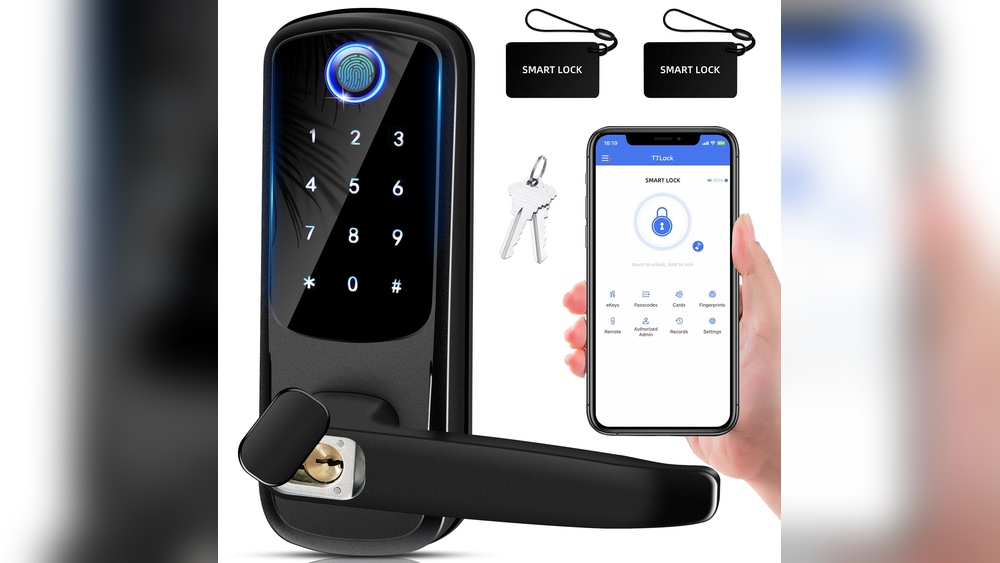
Smart locks come in several types. Keypad locks let you enter a code to open the door. Bluetooth locks unlock using a phone nearby. Wi-Fi locks connect to the internet for remote control. Some combine these features for more options.
Features To Consider
Look for easy installation to save time and effort. Check if the lock supports multiple users for family access. Battery life matters to avoid frequent changes. Some locks alert you when the door is opened or left unlocked.
Compatibility With Doors
Measure your door thickness before buying. Some locks fit only specific door types like wood or metal. Check if the lock works with your door’s existing deadbolt. Compatibility avoids extra costs for new hardware.
Installing Your Smart Lock
Installing your smart lock is a simple process that anyone can follow. It does not take much time or special skills. This guide will help you set up your smart lock quickly and correctly.
Make sure to follow each step carefully. A proper installation keeps your door secure and your lock working well for years.
Tools Needed
- Screwdriver (usually Phillips-head)
- Drill (optional, for new holes)
- Measuring tape
- Pencil or marker
- Level (to ensure straight installation)
- Batteries (check the lock’s manual for type)
Step-by-step Installation
- Remove your old door lock carefully.
- Check if the new lock fits the existing holes.
- Install the smart lock’s exterior part on the outside.
- Attach the interior part on the inside of the door.
- Connect any wiring or batteries as instructed.
- Secure all screws tightly but do not over-tighten.
- Test the lock manually to ensure smooth operation.
- Set up the lock’s app or keypad following the guide.
Common Installation Issues
- Lock does not fit the door’s existing holes.
- Loose screws causing lock movement.
- Battery not making proper contact.
- Lock jams or sticks during operation.
- App connection problems due to poor Wi-Fi signal.
Setting Up Lock Access
Setting up lock access is the first step to secure your smart lock door. It lets you control who can enter your home or office. You can add users, set codes, and manage permissions easily.
Smart locks give you full control over access. You decide who gets in and when. This makes your property safer and more convenient to manage.
Creating User Codes
Start by creating unique user codes. Each person gets a different code to use the lock. You can make codes for family, friends, or workers. Keep codes simple but not easy to guess. Change or delete codes anytime if needed.
Using Mobile Apps
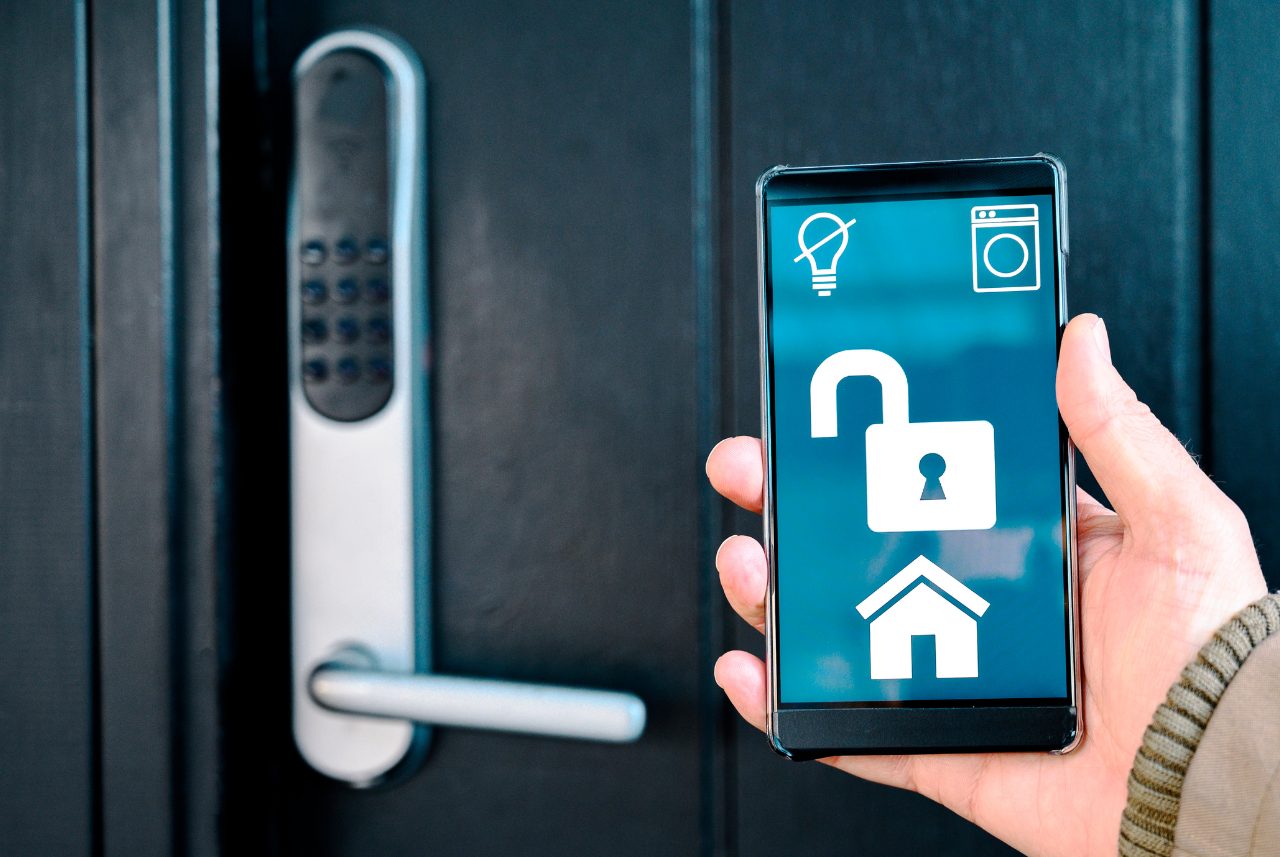
Most smart locks work with mobile apps. These apps let you lock or unlock the door remotely. You can check who entered and when. Apps often send alerts for any activity. Use the app to add or remove users quickly.
Managing Access Permissions
Control permissions for each user code or app user. Set times when codes work, like only during the day. Restrict access to certain days or hours. You can also give temporary access to guests. This helps keep your home safe and organized.
Credit: www.vesternet.com
Locking And Unlocking Methods
Smart locks offer several ways to lock and unlock your door. These methods give you control and convenience. You can choose the method that fits your lifestyle best. Some smart locks use manual options. Others work automatically or through remote controls.
Manual Locking Options
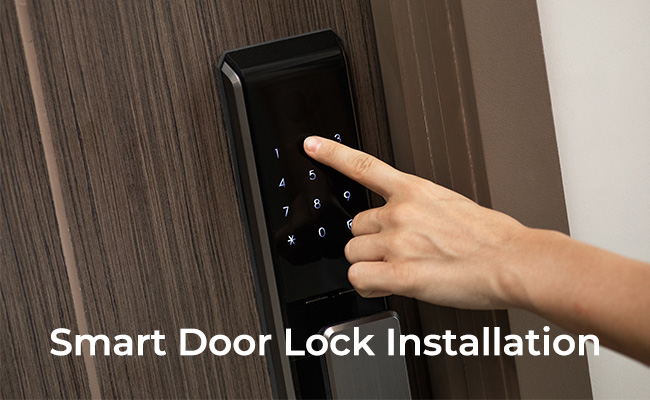
Manual locking is simple and reliable. Many smart locks have a keypad or a physical key. You enter a code or turn the key to lock the door. This option works well if you prefer a familiar way. You can also use a thumb turn inside your home. It adds a quick way to lock without tech.
Automatic Lock Features
Automatic locking offers hands-free security. The lock engages after a set time once you close the door. Some locks use sensors to detect if the door is closed. This feature reduces the chance of forgetting to lock. It keeps your home safe without extra effort.
Remote Locking Controls
Remote controls let you manage your lock from afar. Use a smartphone app to lock or unlock your door. This is useful if you are not home. You can also grant access to guests or service workers. The app shows lock status and alerts for better security.
Enhancing Security Measures
Enhancing security measures for your smart lock door adds an extra layer of protection. Simple steps can improve safety and give peace of mind. Smart locks offer features that go beyond just locking and unlocking.
Using these features helps you stay aware of your home’s security status. It also allows better control over who enters your home. Below are key ways to enhance your smart lock’s security.
Enabling Alerts And Notifications
Turn on alerts to receive instant messages about door activity. Notifications tell you when someone locks or unlocks the door. They also alert you to failed entry attempts. This helps detect suspicious behavior quickly. Alerts keep you informed even when you are away.
Integrating With Home Security Systems
Connect your smart lock with your home security system. This creates a unified security setup. Integration allows remote control of locks and alarms from one app. It also triggers alarms if unauthorized access occurs. This coordination boosts overall home safety.
Regular Maintenance Tips
Check your smart lock often to ensure it works well. Clean the lock and keypad to avoid dirt buildup. Replace batteries before they run out. Update the lock’s firmware for the latest security fixes. Regular care prevents malfunctions and keeps your lock secure.

Credit: cnyglock.com
Troubleshooting Common Problems
Troubles with smart locks can cause frustration. Most issues are easy to fix. This guide helps you solve common problems quickly. Keep your smart lock working smoothly and secure.
Battery Issues
Low battery is the main reason smart locks stop working. Check the battery level regularly. Replace batteries with fresh ones if the lock feels slow. Use the right type of batteries to avoid damage. Some locks show a warning light or sound when batteries are low. Keep spare batteries handy for quick replacement.
Connectivity Problems
Smart locks rely on Bluetooth or Wi-Fi to connect. Poor signal can cause trouble locking or unlocking. Move closer to the lock or router to improve connection. Restart your phone or smart home hub to refresh the link. Check for software updates to fix bugs. Reset the lock’s network settings if the issue continues.
Lock Malfunctions
Sometimes the lock mechanism itself may fail. Dirt or dust can block the lock parts. Clean the lock gently with a soft cloth. Lubricate the lock using a graphite spray for smooth motion. Make sure the door aligns well with the lock. If the lock jams, try manual key use or contact support for help.
Credit: reolink.com
Frequently Asked Questions
How Do I Lock A Smart Lock Door Manually?
To lock a smart lock manually, turn the thumb turn or press the lock button. Some models have a physical key option for manual locking. Always check your smart lock’s user guide for exact manual locking steps.
Can I Lock My Smart Lock Remotely?
Yes, most smart locks allow remote locking via a mobile app. You need an active internet connection and the app installed. Remote locking enhances security by letting you control your door from anywhere.
What If My Smart Lock Battery Dies?
If the battery dies, use the physical key or backup power option. Many smart locks alert you before battery runs out. Replace batteries promptly to avoid being locked out.
How Secure Is A Smart Lock Door?
Smart locks use encryption and authentication for security. They offer better control than traditional locks with features like auto-lock and alerts. Regular software updates keep the lock secure against hacking.
Conclusion
Locking your smart lock door is simple and quick. Just follow the steps you learned here. Make sure your device stays charged and connected. Double-check the lock to feel safe and secure. Regularly update your lock’s software for best results.
Stay aware of any alerts or unusual activity. Smart locks offer convenience and peace of mind. Keep practicing to get comfortable using your smart lock every day. Safety is now at your fingertips.