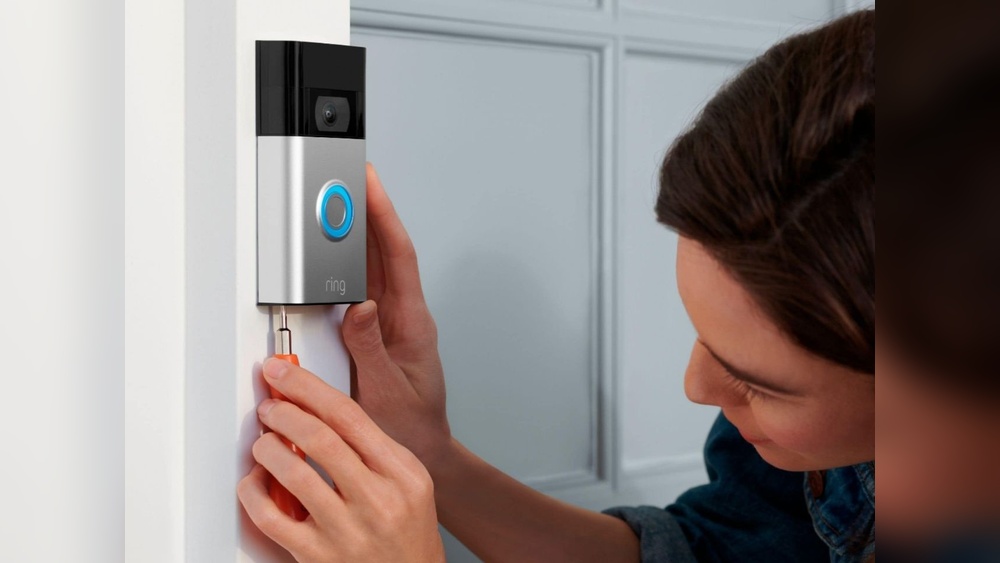

Have you ever wondered how long your Ring Doorbell videos stick around? Knowing this can help you decide when to save important clips or clear space for new ones.
If you rely on your Ring Doorbell for home security, understanding how video storage works is key to staying protected without missing a moment. Keep reading, and you’ll discover exactly how long your videos stay accessible and what you can do to manage them effectively.
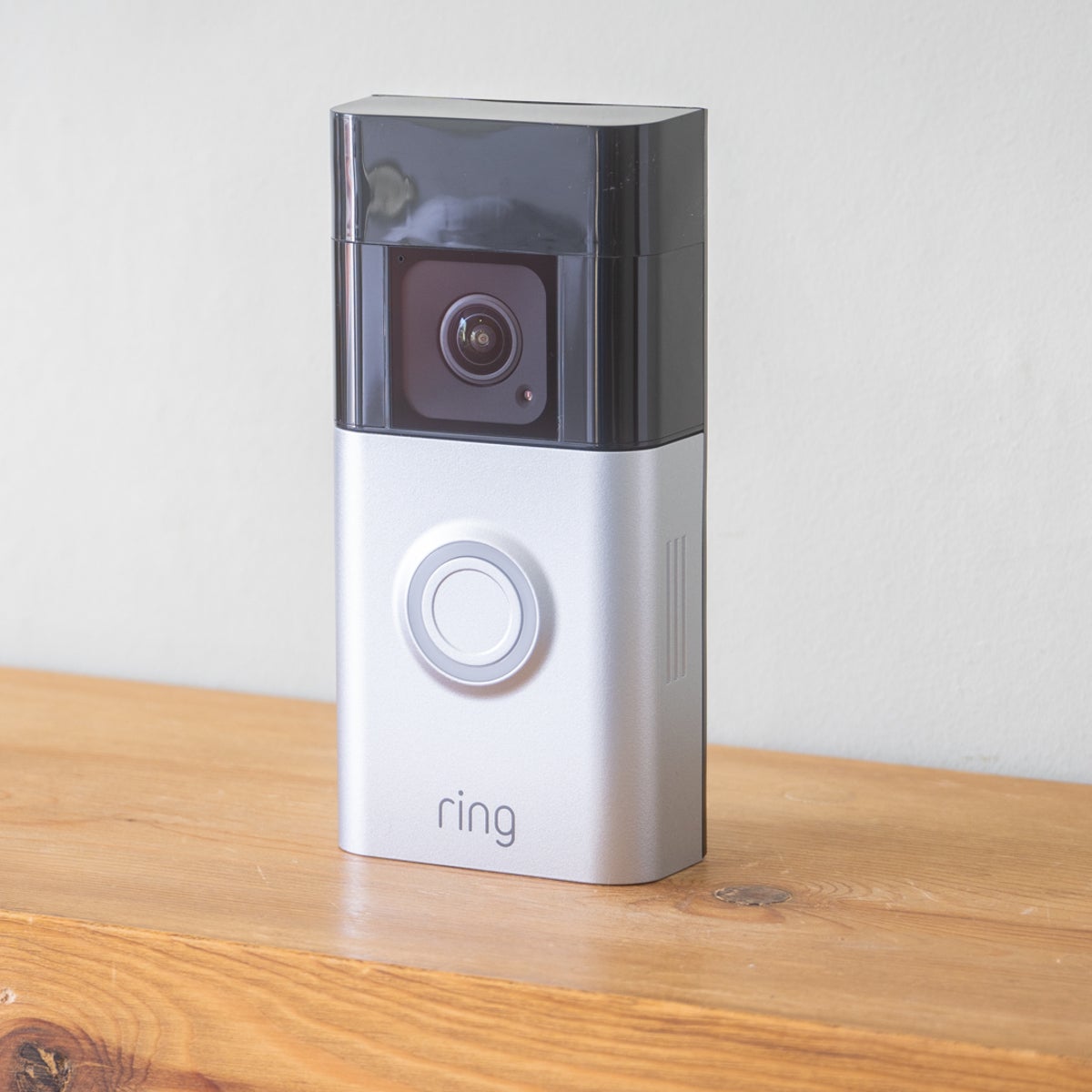
Credit: www.esseg.eu
Ring Doorbell Storage Basics
Understanding how Ring Doorbell stores videos helps you manage your device better. Storage affects how long videos remain accessible. This section breaks down the basics of Ring Doorbell’s video storage system.
Video Recording Features
Ring Doorbell records videos when it detects motion or when you press the button. The device captures clear video clips to show visitors or activity. Videos usually last between 15 and 60 seconds. You can view these clips on your phone or computer anytime. The doorbell uses motion sensors to start recording automatically. It also records audio along with video. This helps you hear sounds outside your door. The video quality depends on your doorbell model.
Storage Options Available
Ring Doorbell stores videos in the cloud, not on the device. Videos stay online for a limited time. The standard free plan keeps videos for up to 60 days. After that, videos are deleted automatically. You can subscribe to Ring Protect plans for longer storage and extra features. These plans allow you to save and share videos. You can also download clips to your device. Local storage is not available for most Ring models. Cloud storage helps protect videos from theft or damage. This makes your videos safe and easy to access.
Video Retention Periods
Video retention periods tell you how long your Ring Doorbell videos stay saved. This time varies based on your settings and subscription plan. Understanding these periods helps you manage your video storage well.
Default Storage Duration
Ring Doorbell stores videos for a limited time by default. Usually, videos stay saved for 60 days. After that, they are deleted automatically. This default period applies to users with a Ring Protect plan.
Without a subscription, videos might not save at all. You only get live view access without video history. The default storage is enough for most daily needs.
Factors Affecting Retention Time
Several factors affect how long videos stay on your Ring Doorbell. The main one is the type of subscription plan. Higher plans may offer longer storage or more video history.
Storage space and device settings also play a role. If your storage fills up, older videos get deleted first. Your internet connection and device activity can influence video uploading and saving too.
Subscription Plans And Storage
Subscription plans affect how long Ring Doorbell videos stay available. Storage time depends on the plan you choose. Each plan offers different features and video history limits. Understanding these options helps you decide what fits your needs.
Free Plan Limits
The free plan stores videos for only 60 days. After that, videos are deleted automatically. You get limited access to recorded videos. Live view and alerts still work without a subscription. This plan suits casual users who want basic protection.
Benefits Of Paid Plans
Paid plans offer longer video storage, up to 60 days. You can view, save, or share videos anytime. These plans include professional monitoring options. You get access to event history and snapshots. More users can share access on paid plans. Paid options improve security and peace of mind.
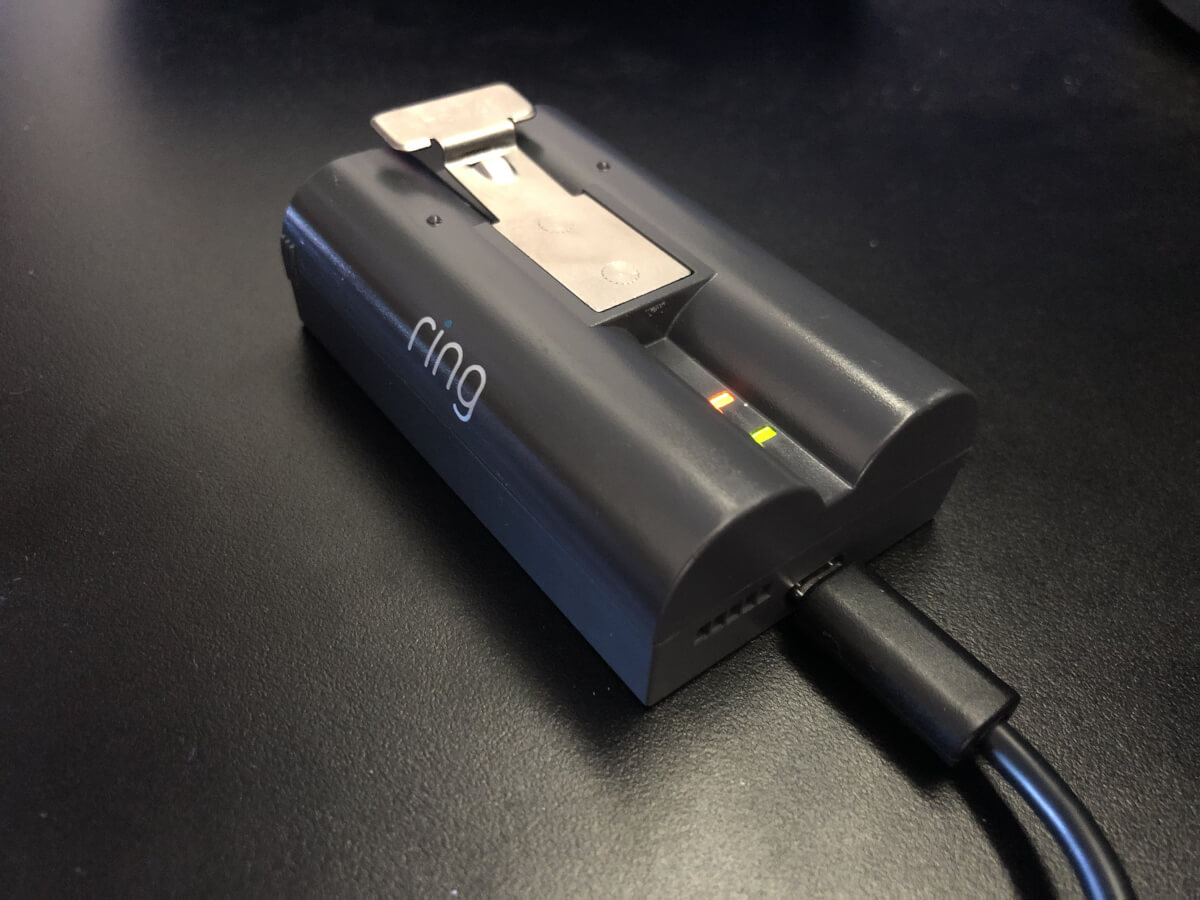
Credit: kosporita.lt
Managing Video Storage
Managing video storage on your Ring Doorbell is important. It helps you save space and keep important clips safe. Videos do not stay forever by default. You need to manage them to avoid losing useful footage.
Understanding how to handle your video files can make your device work better. It also helps you keep track of events around your home. This section explains simple ways to manage your Ring videos effectively.
Deleting Videos Manually
You can delete videos manually from the Ring app. Open the app and go to your video history. Select the video you want to remove. Tap the delete button to clear space. This helps free storage quickly and keeps your list clean.
Deleting old or unwanted videos regularly is a good habit. It prevents your storage from filling up fast. Make sure to check your videos often to remove those not needed.
Downloading And Saving Clips
Saving important clips to your device is simple. Use the download option in the Ring app to save videos. Store them on your phone, computer, or cloud storage. This keeps your videos safe even after they are deleted from Ring.
Downloading videos lets you keep proof or memories. It also helps when you want to share clips with others. Always save important footage before it disappears from the app.
Troubleshooting Storage Issues
Storage issues can affect your Ring Doorbell’s video performance. Videos may disappear sooner than expected. You might find gaps in your video history. Troubleshooting storage helps keep your recordings safe. Understanding common problems and solutions is key.
Common Storage Problems
One common problem is full cloud storage. Ring stores videos online for a limited time. When storage fills, older videos delete automatically. Another issue is slow internet. It can delay video uploads and cause errors. Sometimes, device settings erase videos too soon. Battery-powered models may stop recording if power is low.
Tips To Optimize Storage Space
Clear old videos regularly if you use local storage. Adjust motion sensitivity to reduce unnecessary recordings. Use the Ring Protect Plan for extended video history. Connect your device to a strong Wi-Fi network. Lower video quality to save space. Check device firmware and update it often. These steps help maintain enough storage for new clips.
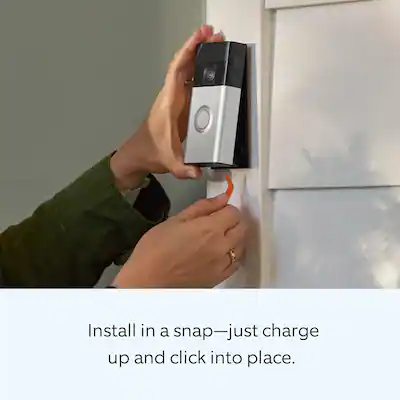
Credit: www.liftingitalia.com
Privacy And Security Considerations
Privacy and security are key concerns with Ring Doorbell videos. These videos capture your doorstep activities. Protecting this data keeps your home safe. It also prevents unauthorized access to your private footage.
Understanding how Ring secures your videos helps you trust the system. You can learn what measures keep your data safe. This knowledge is vital for deciding how long your videos should stay stored.
Data Encryption
Ring uses data encryption to protect videos. Encryption changes video data into a secret code. Only authorized users have the key to decode it. This process stops hackers from viewing your videos.
Both video storage and transmission use encryption. This means videos remain safe during upload and while stored. Encryption is a strong layer of security for your privacy.
Access Control
Access control limits who can view your videos. Ring allows you to set permissions for users. You decide who gets to watch or download footage.
Notifications alert you about any login attempts. This lets you monitor access and catch suspicious activity. Strong passwords and two-factor authentication add extra protection.
Frequently Asked Questions
How Long Do Ring Doorbell Videos Last?
Ring Doorbell videos typically stay saved for 30 days. After this, they are automatically deleted to free up storage. Users with a Ring Protect Plan can access videos during this period. Without a subscription, videos may not be stored at all.
Can I Extend Video Storage On Ring Doorbell?
Yes, you can extend storage by subscribing to Ring Protect Plans. These plans offer 60-day video history and additional features. Without a plan, videos are stored only briefly or not at all. Upgrading ensures longer access to your security footage.
Does Ring Doorbell Save Videos Without Subscription?
No, Ring Doorbell does not save videos without a subscription. You can live stream, but recorded videos require a Ring Protect Plan. Without it, your footage is not stored for later review or download.
How To Download Ring Doorbell Videos?
You can download videos via the Ring app or website. Access your recorded events and select the video to save. Downloads help keep important footage beyond the storage period. This feature requires an active Ring Protect subscription.
Conclusion
Ring Doorbell videos stay for a limited time, usually 30 days. Storage depends on your subscription plan and settings. Older videos get deleted automatically to save space. Always check your plan to know how long videos last. Save important clips before they disappear.
This helps keep your footage safe and accessible. Understanding video storage helps you manage your Ring Doorbell better. Stay aware of your video timeline for security peace of mind. Simple steps can protect your home and memories.