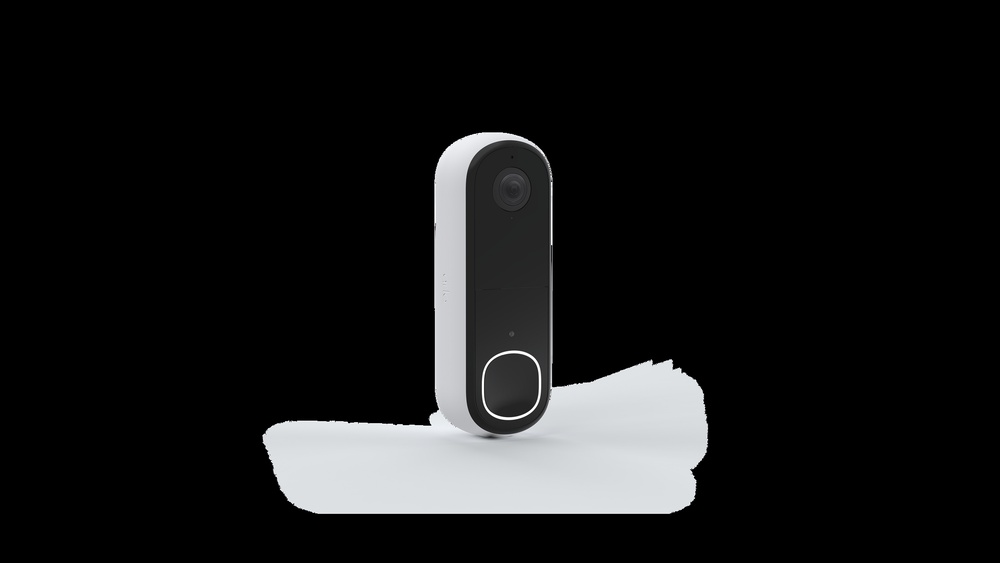

Are you wondering what your Arlo Doorbell Video can do if you don’t have a subscription? You might be surprised by how much you can still get from this smart device without paying extra.
But what exactly works, and what do you miss out on? Keep reading to discover the real capabilities of your Arlo Doorbell Video without a subscription—and find out if it’s enough for your needs. This could change how you use your doorbell every day.
Basic Video Streaming
Basic video streaming is the core feature of the Arlo Doorbell Video without a subscription. It lets you see what is happening at your door in real time. This feature helps you stay connected to your home anytime. The video quality and sound features also play a key role in this experience.
Live View Access
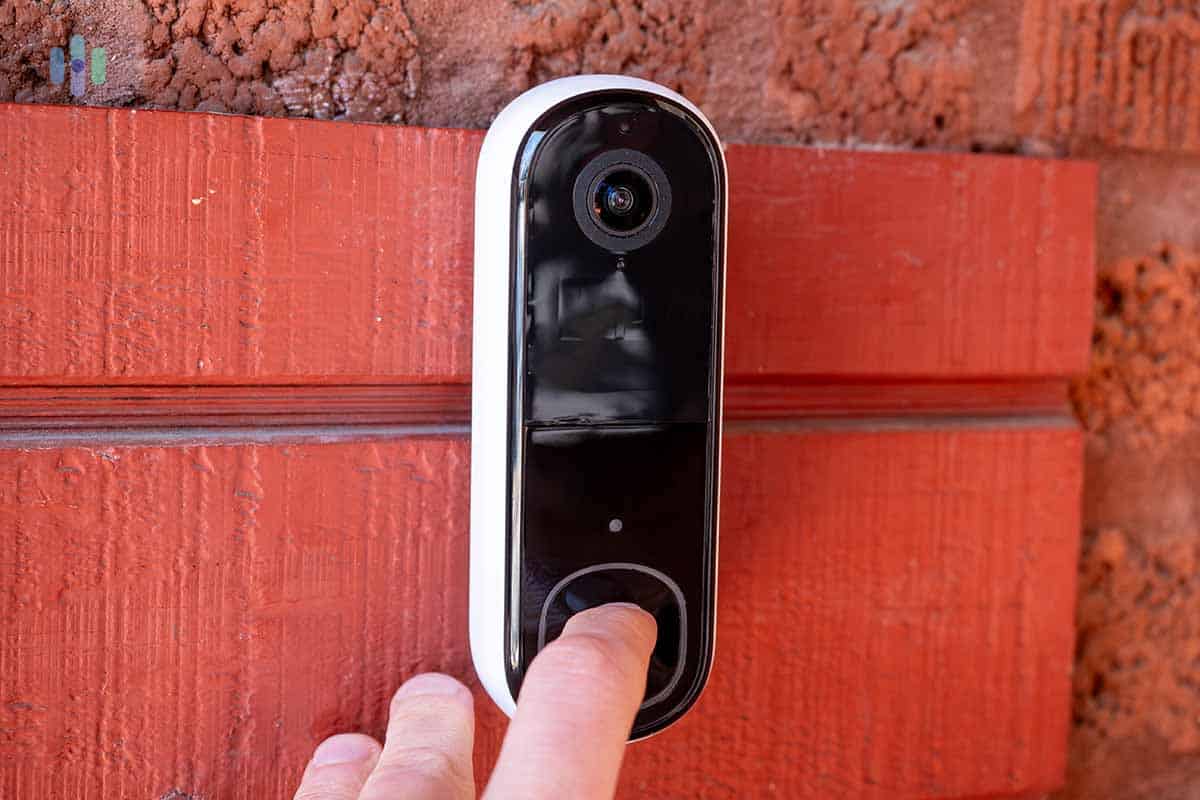
You get instant live view access to your doorbell camera. This means you can watch live footage anytime through the app. The connection is quick and smooth, allowing you to check your front door easily. Live view works without any delay, giving you peace of mind.
Video Quality
The video streams in clear HD quality even without a subscription. This helps you see faces and objects clearly. The picture adjusts well to different lighting conditions. Day or night, the camera provides good visuals to keep your home safe.
Two-way Audio
The doorbell has two-way audio to talk and listen. You can hear visitors and speak to them in real time. This feature works well without extra fees. It lets you interact with guests or delivery people from anywhere.
Credit: www.security.org
Local Storage Options
The Arlo Doorbell Video offers local storage options for users without a subscription. This means you can save video clips directly without relying on cloud services. Local storage helps you keep control over your recordings and access them anytime.
Using local storage is simple and secure. It does not require monthly fees. You store videos on your own device, which keeps your data private and accessible.
On-device Storage
The Arlo Doorbell can store videos on a microSD card or a base station. This depends on the model you have. On-device storage records motion events or doorbell presses automatically. It saves videos locally without needing internet upload.
Storage limits depend on the card size or base station capacity. When full, the oldest videos get overwritten. This way, you always have recent footage ready to view.
Accessing Recorded Clips
You can access recorded clips through the Arlo app. The app connects to your local storage and shows saved videos. You can watch, download, or delete clips easily.
Access is fast since files are stored nearby, not in the cloud. This setup helps you review footage without delay or extra cost.
Motion Detection Alerts
Arlo Doorbell video offers motion detection alerts without a subscription. It helps you stay aware of activity near your door. The system sends alerts directly to your phone. This feature works even without paying for extra services.
Real-time Notifications
You get real-time notifications when motion is detected. This means instant alerts on your smartphone. Quick updates help you act fast if needed. The alerts include video clips for easy review. This keeps you connected to your home at all times.
Customizing Motion Zones
You can set specific motion zones on your camera. This limits alerts to important areas only. Avoid false alarms from cars or passing animals. Custom zones focus on your door or walkway. It makes alerts more relevant and useful for you.
Limited Event History
The Arlo Doorbell Video offers basic features without a subscription. One key limit is the event history. This means you get only a small window of recorded video clips. The doorbell records motion or ring events but keeps them for a short time. Users without a subscription cannot access long or detailed event logs. This can affect how you review past activities at your door.
Duration Of Stored Events
Without a subscription, Arlo stores video clips for a limited time. Typically, event videos stay for only 24 hours. After this period, the videos are deleted automatically. You cannot save these clips on the cloud beyond this window. This short duration can make it hard to check older events. Users must view or download clips quickly before they disappear.
Event Playback Restrictions
The playback options also have limits without a subscription. You can only watch recent events, not a full history. There is no advanced search to find specific clips. Video quality during playback remains the same, but the timeline is short. You cannot rewind or fast forward through multiple days. This restriction reduces the doorbell’s usefulness for detailed event review.
Basic Device Integration
The Arlo Doorbell Video works well even without a subscription. It connects easily to other devices in your home. This makes it useful for basic home security and monitoring. You can still use many features through simple connections.
Integration helps the doorbell work with your smart home setup. It lets you control and view the doorbell from different devices. These options are helpful for daily use without extra costs.
Compatibility With Smart Home Devices
The Arlo Doorbell Video pairs with many smart home systems. It works with voice assistants like Alexa and Google Assistant. This allows voice commands to check the doorbell camera. You can also link it to smart lights and alarms.
This compatibility lets you automate your home security. For example, lights can turn on when someone rings the doorbell. These features improve safety and convenience without a paid plan.
Using Arlo App Features
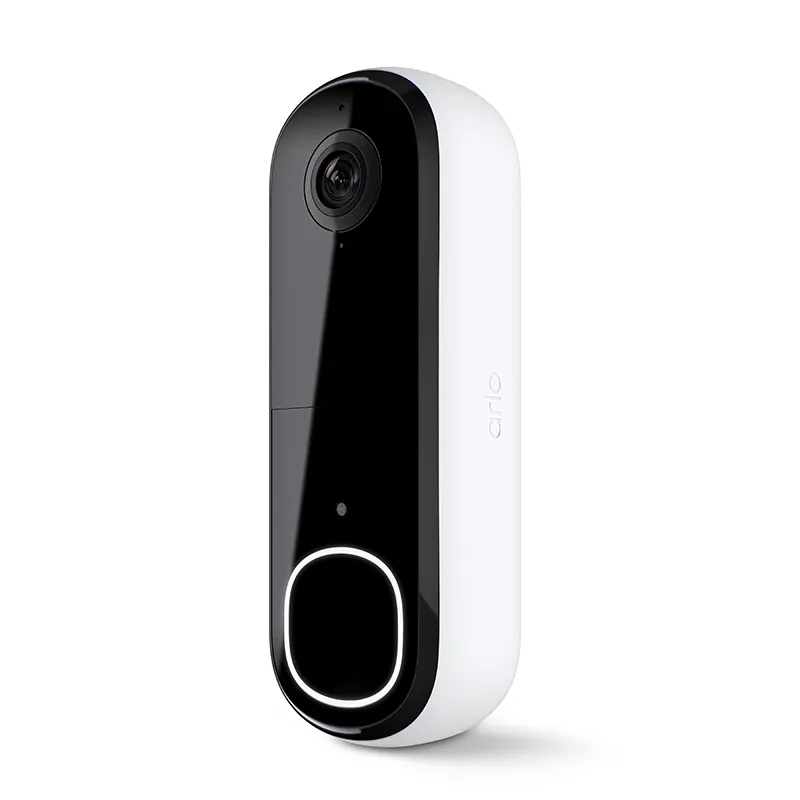
The Arlo app is key to using the doorbell without subscription. It shows live video from the doorbell camera anytime. You get instant alerts when motion or a visitor is detected.
The app lets you talk to visitors through two-way audio. You can also save short video clips locally on your phone. These basic app functions work well without monthly fees.
Using the app keeps you connected to your doorbell. It gives peace of mind and easy control at no extra cost.
Credit: blog.arlo.com
Security And Privacy
Security and privacy matter most with any video doorbell system. Arlo Doorbell Video protects your home and your personal information even without a subscription. It keeps your data safe and gives you control over what is shared.
Data Encryption
Arlo uses strong data encryption to protect your video streams. Encryption scrambles data so no one can read it without permission. This stops hackers from accessing your live or recorded videos. Your footage stays private, whether stored on the device or sent to your phone.
User Control Over Data
You decide what data the Arlo Doorbell Video collects and stores. The app lets you manage settings for video recordings and alerts. You can delete videos anytime from your device or cloud storage. This control helps keep your privacy intact without a subscription plan.
Features Unavailable Without Subscription
The Arlo Doorbell Video works without a subscription, but some features do not work. These missing features affect how well you can see and save videos. They also limit how you get alerts and control motion detection. Knowing these limits helps you decide if you need a subscription.
Advanced Motion Detection
Without a subscription, motion detection is basic. The doorbell cannot tell the difference between people, animals, or cars. You get alerts for all movements, which can cause many false alarms. The smart detection that filters out unwanted alerts is not available.
Cloud Storage Benefits
Without a subscription, video clips do not save to the cloud. You can only view live video but cannot watch past recordings. Important events might be missed if you are away or busy. Cloud storage keeps your videos safe and accessible anytime, but this benefit is not included without a plan.
Activity Zones And Rich Notifications
Activity zones let you choose specific areas to watch for motion. Without a subscription, this feature is turned off. You receive alerts from the entire view, which can be overwhelming. Rich notifications, with video previews or snapshots, are also unavailable. This limits how quickly you can see what triggered the alert.

Credit: us.arlo.com
Frequently Asked Questions
What Features Work Without Arlo Subscription?
Without a subscription, Arlo Doorbell offers live streaming and basic motion alerts. However, it lacks cloud video storage and advanced notifications.
Can You Save Arlo Videos Without Subscription?
No, without a subscription, Arlo doesn’t save videos to the cloud. You can only view live footage in real time.
Is Two-way Talk Available Without Subscription?
Yes, two-way audio works without a subscription. You can hear and speak through the Arlo Doorbell app anytime.
Are Motion Alerts Limited Without Subscription?
Motion alerts work without a subscription but lack customizable zones and advanced detection features. Notifications are basic and less precise.
Conclusion
The Arlo Doorbell Video works well without a subscription. It shows live video and alerts you when someone rings. You can see who is at your door anytime. But, it won’t save videos for later review. You miss out on cloud storage and advanced features.
Still, it protects your home with basic functions. A subscription adds more convenience, but it is not required. This doorbell suits those who want simple, real-time monitoring. Choose what fits your needs and budget best. Safety made easy and clear.