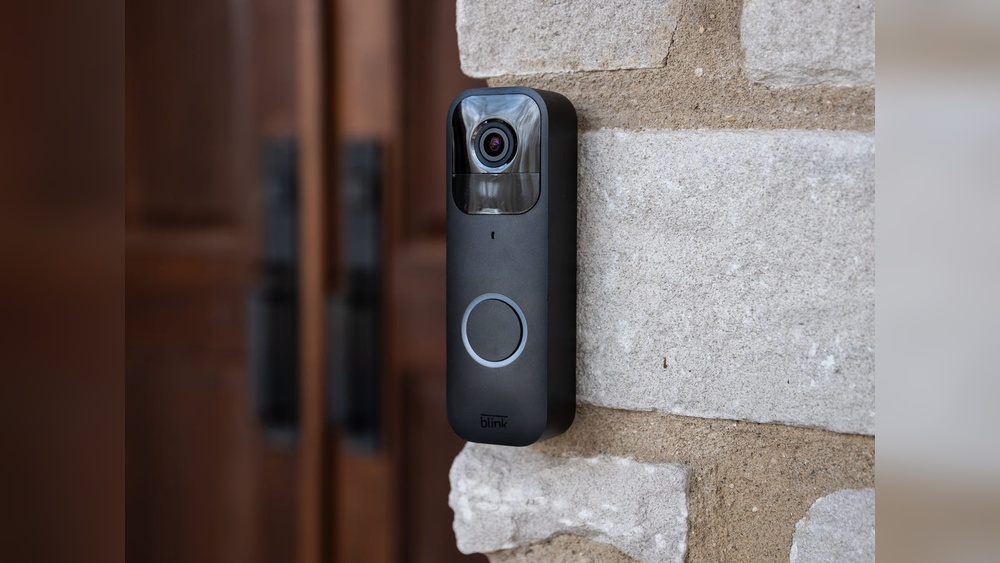

Have you ever wondered how your Blink Video Doorbell keeps you connected to your home, even when you’re away? Understanding how this smart device works can give you peace of mind and help you make the most of its features.
You’ll discover exactly how the Blink Video Doorbell captures video, sends alerts, and protects your home. By the end, you’ll know how to use it like a pro and keep your front door safer than ever. Keep reading—your home security is about to get smarter.
Blink Video Doorbell Features
The Blink Video Doorbell offers a range of features that make home security simple and effective. It blends smart technology with easy use. These features help you see and hear visitors, get alerts, and keep your home safe.
Design And Build
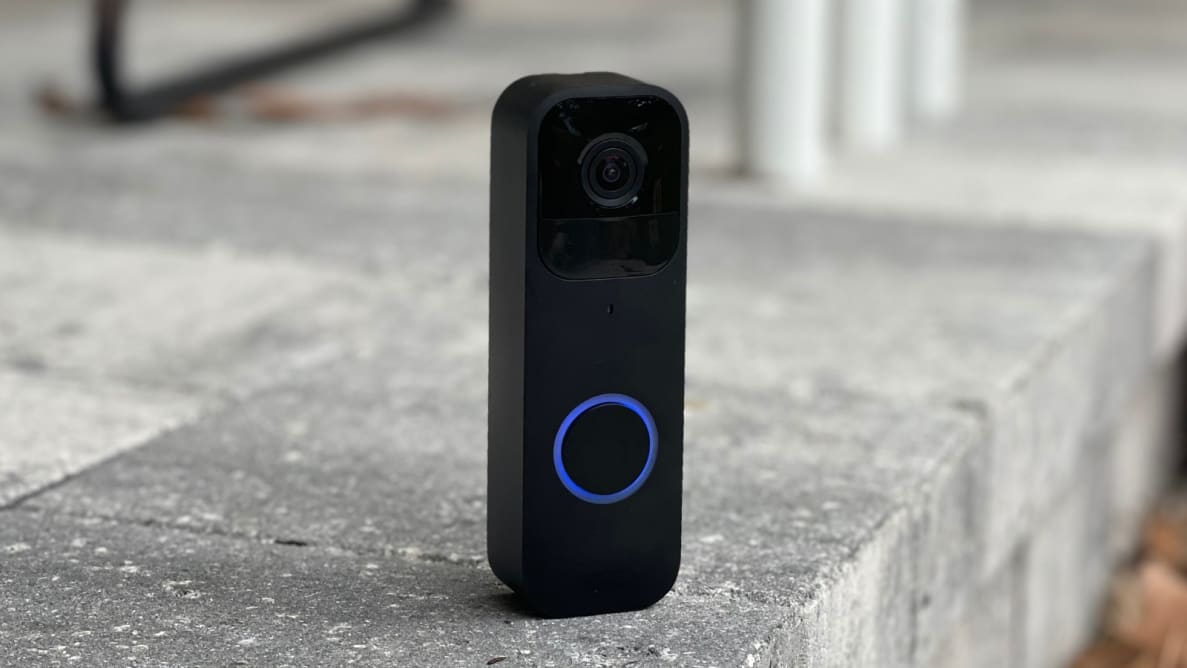
The doorbell has a sleek, modern look. It fits well on any doorframe. The materials feel strong and weather-resistant. It works well in rain, sun, or snow. The lightweight design makes it easy to install.
Video Quality And Field Of View
The camera captures clear HD video. It shows fine details like faces and packages. The wide field of view covers a large area. You can see almost everything in front of your door. Night vision helps you see clearly in the dark.
Motion Detection And Alerts
The doorbell senses movement near your door. It sends instant alerts to your phone. You can adjust the detection zones to avoid false alarms. This feature keeps you informed about visitors or activity.
Two-way Audio
You can talk to visitors through the doorbell. The built-in microphone and speaker provide clear sound. This lets you greet guests or give instructions from anywhere. It adds extra convenience and security to your home.
Setup And Installation
Setting up and installing the Blink Video Doorbell is simple and quick. The process helps you secure your home with ease. This section covers everything you need for setup and installation.
Requirements And Compatibility
The Blink Video Doorbell works with most Wi-Fi networks. It needs a 2.4 GHz Wi-Fi connection for best performance. You also need a smartphone or tablet with the Blink app installed. The doorbell runs on batteries, so no wiring is required. Make sure your device supports the Blink app before starting.
Mounting The Doorbell
Choose a spot near your front door for the best view. Use the included mounting bracket and screws to attach the doorbell. Mount it at about 48 inches from the ground for optimal camera angle. The doorbell is weather-resistant, so it can stay outdoors safely. Use a drill if needed, or use the adhesive strips for a no-drill option.
Connecting To Wi-fi
Turn on the doorbell and open the Blink app. Follow the prompts to connect the doorbell to your Wi-Fi network. Enter your Wi-Fi password carefully to avoid errors. A strong Wi-Fi signal helps the doorbell work smoothly. If the signal is weak, consider moving your router or using a Wi-Fi extender.
Syncing With Blink App
After connecting to Wi-Fi, the doorbell syncs with the Blink app. You can name your doorbell for easy identification. The app lets you see live video, receive alerts, and adjust settings. Syncing takes only a few moments. You are now ready to use your Blink Video Doorbell.
How Motion Detection Works
The Blink Video Doorbell uses smart motion detection to keep you aware of activity near your door. It senses movement and alerts you quickly. This system helps you see who is outside without opening the door or waiting for a ring.
Motion detection works by scanning the area in front of the doorbell. When it detects movement, it triggers the camera to start recording and sends a notification to your phone. This way, you can check live video or recorded clips anytime.
Types Of Motion Sensed
Blink detects different types of motion including walking people, cars, and animals. It uses infrared sensors to spot heat and movement in the camera’s range. This lets it work well in both daylight and at night.
Small movements like leaves or shadows often do not trigger the alarm. The doorbell focuses on more significant motions to avoid false alerts. This makes your notifications more useful and less annoying.
Customizing Motion Zones
You can set specific areas called motion zones for the doorbell to watch closely. These zones tell the system where to look for movement. For example, you can focus on the walkway but ignore the street or trees.
Custom zones reduce unwanted alerts from busy or distant areas. Adjusting these zones is easy through the Blink app. It helps you get alerts only when needed.
Notification Settings
The Blink app lets you choose how and when to get notifications. You can turn alerts on or off for different times of day. This helps avoid notifications during quiet hours or when you are home.
You may receive notifications for motion only or both motion and doorbell presses. Custom settings give control over alert sounds and vibration on your phone. This way, you stay informed without being overwhelmed.
Credit: vicentetorns.com
Video Streaming And Recording
The Blink Video Doorbell captures every moment at your doorstep with clear video streaming and reliable recording. It lets you see and save videos to check later. This section explains how it streams live video and stores recordings for easy access.
Live View Features
The live view lets you watch real-time video from your doorbell camera. You can open the Blink app on your phone to see who is outside. The video is clear and updates quickly. You can also speak to visitors using the two-way audio feature.
Cloud Storage Options
Blink offers cloud storage to save recorded videos safely online. Videos are stored automatically when motion is detected or someone rings the doorbell. You can review these videos anytime from your app. This keeps your footage safe, even if the doorbell is damaged or stolen.
Local Storage Capabilities
You can store videos locally using the Blink Sync Module with USB storage. This lets you save videos directly to a USB drive at home. It works without monthly fees and gives quick access to your videos. Local storage is a good option if you want extra control over your footage.
Integration With Smart Home Systems
The Blink Video Doorbell fits smoothly into many smart home systems. This helps you control your doorbell and other devices from one place. Integration makes your home safer and more convenient. You can see who is at the door and talk to them using your smart speaker or phone.
Smart home integration also lets you set up routines. For example, lights can turn on when someone rings the doorbell. This helps if you come home late or want extra security. The doorbell works well with popular smart home brands, making it easy to add to your setup.
Alexa Compatibility
Blink Video Doorbell works well with Alexa devices. You can use voice commands to check the doorbell’s live video. Ask Alexa to show the front door on your Echo Show or Fire TV. Alexa can also alert you when someone presses the doorbell or moves near it.
This hands-free control is helpful if your hands are busy or you are far from the door. You can talk to visitors using Alexa, without opening the door. This feature adds a layer of safety and ease to daily life.
Other Smart Devices Support
The Blink Video Doorbell supports other smart devices too. It connects with smart lights, locks, and security systems. This allows you to create custom actions based on doorbell activity. For example, smart lights can flash when the doorbell rings at night.
It also works with many smart home hubs and apps. This broad support makes it easy to include Blink in your existing smart home system. You can control everything from one app, saving time and effort.
Battery Life And Power Options
The battery life and power options of the Blink Video Doorbell are important to understand. They affect how long the device works without needing attention. Knowing these details helps users plan maintenance and avoid downtime. The doorbell offers different power choices to fit various needs and homes.
Battery Type And Longevity
Blink Video Doorbell uses two AA lithium batteries. These batteries last up to two years under normal use. The doorbell is energy efficient. It only uses power when detecting motion or when pressed. This helps extend battery life.
Recharge And Replacement
The batteries are not rechargeable. Users must replace them after depletion. Replacing batteries is simple and quick. The battery compartment is easy to open. No special tools are needed. This keeps the doorbell working smoothly without long pauses.
Wired Power Alternatives
Blink Video Doorbell supports wired power options. It can connect to existing doorbell wiring. This provides continuous power without battery worries. Wired power suits homes with existing doorbell systems. It ensures the device stays active at all times.
Security And Privacy Measures
Security and privacy are key parts of the Blink Video Doorbell. It protects your home and your personal information. The device uses strong methods to keep your data safe. It also gives you control over who can access the video and settings.
Data Encryption
Blink uses data encryption to protect your videos and information. This means your data is turned into secret code. Only authorized devices can read this code. Encryption stops hackers from stealing your video or personal details.
User Access Controls
You decide who can see your video feed and alerts. The app lets you set up user accounts with different permissions. You can allow family members to view videos. Or limit access to just yourself. This control keeps your doorbell secure.
Privacy Settings
The Blink app includes privacy settings for your comfort. You can pause video recording anytime. It stops the doorbell from capturing footage during private moments. You also control how long videos are stored. These settings help protect your privacy every day.
Credit: www.tomsguide.com
Troubleshooting Common Issues
Even the best video doorbells can face issues sometimes. Blink Video Doorbell is no different. Knowing how to fix common problems helps keep your device running smoothly. This section covers the usual troubles and easy fixes.
Connectivity Problems
Connection issues often cause the doorbell to stop working. Check if your Wi-Fi signal is strong near the doorbell. Move the router closer if needed. Restart the router and the doorbell to refresh the connection. Make sure your Wi-Fi password is correct in the app. Avoid placing the doorbell too far from the router. Interference from walls or other devices can block signals.
Video Quality Concerns
Blurry or lagging video can be frustrating. Clean the doorbell camera lens regularly to remove dirt. Check your internet speed; slow internet causes poor video. Adjust the video quality settings in the Blink app. Lower quality settings help if your network is weak. Make sure nothing blocks the camera’s view. Good lighting around the doorbell improves video clarity.
App Notification Issues
Missing alerts defeats the purpose of a video doorbell. Confirm notifications are enabled in the Blink app. Check your phone settings to allow push notifications. Restart the app or your phone if alerts stop. Update the app to the latest version. Log out and log back into your Blink account. Notifications need both app and phone settings to be correct.
Comparing Blink To Other Doorbells
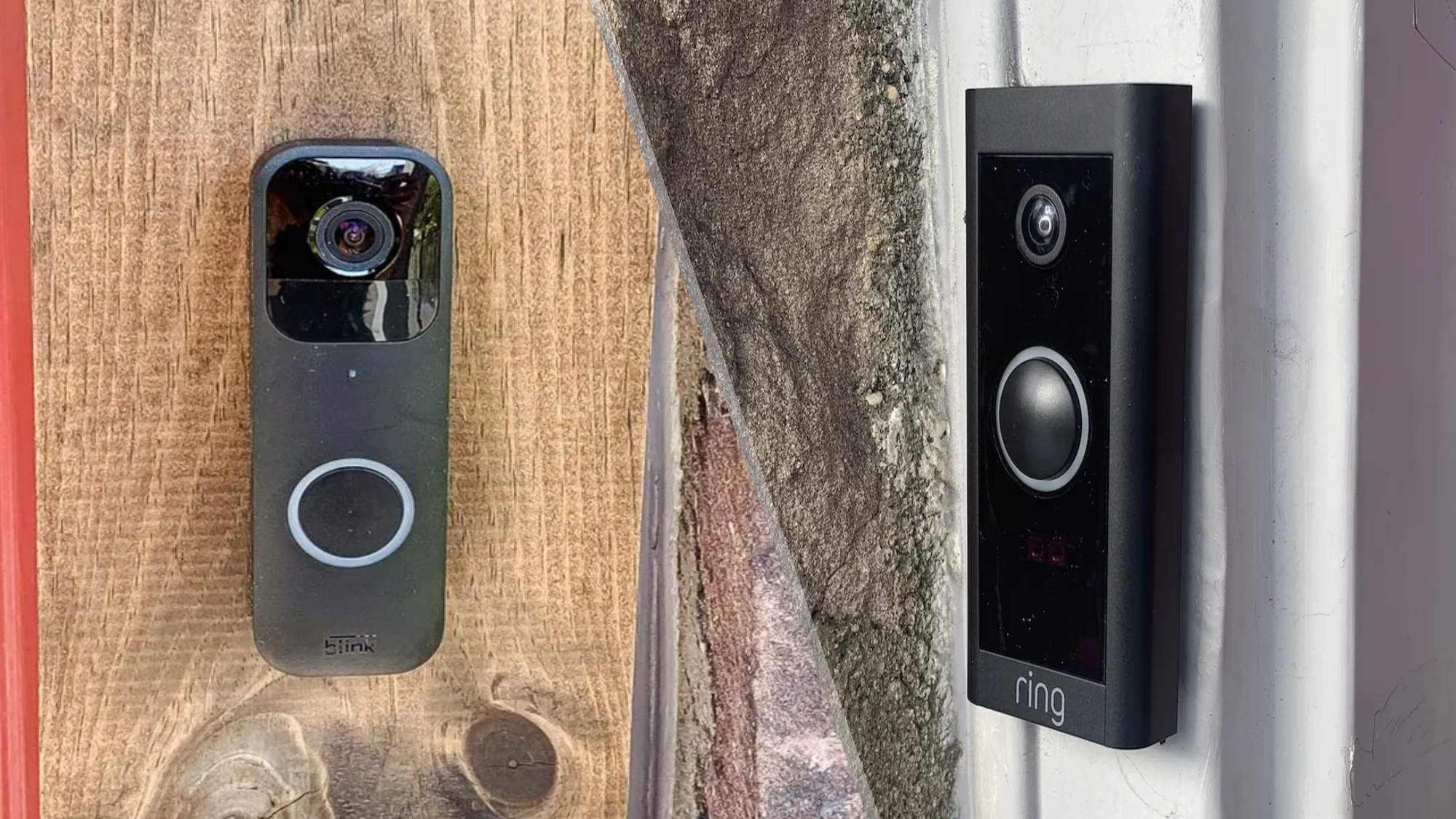
Comparing Blink to other video doorbells helps buyers make smart choices. Blink stands out in many ways. Its design, features, and price attract users. Understanding these differences can guide you to the best fit for your home.
Price And Value
Blink offers a budget-friendly price compared to many brands. It is affordable without cutting essential features. Some doorbells cost twice as much but add few extras. Blink balances cost and quality well. It includes free cloud storage for a limited time. This gives good value for money.
Feature Differences
Blink focuses on core features like motion detection and HD video. It lacks some advanced options found in pricier models. For example, it does not have continuous video recording. Some competitors offer smart home integration and AI alerts. Blink keeps things simple but effective. This suits users who want easy setup and use.
User Experience
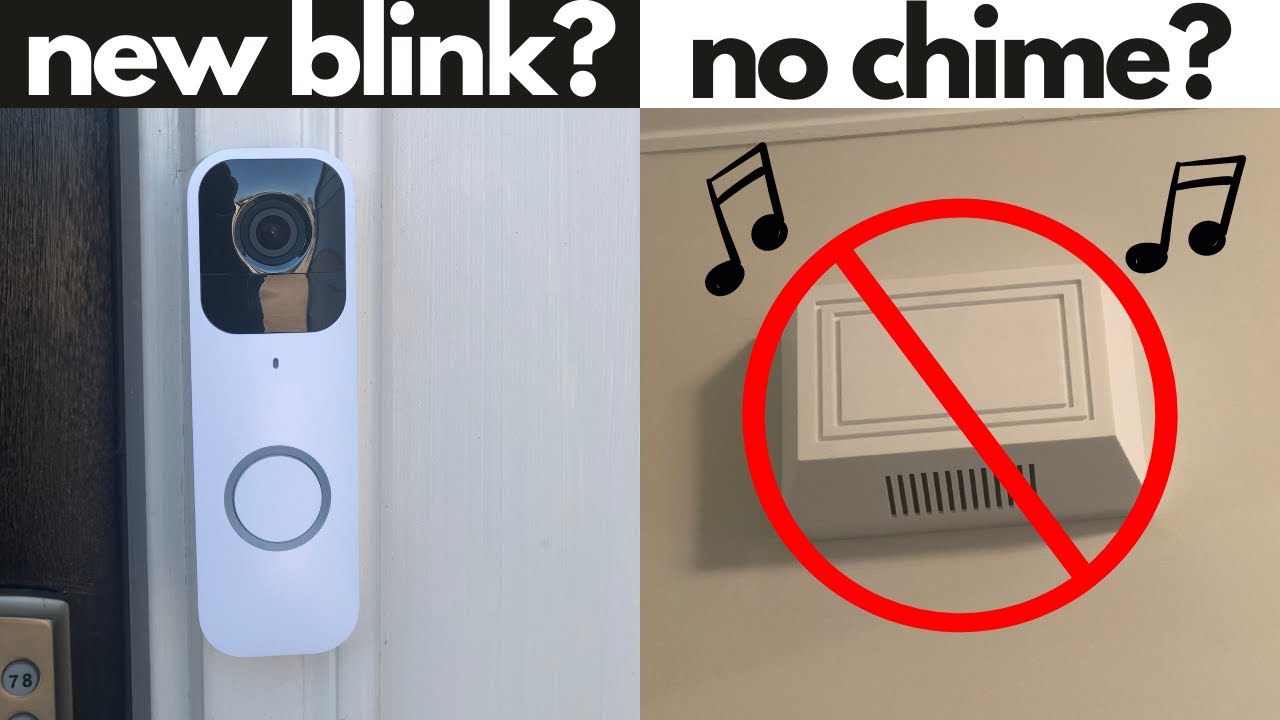
Blink’s app is clean and easy to navigate. Notifications arrive quickly when motion is detected. The doorbell has a good battery life, lasting months. Other brands may need frequent charging or wiring. Installation is simple and does not require professional help. Blink works well for users who want hassle-free security.
Credit: www.youtube.com
Frequently Asked Questions
How Does Blink Video Doorbell Connect To Wi-fi?
Blink Video Doorbell connects to your home Wi-Fi using the Blink app. This allows real-time video streaming and notifications on your phone.
What Powers The Blink Video Doorbell Device?
The Blink Video Doorbell is battery-powered, using two AA lithium batteries. This ensures easy installation without wiring or frequent charging.
Can Blink Doorbell Record Video Continuously?
No, Blink Doorbell records video only when motion is detected or when you press the doorbell. This saves storage and battery life.
How Does Blink Doorbell Notify Users Of Visitors?
Blink Doorbell sends instant alerts to your smartphone via the Blink app. You can see and talk to visitors remotely.
Conclusion
The Blink Video Doorbell helps you see who is at your door anytime. It sends alerts straight to your phone for quick responses. Installation is simple and does not need wires. The motion sensor detects visitors and records video clearly.
This device adds safety and peace to your home. Everyone can use it easily, no tech skills needed. A smart choice for everyday home security.