Are you thinking about adding a Ring Video Doorbell to your home? You’re about to make a smart move for your security and convenience.
But before you start, it’s important to know exactly what you need to get it up and running smoothly. From tools to Wi-Fi requirements, missing even one key element can slow you down or cause frustration. Keep reading, and you’ll discover everything you need to set up your Ring Video Doorbell quickly and easily—so you can start enjoying peace of mind right away.
Choosing The Right Ring Doorbell
Choosing the right Ring Doorbell is key for your home security. The perfect model fits your needs and budget. It also matches your home’s style and wiring setup. This guide helps you understand the main options available. You will learn to pick the best Ring doorbell for your space.
Comparing Ring Models
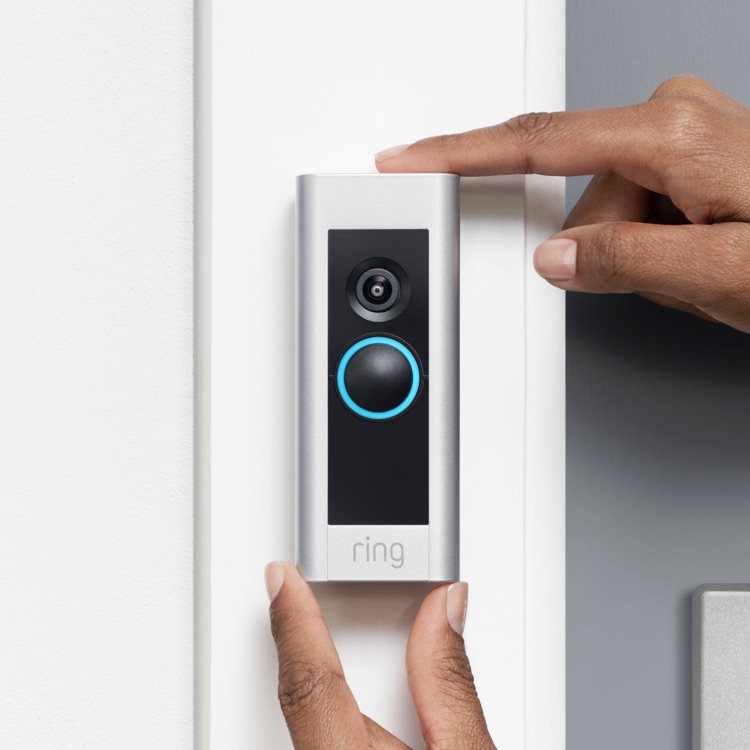
Ring offers many doorbell models. Each has unique features and price points. Some have better video quality or wider field of view. Others include advanced motion detection and two-way talk. Basic models are simpler but still reliable. Premium models add extra smart features. Consider what features matter most to you. This helps narrow your choices quickly.
Wired Vs Battery-powered Options
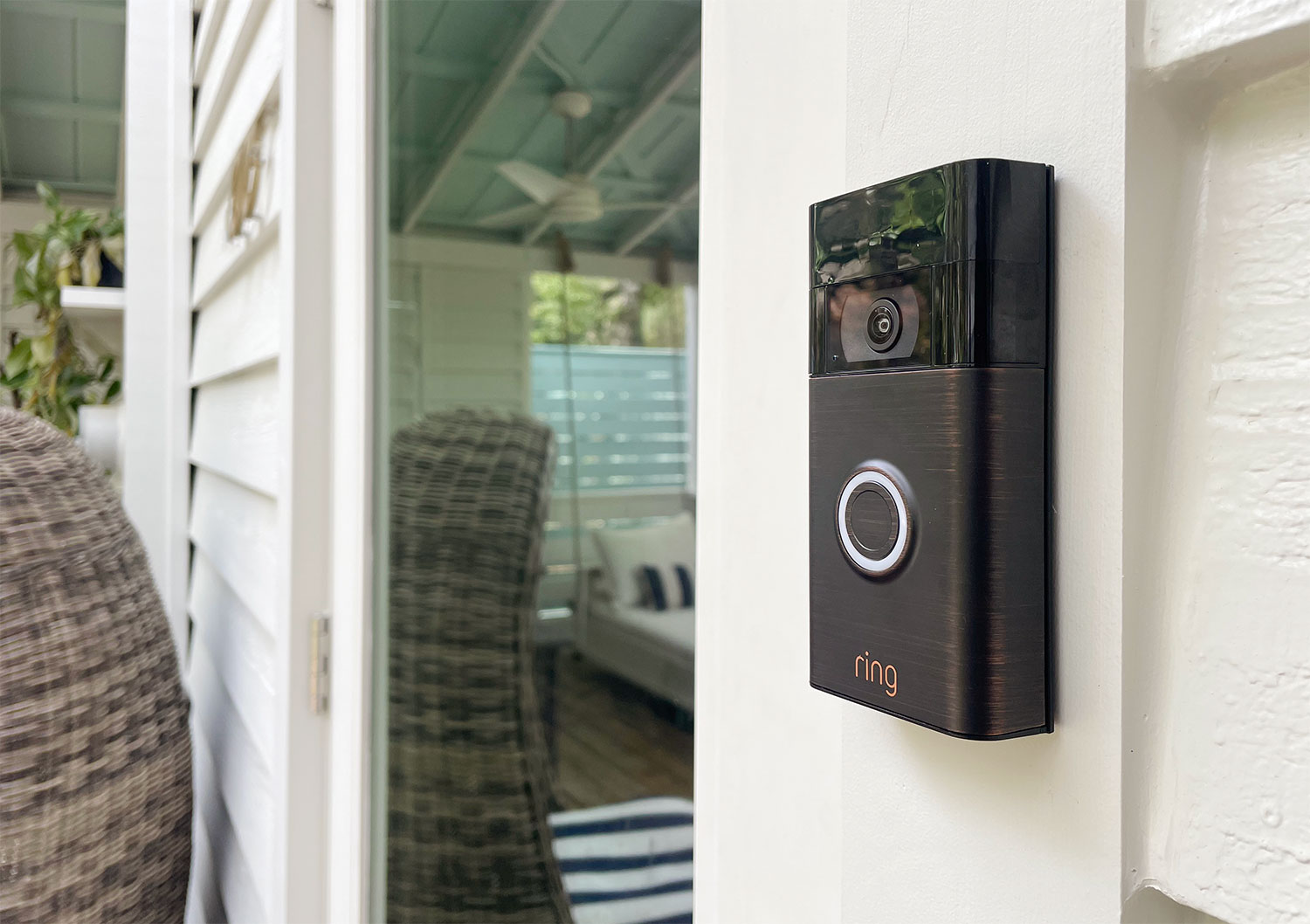
Ring doorbells come in wired and battery-powered types. Wired models connect to your home’s doorbell wires. They offer continuous power without battery changes. Battery-powered models work without wiring. They fit places without existing doorbell wires. You must recharge batteries occasionally. Think about your home’s wiring and convenience. Choose wired for steady power, battery for easy setup.
Credit: www.younghouselove.com
Gathering Required Tools
Gathering the right tools is the first step to install your Ring Video Doorbell correctly. Having everything ready saves time and avoids frustration. This section lists the tools and accessories needed for a smooth setup. Prepare these items before you start the installation process.
Tools For Installation
You will need a few basic tools for the installation. A drill is essential to make holes for mounting the doorbell. Use a screwdriver to tighten screws securely. A pencil helps mark the spots where you will drill. A level tool ensures the doorbell is straight on the wall. A tape measure can help measure distances and align the device properly.
Additional Accessories
Some accessories can make installation easier and improve the doorbell’s performance. Anchors help secure screws on brick or stucco walls. A battery or power adapter is needed if your doorbell is not hardwired. A Wi-Fi extender might be necessary if your signal is weak near the door. Keep these accessories on hand for a better installation experience.
Preparing Your Doorway
Preparing your doorway is a key step before installing the Ring Video Doorbell. This ensures the device works properly and captures clear video of visitors. A few simple checks can save time and help you get the best results. Let’s explore what to do.
Checking Wi-fi Signal Strength
The Ring Doorbell needs a strong Wi-Fi signal to send alerts and stream video. Test the Wi-Fi strength at your doorway using a smartphone or a Wi-Fi analyzer app. The signal should be stable and fast enough for video streaming.
If the signal is weak, consider moving your router closer or adding a Wi-Fi extender. Without good Wi-Fi, the doorbell may not work well or send notifications on time.
Selecting The Best Mounting Location
Choose a spot where the doorbell can see visitors clearly. The camera should cover the main entry and nearby areas. Avoid places with direct sunlight or glare that can blur the video.
Mount the doorbell at about chest height. This gives a good view of faces and packages. Make sure the surface is flat and sturdy for secure installation. A well-chosen location improves the doorbell’s performance and your security.
Installation Steps
Setting up your Ring Video Doorbell is easy with clear steps. Follow these instructions carefully to install the device correctly. The process includes mounting the doorbell, connecting it to power, and setting it up in the app.
Mounting The Doorbell
Choose a spot near your front door. The location should have a good view of your porch. Use the mounting bracket included in the box. Mark the drill holes on the wall. Drill holes carefully and insert wall anchors if needed. Screw the bracket tightly to the wall. Attach the doorbell to the bracket by snapping it in place.
Connecting To Power
Check if your doorbell uses battery or existing doorbell wiring. For battery models, ensure the battery is fully charged. For wired models, turn off power at the circuit breaker first. Connect the doorbell wires to the screws on the back. Tighten the screws to secure the wires. Turn the power back on. Test to see if the doorbell lights up.
Setting Up The Device In The App
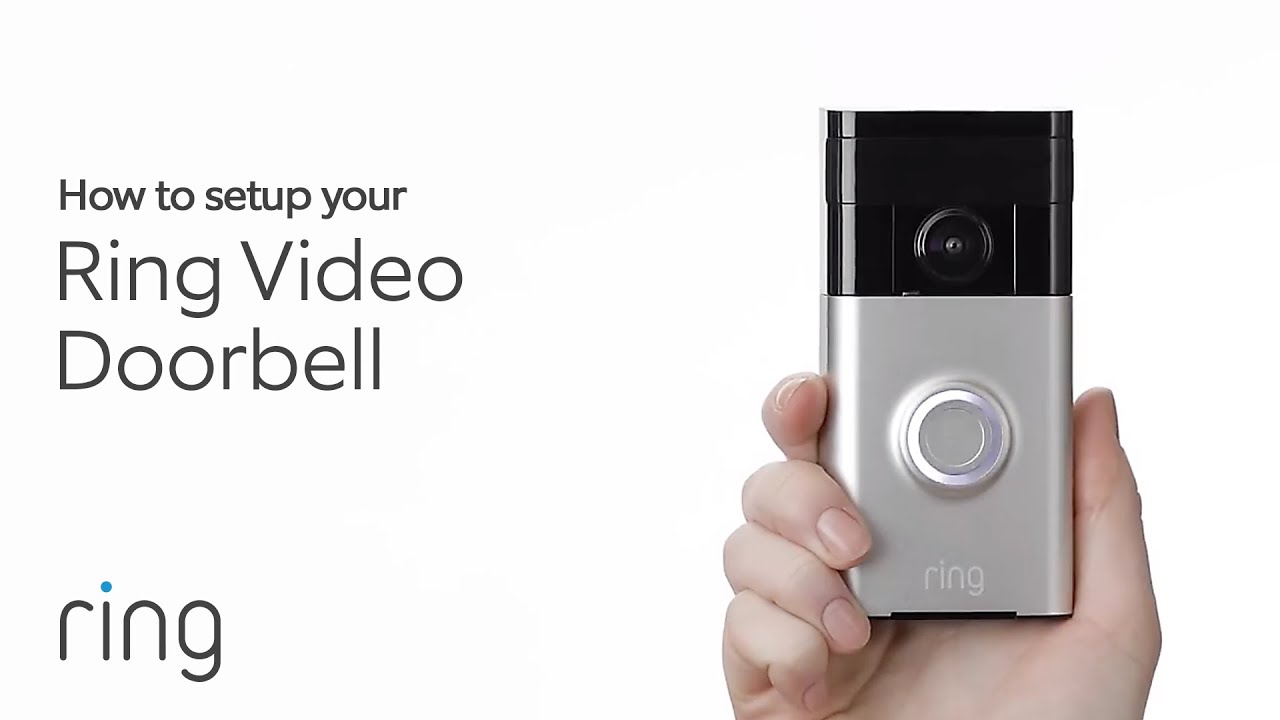
Download the Ring app from your phone’s app store. Open the app and create an account or log in. Tap “Set up a Device” and select “Doorbells.” Follow the on-screen instructions. Connect your doorbell to your Wi-Fi network. Name your device for easy identification. Test the doorbell through the app to confirm setup success.
Configuring Settings
Configuring the settings of your Ring Video Doorbell helps you get the best use out of it. Adjusting these settings tailors the device to your home and lifestyle. It ensures you receive the right alerts and the doorbell reacts properly to motion. Let’s break down the two main settings you need to focus on.
Adjusting Motion Detection
Motion detection is key for your Ring doorbell’s security. You can change the sensitivity to avoid false alerts from passing cars or animals. The app lets you set specific motion zones around your door. This means the doorbell only alerts you when motion happens in important areas. Adjusting these zones helps reduce unnecessary notifications.
Setting Notification Preferences
Notification settings control how and when you get alerts from your doorbell. You can choose to receive notifications on your phone or tablet. The app allows you to set quiet hours to avoid alerts at night or during meetings. You can also customize alerts for different events, like someone ringing the doorbell or detected motion. This keeps you informed without overwhelming you.
Credit: www.youtube.com
Troubleshooting Common Issues
Setting up a Ring Video Doorbell is usually easy, but some common problems may appear. Knowing how to fix these issues saves time and stress. Troubleshooting helps keep your doorbell working well.
Wi-fi Connectivity Problems
The Ring Doorbell needs a strong Wi-Fi signal to work correctly. Weak or unstable Wi-Fi causes delays or no video feed. Move your router closer to the doorbell for better connection.
Restart your router and doorbell to refresh the connection. Check if your Wi-Fi password is correct in the app. Use a Wi-Fi speed test to ensure good internet speed.
Power And Battery Concerns
Battery life is key for wireless Ring Doorbells. Check battery levels often in the app. Charge the battery fully if the doorbell is not working well.
For wired Ring Doorbells, ensure power cables are secure and undamaged. Power outages or loose connections stop the device from working. Replace batteries if they no longer hold a charge.
Credit: ring.com
Frequently Asked Questions
What Tools Do I Need To Install A Ring Video Doorbell?
You need a drill, screwdriver, level, and measuring tape. These tools help mount the doorbell securely and accurately.
Is Wi-fi Required For Ring Video Doorbell Setup?
Yes, a stable Wi-Fi connection is essential. It enables real-time video streaming and notifications to your phone.
Do I Need A Smartphone For Ring Video Doorbell?
Yes, a smartphone with the Ring app is needed. It allows you to control and monitor the doorbell remotely.
Can I Use Existing Doorbell Wiring With Ring Video Doorbell?
Yes, Ring Video Doorbell works with most existing doorbell wiring. It also has a battery-powered option if wiring is unavailable.
Conclusion
Setting up a Ring Video Doorbell is simple and quick. You only need a few tools and a strong Wi-Fi connection. Follow the instructions step-by-step for the best results. This device helps keep your home safe and lets you see visitors anytime.
With the right preparation, installation goes smoothly. Enjoy the convenience of watching your door from anywhere. A small effort brings great peace of mind. Ready to protect your home? Now you know exactly what to gather and do.