
Imagine never missing a visitor or package again, even when you’re not home. Setting up a smart home video doorbell can give you that peace of mind.
It lets you see and talk to anyone at your door from your phone, no matter where you are. If you’ve been wondering how to get started, this guide will walk you through each step in a simple and clear way.
By the end, you’ll have your smart doorbell up and running, making your home safer and more connected. Ready to take control of your front door? Let’s dive in.

Credit: www.amazon.com
Choosing The Right Video Doorbell
Choosing the right video doorbell is an important first step. It affects how well your smart home works. Pick a doorbell that fits your home and needs. Consider power options, features, and smart system compatibility. These factors make setup easier and improve security.
Wired Vs Wireless Models
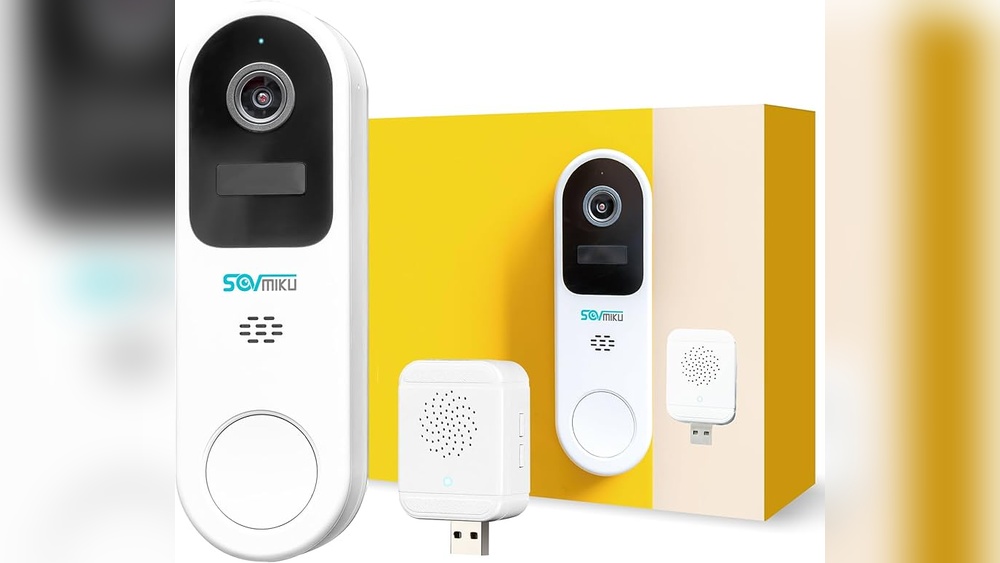
Wired doorbells connect to your home’s existing doorbell wiring. They offer constant power and stable connection. Installation may need professional help. Wireless models run on batteries. They are easy to install and move if needed. Battery life varies, so expect to recharge or replace it. Choose based on your home’s wiring and your comfort with installation.
Key Features To Consider
Look for video quality with at least 1080p resolution. Clear video helps identify visitors better. Night vision is essential for low light conditions. Motion detection alerts you about any movement. Two-way audio lets you speak to visitors remotely. Cloud storage or local storage options keep your videos safe. Choose features that match your security needs and budget.
Compatibility With Smart Home Systems
Check if the doorbell works with your smart home devices. Popular systems include Alexa, Google Home, and Apple HomeKit. Compatibility allows easy control via voice or app. It also helps integrate the doorbell with other smart devices. Make sure the doorbell supports your preferred system before buying.

Credit: www.youtube.com
Gathering Necessary Tools And Materials
Gathering the right tools and materials is the first step to install your smart home video doorbell. Having everything ready makes the process smooth and faster. It also helps avoid mistakes during setup.
This guide covers basic tools, extra accessories, and safety tips. Prepare well to enjoy a secure and working smart doorbell.
Basic Tools Needed
You will need a screwdriver to remove and attach screws. A drill helps make holes for mounting the doorbell. A level ensures the doorbell is straight. Wire cutters or strippers prepare any electrical wires. A tape measure checks distances and placement.
Additional Accessories
Extra screws and wall anchors provide strong mounting support. A voltage tester checks if wires have power. A smartphone or tablet is needed to connect and configure the doorbell. Some models may require a chime kit or adapter.
Safety Precautions
Turn off the power at the circuit breaker before starting. Use insulated tools to avoid electric shocks. Wear safety goggles to protect your eyes. Follow the manufacturer’s instructions carefully. Ensure the ladder is stable if you work at height.
Preparing Your Doorway
Preparing your doorway is the first step to setting up a smart home video doorbell. It helps the device work well and keeps your home secure. Pay attention to the details around your door. Small changes can make a big difference in performance.
Selecting The Best Location
Choose a spot that clearly shows visitors’ faces. The doorbell should be at about chest height. Avoid places with direct sunlight or shadows. These can affect video quality. Make sure the camera covers the main entry area. Check that the view is not blocked by plants or decorations.
Checking Power Supply
Verify how your doorbell will get power. Some models use batteries, while others need wiring. If wired, ensure the existing doorbell wiring works. Turn off power before handling wires for safety. Test the power source with a voltage tester. Good power keeps your doorbell running without interruptions.
Ensuring Wi-fi Signal Strength
The doorbell needs a strong Wi-Fi signal to send video. Test the signal strength near your door. Use a smartphone or Wi-Fi tester app for this. If the signal is weak, consider a Wi-Fi extender. A strong connection prevents video lag and missed alerts.
Installing The Video Doorbell
Installing your smart home video doorbell is a simple process. It requires some basic tools and a few steps. This guide helps you set up the device correctly for the best performance. Follow each step carefully to avoid common mistakes.
Mounting The Doorbell
Choose a spot near your front door. Make sure the camera has a clear view of the area. Use the mounting bracket that comes with the doorbell. Mark the holes on the wall with a pencil. Drill holes and insert anchors if needed. Screw the bracket firmly to the wall. Attach the doorbell to the bracket until it clicks in place.
Connecting To Power
Check if your doorbell uses battery or wired power. For wired models, turn off the power at the breaker box. Connect the wires from your home to the doorbell terminals. Tighten the screws to hold the wires securely. Turn the power back on and test the device. For battery models, insert the battery before mounting the doorbell.
Securing The Device
Use the security screws included in the package. These screws prevent theft and tampering. Tighten them with the supplied screwdriver or a small tool. Confirm the doorbell is firmly fixed and cannot move. Test the doorbell by pressing the button. Check the video feed on your phone app to ensure it works well.
Setting Up The Software
Setting up the software is a key step in installing your smart home video doorbell. The software connects your doorbell to your smartphone. This allows you to see visitors and get alerts in real time.
Follow these simple steps to get your video doorbell working smoothly. The process involves downloading the app, creating an account, and linking the device to your Wi-Fi network.
Downloading The App
Start by finding the app designed for your doorbell. Check the user manual for the app name. Visit the App Store on Apple devices or Google Play on Android devices. Search for the app and tap “Download.” Wait for the app to install on your phone. Open the app to begin setup.
Creating An Account
Open the app and select “Sign Up” or “Create Account.” Enter your email address and choose a strong password. Some apps may ask for your phone number for extra security. Follow the prompts to verify your account. This step keeps your doorbell data safe and private.
Connecting The Doorbell To Wi-fi
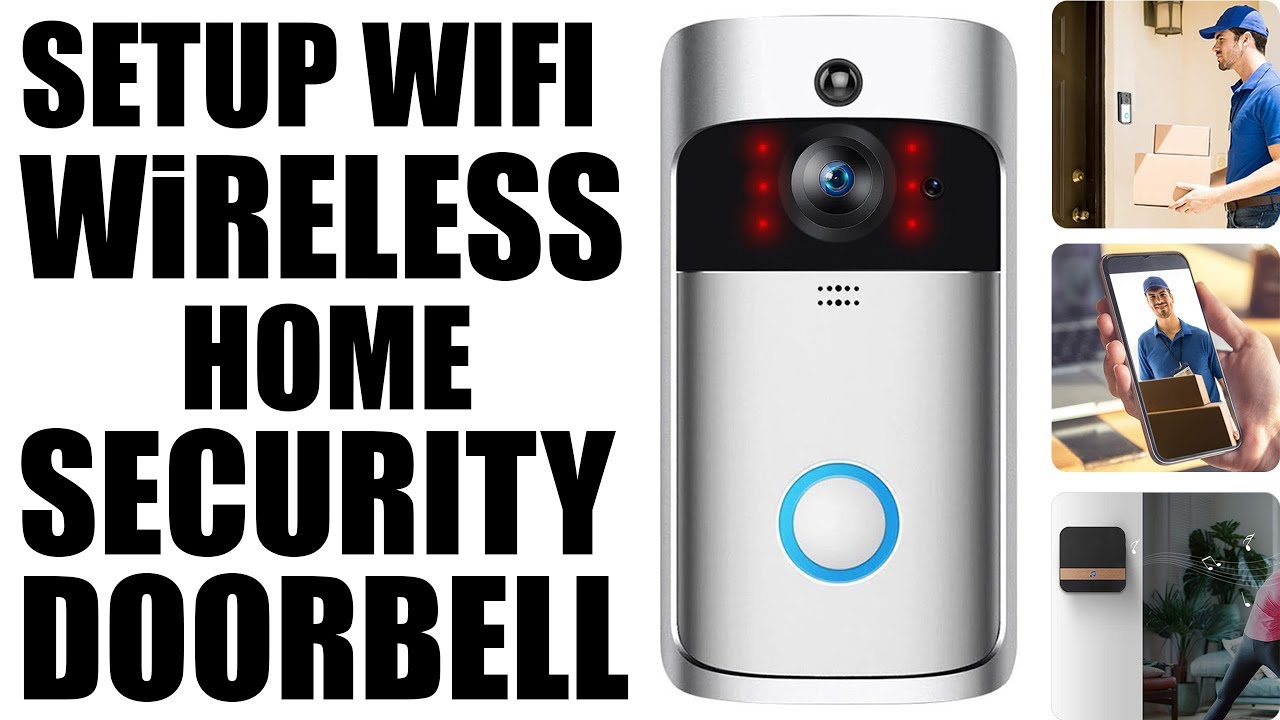
Turn on your doorbell and make sure it is near your Wi-Fi router. In the app, find the “Add Device” or “Set Up Doorbell” option. Select your Wi-Fi network from the list. Enter your Wi-Fi password carefully. The app will connect your doorbell to the internet. Wait for a confirmation message before moving on.
Customizing Settings And Features
Customizing your smart home video doorbell settings helps match it to your needs. It lets you control how the doorbell works and interacts with your home. Adjust settings to get alerts that matter. Connect it with other devices for more convenience. These options improve security and ease of use.
Adjusting Motion Detection
Motion detection is key for smart doorbells. Change the sensitivity to catch important movements only. You can set detection zones to focus on specific areas. This reduces false alerts from passing cars or animals. Fine-tuning motion helps keep your notifications relevant and timely.
Setting Up Notifications
Notifications keep you informed when someone is at your door. Choose how you want alerts, like sounds or push notifications. Set quiet hours to avoid disturbances at night. You can also decide who in the family gets alerts. Custom notifications ensure you never miss a visitor or package.
Integrating With Other Smart Devices
Connect your video doorbell with smart lights or security systems. Lights can turn on when motion is detected. Security cameras can start recording automatically. Integration creates a smarter, safer home environment. It makes your devices work together smoothly.
Testing And Troubleshooting
Testing and troubleshooting are key steps after installing your smart home video doorbell. These steps ensure the device works correctly and meets your needs. Early checks can save time and avoid frustration later.
Check every feature carefully. Video and audio quality must be clear. The doorbell should connect smoothly to your Wi-Fi network. Fixing common problems is easier with the right approach. Keep your device updated to avoid bugs and add new features.
Verifying Video And Audio Quality
Start by watching the live video feed. Check if the image is sharp and colors look natural. Test the night vision in low light. Speak through the doorbell’s microphone to test audio clarity. Listen to the speaker for clear sound. Adjust the camera angle for the best view.
Common Issues And Fixes
Weak Wi-Fi causes connection drops. Move your router closer or use a signal booster. No video? Restart the doorbell and your phone app. Audio problems? Check microphone and speaker settings. The doorbell not ringing? Confirm notification permissions on your phone. Frequent disconnects? Reset the device and reconnect it.
Updating Firmware
Firmware updates improve performance and fix bugs. Check for updates in the doorbell’s app regularly. Download and install updates when available. Keep your doorbell powered during updates. After updating, test the doorbell again for smooth operation. Do not skip updates to maintain security.
Credit: www.youtube.com
Maintaining Your Video Doorbell
Maintaining your video doorbell keeps it working well and lasting longer. Dirt, weather, and software can affect its performance. Regular care ensures clear video and reliable alerts. Follow these simple steps to keep your device in top shape.
Regular Cleaning Tips
Clean the camera lens and sensors gently. Use a soft cloth or microfiber towel. Avoid harsh chemicals that can damage the surface. Wipe away dust, dirt, and spider webs. Check the button and speaker for debris. Clean weekly for best results.
Battery Maintenance
Check your battery level often. Recharge or replace batteries as needed. Avoid letting the battery drain completely. Cold weather can reduce battery life. Keep spare batteries ready if your model uses them. Proper battery care prevents sudden power loss.
Software Updates
Update the doorbell’s software regularly. Updates fix bugs and add new features. Enable automatic updates if available. Check the app for notifications about updates. Staying current improves security and device function. Update promptly to avoid issues.
Frequently Asked Questions
How Do I Install A Smart Home Video Doorbell?
First, turn off power to your doorbell. Next, mount the bracket and connect wires. Finally, attach the doorbell and configure the app.
What App Is Needed For Smart Video Doorbell Setup?
Most smart doorbells require a dedicated app. Check the manufacturer’s instructions. Download the app from Google Play or Apple Store to begin setup.
Can I Connect My Video Doorbell To Wi-fi?
Yes, smart video doorbells connect to Wi-Fi for live streaming. Ensure you have a strong 2. 4 GHz or 5 GHz Wi-Fi signal.
How Do I Test My Video Doorbell After Installation?
Press the doorbell button to check sound and video feed. Use the app to verify notifications and camera view from your phone.
Conclusion
Setting up a smart home video doorbell is simple and useful. You can watch visitors from your phone anytime. It helps keep your home safe and secure. Follow the steps carefully for the best results. Enjoy the convenience and peace of mind it brings.
Your smart doorbell will make daily life easier. Try it today and see the difference.