
Have you ever wondered how the Ring Video Doorbell Pro keeps your home safe and lets you see who’s at your door, no matter where you are? Understanding how this smart device works can help you make the most of its features and feel more secure every day.
You’ll discover exactly what happens behind the scenes when someone rings your doorbell and how you can control it right from your phone. Keep reading to unlock the full power of your Ring Video Doorbell Pro and take your home security to the next level.
Ring Video Doorbell Pro Features
The Ring Video Doorbell Pro offers several features that improve home security. It combines smart design with advanced technology. These features help you see, hear, and speak to visitors at your door. You can monitor your home from anywhere using your smartphone. The device fits well into modern homes. It works smoothly with other smart devices for a complete security system.
Design And Build
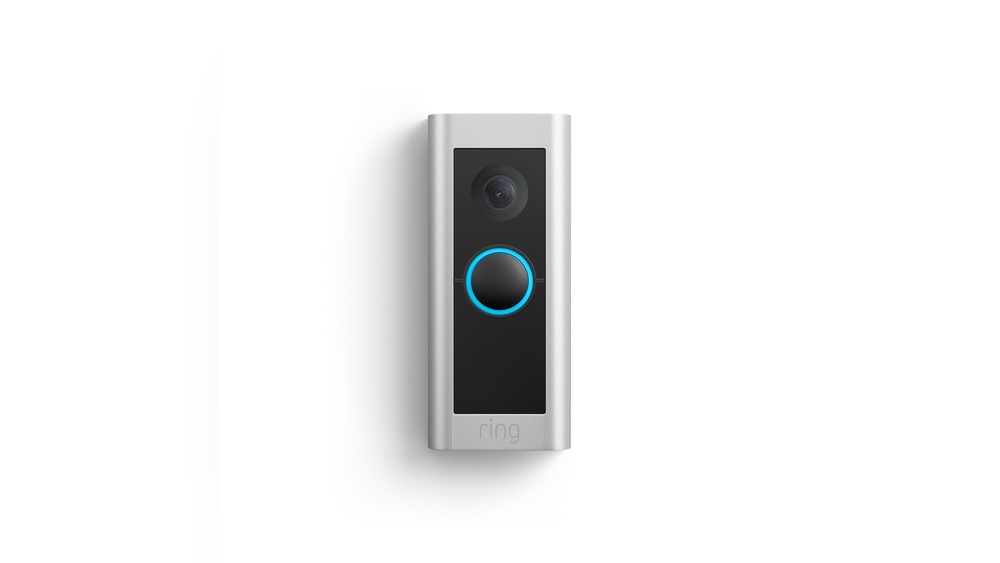
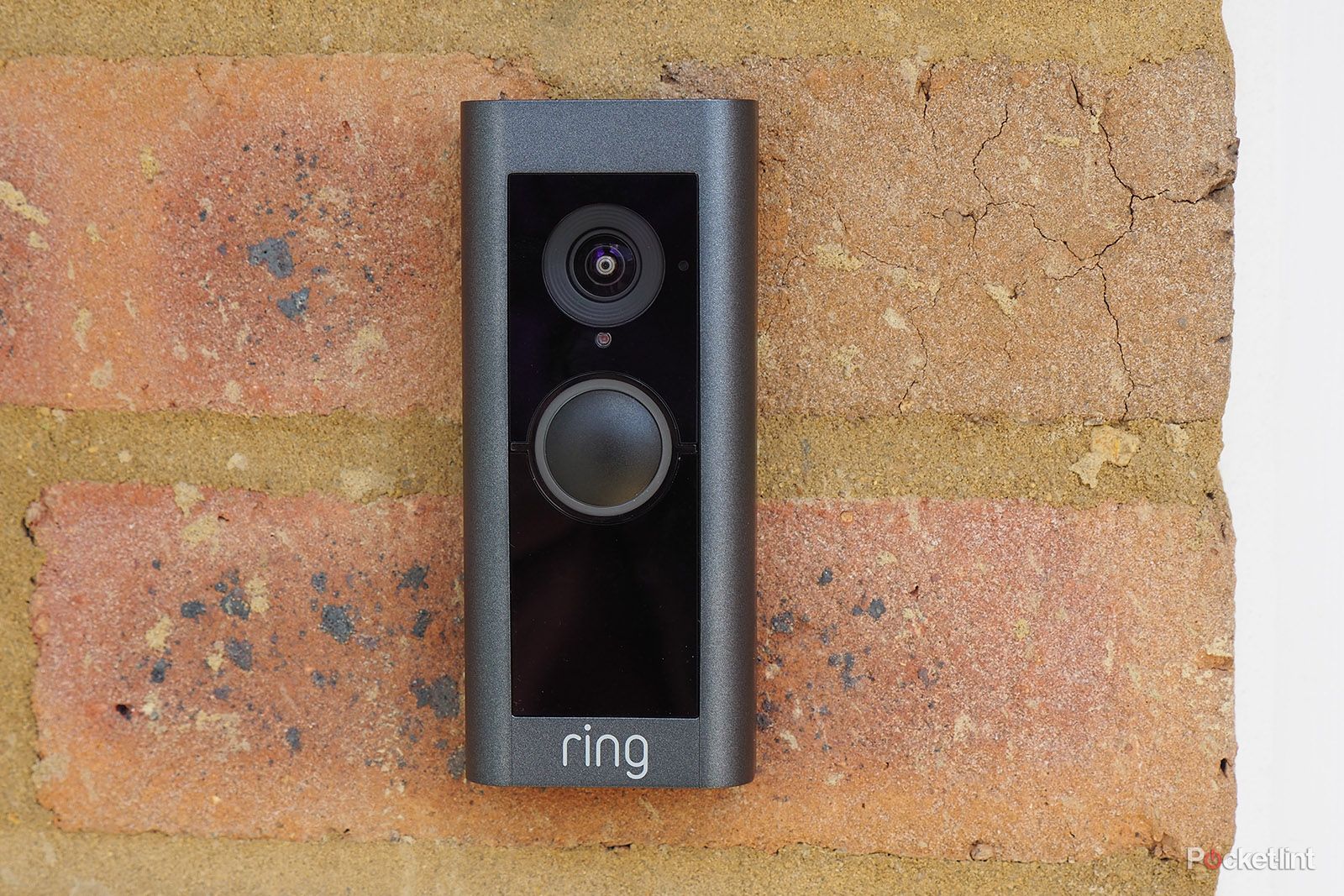
The Ring Video Doorbell Pro has a slim and stylish look. It fits flush against your door frame. The device is made from durable materials to last outdoors. It comes in different finishes to match your home’s style. The small size makes it less noticeable. Installation is simple with the included mounting tools. It connects to your existing doorbell wiring for power.
Camera Specifications
The doorbell has a high-definition camera for clear video. It records in 1080p resolution with sharp detail. The wide-angle lens captures a broad view of your porch. Night vision lets you see visitors in the dark. The camera streams live video to your phone instantly. It also records video clips when motion is detected.
Motion Detection
The device uses advanced sensors to detect motion near your door. You can customize motion zones to reduce false alerts. It sends instant notifications to your phone when it detects activity. The sensitivity settings help you avoid unwanted alerts. Motion detection keeps you informed about visitors or deliveries. It helps prevent unwanted guests from approaching your home.
Two-way Audio
Two-way audio lets you hear and speak to visitors remotely. The built-in microphone and speaker deliver clear sound. You can greet guests or give instructions from your phone. This feature adds convenience and security to your home. It also allows you to warn strangers without opening the door. Communication happens in real-time, making interactions easy.
Installation Process
Installing the Ring Video Doorbell Pro is a straightforward process. It involves a few key steps to get your device up and running quickly. The setup requires some basic tools and careful attention to wiring. Mounting the device securely and connecting it to your Wi-Fi network are essential for proper function.
Required Tools
You will need a screwdriver, a drill with bits, and a level. A power tester helps check the doorbell wiring. A ladder might be necessary depending on your door height. These tools prepare you for a smooth installation.
Wiring Setup
Turn off power at the circuit breaker before starting. Remove the old doorbell if there is one. Connect the existing doorbell wires to the Ring Pro terminals. Use the included screws and wire connectors for secure contact. Check wires for damage or wear before proceeding.
Mounting The Device
Choose a flat surface near your door. Use the mounting bracket as a template for screw holes. Drill pilot holes if needed. Attach the bracket firmly with screws. Snap the Ring Doorbell Pro onto the bracket until it clicks.
Connecting To Wi-fi
Power on the device and open the Ring app on your phone. Follow the in-app instructions to connect to your Wi-Fi network. Enter your network password carefully. Wait for the device to confirm a strong connection. This step allows remote access and notifications.
App Integration
The Ring Video Doorbell Pro connects smoothly with the Ring app. This app allows you to control and monitor your doorbell from anywhere. It brings real-time alerts and video right to your phone. Easy access to features makes home security simple and effective.
Setting Up The Ring App
Download the Ring app from the App Store or Google Play. Create an account or log in if you already have one. Follow the step-by-step instructions to link your Ring Video Doorbell Pro. Connect the doorbell to your Wi-Fi network. The app guides you through testing the video and audio to ensure everything works.
Live Video Streaming
The app offers live video streaming anytime you want. Open the app and tap on your doorbell’s live feed. See who is at your door in real time. The video adjusts for clear viewing on both phones and tablets. You can talk to visitors through the app using two-way audio.
Notification Settings
Customize alerts in the Ring app easily. Choose when and how you get notifications. Turn on motion alerts to know if someone is near your door. Set quiet hours to pause notifications at night. You can receive push notifications or emails based on your preferences.
Cloud Storage Options
The Ring app offers cloud storage for recorded videos. Subscribe to a plan to save and review past footage. Stored videos are available anytime through the app. This helps keep a record of visitors or any suspicious activity. You can download clips or share them if needed.
Credit: yepyep.fr
Smart Home Compatibility
The Ring Video Doorbell Pro fits well into many smart home systems. It can connect to popular voice assistants and other smart devices. This lets you control your doorbell with simple voice commands. It also works smoothly with various home gadgets, making your life easier and safer.
Alexa Integration
The doorbell works perfectly with Amazon Alexa. You can ask Alexa to show your front door camera on Echo Show devices. It also lets you receive notifications through Alexa-enabled devices. This means you can see and talk to visitors without touching your phone.
Google Assistant Support
Google Assistant users can also use the Ring Video Doorbell Pro. You can ask Google to show your front door on smart displays like Google Nest Hub. The doorbell sends alerts that you can hear on Google Assistant speakers. This helps you stay aware of visitors easily.
Works With Other Devices
The doorbell connects with many other smart home gadgets. It can work with smart locks to let in trusted visitors remotely. It also pairs with smart lights to turn on when motion is detected. This creates a safer and more convenient home environment for you.
Security And Privacy
The Ring Video Doorbell Pro offers strong security and privacy features. These protect your personal information and keep your home safe. Understanding these features helps you use the device confidently.
Data Encryption
Data encryption scrambles video and audio before sending it online. This keeps your information safe from hackers. Only authorized users can view your videos. Ring uses advanced encryption standards to secure your data.
User Access Control
User access control limits who can use the doorbell app. You can give permission to family or trusted friends. This stops strangers from seeing your video feed. You control who gets access and can remove users anytime.
Privacy Zones
Privacy zones let you block parts of the camera view. This protects neighbors’ privacy and your own. You can draw zones to hide windows or private areas. The doorbell will not record or alert in these zones.
Troubleshooting Tips
Troubleshooting your Ring Video Doorbell Pro can improve its performance. Problems may occur with connectivity, video quality, or motion detection. Fixing these issues helps keep your home secure and your device working well.
Connectivity Issues
Check your Wi-Fi signal strength near the doorbell. A weak signal causes delays or no connection. Restart your router and the Ring device to refresh the connection. Make sure your Wi-Fi password is correct in the app. Update the Ring app and device firmware regularly. Remove any objects blocking the signal path. If problems persist, move your router closer or use a Wi-Fi extender.
Video Quality Problems
Clean the camera lens gently with a soft cloth. Dirt or smudges blur the video. Adjust the lighting around your front door to reduce glare. Check your internet speed; slow speeds lower video quality. Lower the video resolution in the app settings if your connection is weak. Restart the device to refresh the video stream. Update the firmware to fix bugs affecting video.
Motion Detection Adjustments
Open the Ring app and access motion settings. Adjust the motion zones to focus on important areas. Increase or decrease the motion sensitivity to reduce false alerts. Test your settings by walking in front of the doorbell. Use the “Smart Alerts” feature to ignore certain movements like pets. Save changes and monitor performance for further tweaks.
Maintenance And Updates
Keeping the Ring Video Doorbell Pro in good shape takes some care. Regular maintenance and updates help it work well. It keeps the device secure and responsive. Small tasks can extend its life and improve performance.
Firmware Updates
Firmware updates bring new features and fix bugs. Ring sends these updates automatically through Wi-Fi. Users should keep their doorbell connected to receive updates. Updates improve security and camera functions. Check the Ring app for update notifications.
Cleaning And Care
Dirt and dust can block the camera lens. Clean the lens gently with a soft cloth. Avoid harsh chemicals that may damage the surface. Check the device housing for dirt or spider webs. Clean the sensors and microphone openings carefully.
Battery And Power Management
The Ring Video Doorbell Pro uses a wired power source. It needs a stable power connection to work nonstop. Check wiring periodically to avoid power interruptions. Use the app to monitor battery health if applicable. Proper power management ensures smooth operation day and night.
Credit: www.breezeresidency.com

Credit: www.esseg.eu
Frequently Asked Questions
How Does Ring Video Doorbell Pro Detect Visitors?
The Ring Video Doorbell Pro uses advanced motion sensors to detect visitors. It sends instant alerts to your smartphone. This allows you to see and speak with visitors in real-time from anywhere.
What Power Source Does Ring Video Doorbell Pro Use?
The Ring Video Doorbell Pro is hardwired to your existing doorbell wiring. This ensures continuous power supply without the need for batteries. It provides reliable performance and uninterrupted video streaming.
Can Ring Video Doorbell Pro Record Video Continuously?
No, the Ring Video Doorbell Pro records video only when motion or doorbell press is detected. It saves these clips securely in the cloud for later viewing. Continuous recording is not supported to save storage.
How Does Ring Video Doorbell Pro Connect To Wi-fi?
It connects to your home Wi-Fi network using dual-band 2. 4GHz or 5GHz frequencies. A strong Wi-Fi signal ensures smooth video streaming and faster alerts. Setup is completed easily via the Ring app.
Conclusion
The Ring Video Doorbell Pro helps you see visitors clearly. It sends alerts straight to your phone. You can speak to guests even when you’re away. Installation fits most door frames with ease. The device uses motion sensors to detect activity.
It works with Wi-Fi for smooth video streaming. This doorbell adds security and convenience to your home. Simple to use and reliable day and night. A smart choice for keeping your front door safe.