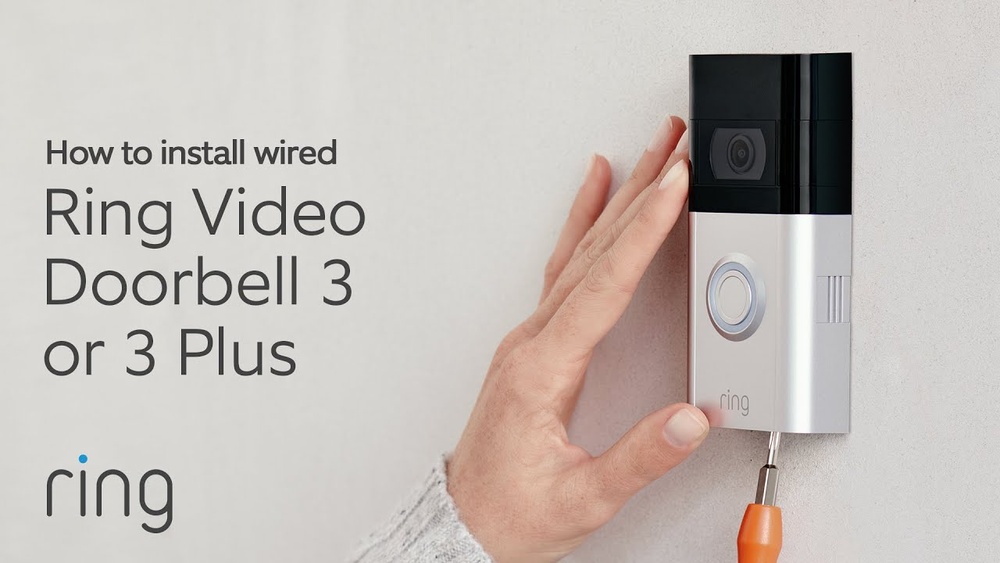

Are you ready to boost your home security with the Ring Video Doorbell 3? Mounting this smart device might seem tricky, but with the right steps, you can do it quickly and easily.
Imagine knowing exactly who’s at your door, no matter where you are. In this guide, you’ll discover simple, clear instructions that make installation stress-free. Keep reading, and you’ll have your Ring Video Doorbell 3 up and running in no time—protecting your home and giving you peace of mind.

Credit: www.amazon.com
Prepare For Installation
Preparing for the installation of your Ring Video Doorbell 3 makes the process smooth and quick. Taking small steps before mounting saves time and avoids mistakes. Start by checking all parts and tools to be sure nothing is missing. Then, charge the battery fully. This ensures your doorbell works right away. Finally, gather all tools you need. Being ready helps you install the device with ease.
Check The Package Contents
Open the box and check all items inside. You should find the Ring Video Doorbell 3, mounting bracket, screws, and anchors. Also, look for the installation tools and a quick start guide. Make sure nothing is missing or damaged. This step helps prevent delays during installation.
Charge The Doorbell Battery
Remove the battery from the doorbell. Use the included USB cable to charge it fully. A full battery lasts longer and avoids interruptions. Charging before installation means no waiting time later. Keep the battery connected until it reaches 100% charge.
Gather Required Tools
Collect all tools needed for mounting. Common tools include a drill, screwdriver, level, and measuring tape. Having these ready helps you work faster. Check the quick start guide for any special tools. Prepare a ladder if you need to reach high places.
Credit: ring.com
Choose The Best Location
Choosing the best location for your Ring Video Doorbell 3 is very important. The right spot helps you see visitors clearly and keeps the device working well. A good location gives a clear view and strong Wi-Fi. It also stops anything from blocking the camera.
Ideal Height And Angle
Place the doorbell about 48 inches from the ground. This height shows faces clearly and catches activity near your door. Tilt the camera slightly down to cover the porch and walkway. Avoid aiming it too high or too low. A good angle helps catch important details.
Wi-fi Signal Strength
Check your Wi-Fi signal near the doorbell spot. The doorbell needs a strong signal to work well. Move closer to your router if the signal is weak. Use a Wi-Fi extender if needed. A strong connection helps the video stream without delays.
Avoiding Obstructions
Keep the doorbell clear from trees, walls, or large objects. These things can block the camera view. They can also weaken the Wi-Fi signal. Make sure nothing covers the lens or motion sensors. Clear space gives better pictures and alerts.
Install The Mounting Bracket
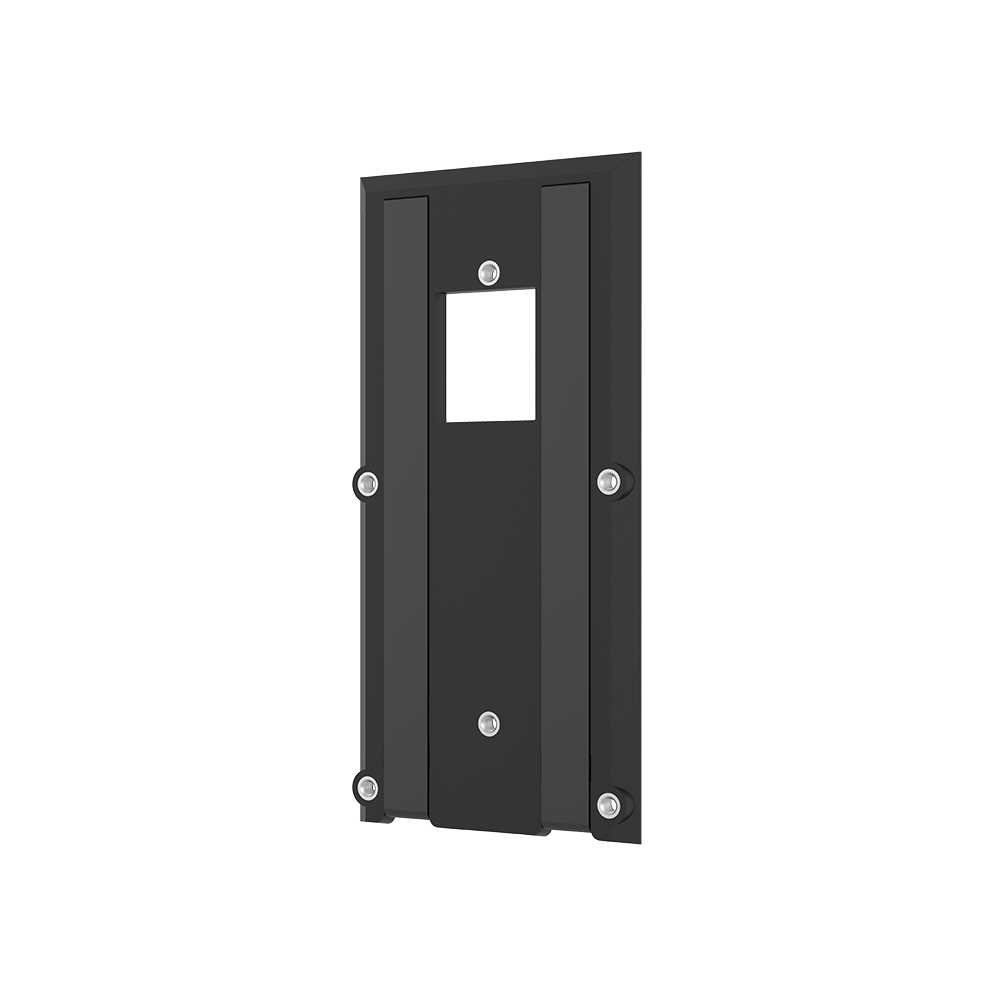
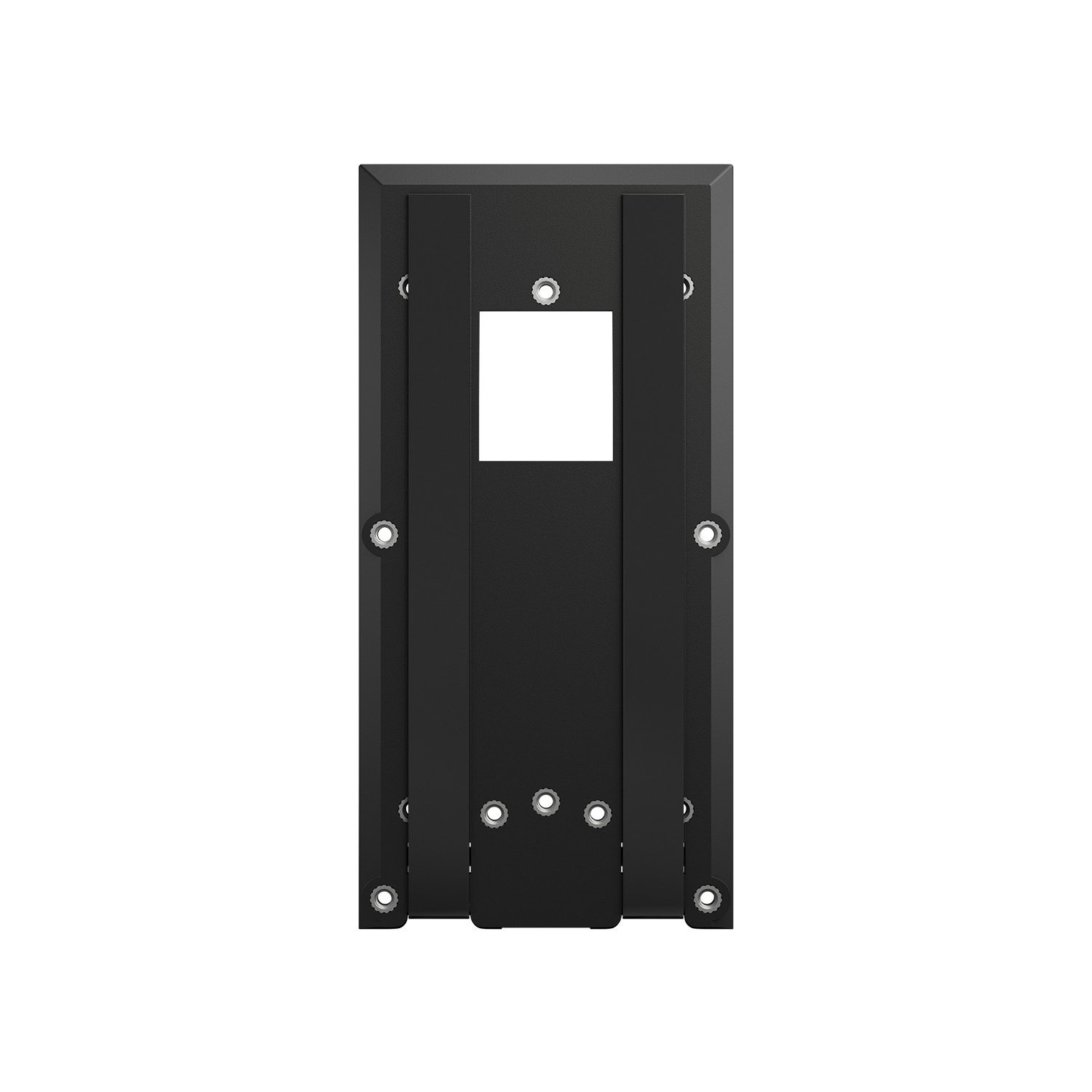
Installing the mounting bracket is the first step to setting up your Ring Video Doorbell 3. This bracket holds the doorbell securely on your wall. A proper installation ensures your doorbell stays in place and works well. Follow these steps carefully to install the bracket correctly.
Marking Drill Points
Hold the mounting bracket against the wall at your chosen spot. Use a pencil to mark the holes where you will drill. Double-check the marks to make sure the bracket will be level. Take your time to get this right. Accurate marks make installation easier.
Drilling And Anchoring
Drill holes where you made the pencil marks. Use a drill bit size that matches the wall anchors. Insert the anchors into the holes. Anchors provide strong support, especially on drywall or brick. Tap them gently with a hammer to fit snugly.
Securing The Bracket
Align the bracket with the drilled holes and anchors. Use screws to fasten the bracket firmly to the wall. Tighten screws until the bracket feels stable. Avoid over-tightening to prevent damage. The bracket should feel solid and ready for your doorbell.
Credit: ring.com
Attach The Doorbell
Attaching the Ring Video Doorbell 3 is a key step in your setup. This process connects the doorbell securely to the mounting bracket. It ensures the device stays in place and works properly. Follow the steps carefully for a smooth attachment.
Aligning With The Bracket
Hold the doorbell close to the bracket on your wall. Line up the bottom of the doorbell with the bottom of the bracket. The edges should match perfectly. This alignment helps the doorbell fit snugly without gaps or loose parts.
Locking Mechanism
Once aligned, gently press the doorbell against the bracket. You will hear a click sound. This means the locking mechanism is engaged. It keeps the doorbell locked firmly, stopping it from falling or being removed easily.
Testing The Fit
After locking, give the doorbell a slight tug. It should not move or feel loose. Check all around the edges for any gaps. A secure fit means your doorbell is ready to use and will stay safe on your door.
Connect To Wi-fi And App
Connecting your Ring Video Doorbell 3 to Wi-Fi and the app is a key step. This allows you to receive alerts and see who is at your door. The process is simple with the right instructions. Follow each step carefully to ensure a smooth setup.
Setting Up Through Ring App
Download the Ring app from the App Store or Google Play. Open the app and create an account or log in. Tap “Set up a Device” and select “Doorbells.” Follow the on-screen prompts to connect your doorbell to Wi-Fi. Choose your home network and enter the password. Wait for the device to connect. The app will confirm when the setup is complete.
Troubleshooting Connection Issues
Make sure your phone is near the doorbell during setup. Check if your Wi-Fi signal is strong at the doorbell’s location. Restart your router if the connection fails. Try rebooting the Ring doorbell by removing and reinserting the battery. Ensure the Wi-Fi password is correct. If problems persist, reset the doorbell and repeat the setup steps.
Customize Settings
Customizing your Ring Video Doorbell 3 settings helps you get the most from your device. These settings let you control how the doorbell reacts to motion and alerts. You can also connect it to other devices to enhance your home security. Each setting can be adjusted quickly and easily through the Ring app.
Adjusting Motion Zones
Motion zones let you choose where the doorbell detects movement. You can create specific areas to watch closely. This reduces false alerts from cars or pets passing by. Open the Ring app, select your doorbell, and tap “Motion Settings.” Next, choose “Motion Zones” to draw the areas you want to monitor. Save your changes to start receiving alerts only from these zones.
Configuring Notifications
Notifications keep you informed about activity at your door. You can turn alerts on or off for different events. This includes motion detection and doorbell presses. In the Ring app, go to “Device Settings” and select “Notifications.” Choose which alerts you want on your phone. Adjust the sound and vibration settings to fit your needs. This way, you only get alerts that matter.
Setting Up Linked Devices
Linking devices lets your Ring doorbell work with other smart home gadgets. For example, you can connect it to smart lights or Alexa. This makes your home more responsive and safer. Open the Ring app and tap “Linked Devices.” Add the devices you want to connect by following the on-screen instructions. Once linked, your devices will work together smoothly.
Maintain Your Doorbell
Maintaining your Ring Video Doorbell 3 keeps it working well for a long time. Regular care helps the doorbell stay clear and responsive. Simple steps ensure your device runs smoothly every day.
Cleaning Tips
Clean the doorbell gently with a soft cloth. Avoid harsh chemicals that can damage the lens. Remove dirt and dust to keep the camera clear. Clean the sensor and button area carefully. Do this at least once a month for best results.
Battery Management
Charge the battery regularly to avoid power loss. Check battery status in the Ring app often. Remove the battery during long periods of non-use. Replace the battery if it no longer holds a charge. Proper battery care extends your doorbell’s life.
Firmware Updates
Keep your doorbell’s software up to date. Updates improve security and add new features. The Ring app will notify you about updates. Install updates as soon as possible. This keeps your doorbell working at its best.
Frequently Asked Questions
How Do I Mount A Ring Video Doorbell 3?
To mount your Ring Video Doorbell 3, first charge the battery. Use the included mounting bracket and screws. Position it near your door at 48 inches height. Secure firmly and connect to Wi-Fi for setup.
What Tools Are Needed To Install Ring Doorbell 3?
You will need a drill, screwdriver, and the mounting screws included. A level and pencil help with precise placement. These tools make installation quick and easy.
Can I Mount Ring Doorbell 3 On Brick Or Stucco?
Yes, use the included anchors and drill appropriate holes. This ensures a secure fit on brick or stucco walls. Follow instructions carefully to avoid damage.
How High Should I Install Ring Video Doorbell 3?
Install the Ring Doorbell 3 at about 48 inches from the ground. This height provides optimal field of view and face detection. It ensures clear video footage.
Conclusion
Mounting your Ring Video Doorbell 3 is simple with clear steps. Choose the right spot near your door for the best view. Use the tools and screws that come with the package. Make sure the doorbell is secure and the battery is charged.
Test the video and motion settings after installation. This setup helps protect your home and keeps you connected. Enjoy peace of mind knowing your entrance is monitored. Stay safe and feel confident every time someone rings your doorbell.