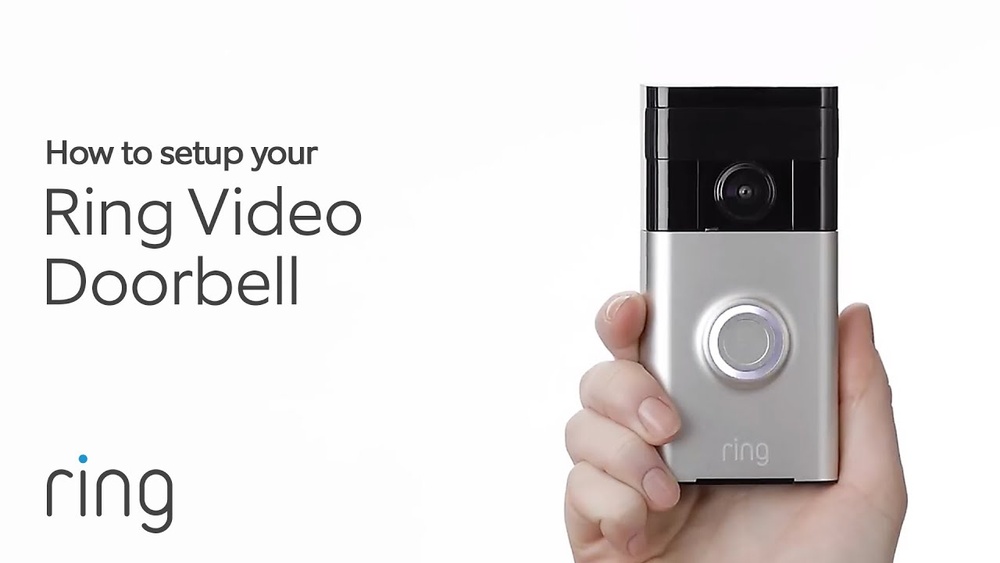

Are you ready to boost your home’s security with a Ring Video Doorbell but not sure where to start? Setting up your device might seem tricky, but it’s simpler than you think.
Imagine being able to see and talk to visitors right from your phone, no matter where you are. In this guide, you’ll get clear, step-by-step instructions to set up your Ring Video Doorbell quickly and easily. Keep reading to take control of your front door and enjoy peace of mind every day.
Choosing The Right Ring Doorbell
Choosing the right Ring Doorbell is the first step to a secure home. The right model fits your needs and lifestyle. This choice affects installation, usage, and features. Understanding options helps you pick the best one.
Wired Vs. Battery-powered Models
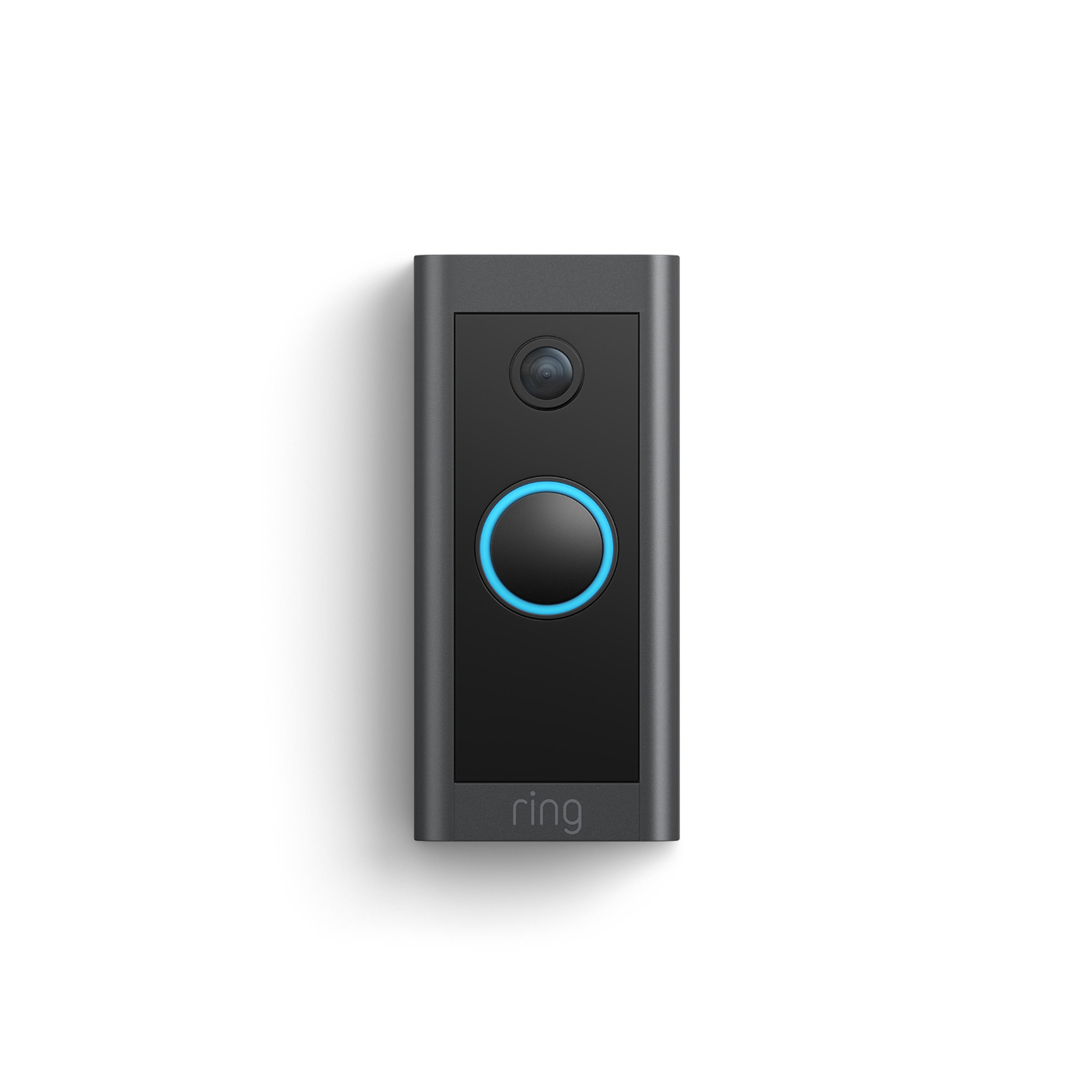
Ring offers two main types: wired and battery-powered. Wired models connect directly to your home’s power. They work continuously without needing a recharge. Battery-powered models run on batteries. You must recharge or replace batteries over time. Battery models are easier to install. No wires mean less hassle. Wired models suit homes with existing doorbell wiring. Battery models fit places without wiring or for renters.
Features To Consider
Look at video quality, field of view, and night vision. Higher video quality shows clearer images. A wide field of view covers more area. Night vision helps see visitors in the dark. Motion detection alerts you to movement. Some models have advanced motion zones to reduce false alerts. Two-way talk lets you speak to visitors remotely. Some models include a siren for added security.
Compatibility With Home Systems
Check if the Ring Doorbell works with your smart home devices. Some models support Alexa for voice commands. Others may integrate with Google Home or Apple HomeKit. Compatibility lets you control the doorbell with your phone or voice. Also, ensure your Wi-Fi is strong enough to support video streaming. A stable connection keeps your doorbell working smoothly.
Credit: www.esseg.eu
Gathering Necessary Tools
Before installing your Ring Video Doorbell, gather all the tools you need. Having the right tools ready makes the setup fast and smooth. This step saves time and avoids frustration during installation.
What Comes In The Box
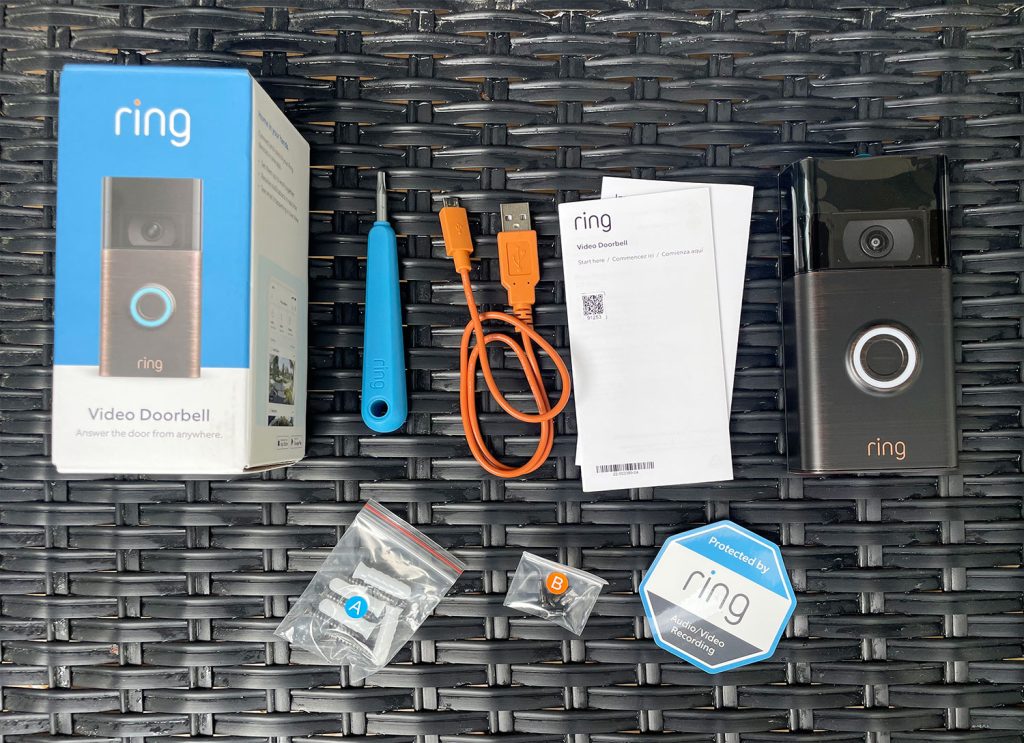
The Ring Video Doorbell package includes the doorbell device itself. You get a mounting bracket to attach the doorbell to the wall. The box has screws and wall anchors for secure fixing. A drill bit is also included for making holes. A screwdriver bit fits your drill for easy installation. The package has a quick start guide with clear steps. These items cover most basic installation needs.
Additional Tools You Might Need
You may need extra tools depending on your door frame or wall. A cordless drill helps speed up the process. A level tool keeps the doorbell straight on the wall. Wire strippers are useful if you connect to existing doorbell wiring. A tape measure ensures correct height placement. A pencil helps mark drill points on the wall. Keep a ladder handy if your doorbell mounts high. These tools help make your setup precise and secure.
Preparing Your Doorway
Preparing your doorway is the first step to install a Ring Video Doorbell. It ensures the device works well and keeps your home safe. Take time to pick the right spot. Also, check your Wi-Fi signal. These steps help your doorbell connect and record clearly.
Selecting The Best Mounting Location
Choose a spot near your main entrance. The doorbell should be at eye level. This height captures faces clearly. Avoid placing it too high or too low. Check for any obstacles that block the camera view. Make sure the area is well lit. Bright light helps the camera record better. Also, avoid direct sunlight to prevent glare. Pick a place where the doorbell is easy to reach.
Checking Wi-fi Signal Strength
Strong Wi-Fi is vital for your Ring Doorbell. Weak signal causes delays or poor video quality. Test the Wi-Fi signal at your chosen spot. Use a phone or laptop to check connection speed. Look for at least two bars of signal. If the signal is weak, try moving your router closer. Consider a Wi-Fi extender if needed. Good connection keeps your doorbell working smoothly.
:strip_icc()/BHG-how-to-install-video-doorbell-6833360-part-01-step-05_30445-c97141832b6541158a12194e97fccded.jpg)
Credit: www.vicentetorns.com
Installing The Doorbell
Installing the Ring Video Doorbell is a simple process. It involves a few key steps to ensure the device works perfectly. This section guides you through mounting the bracket, attaching the doorbell, and securing it with screws.
Mounting The Bracket
Start by selecting a spot near your front door. Use the included level to keep the bracket straight. Mark the screw holes on the wall with a pencil. Drill small holes where you marked. Insert wall anchors if you are mounting on drywall. Attach the bracket with the screws provided. Make sure the bracket is stable and secure.
Attaching The Doorbell Unit
Align the doorbell unit with the mounted bracket. The doorbell should click into place easily. Press firmly to ensure it fits well. Check that the camera faces outward clearly. The unit must sit flush against the wall for the best view.
Securing With Screws
Use the security screws included in your package. These screws lock the doorbell to the bracket. Tighten the screws with a screwdriver. This step prevents theft or accidental removal. Confirm the doorbell is tightly fixed before finishing.
Setting Up The Ring App
Setting up the Ring app is the first step to use your Ring Video Doorbell. It helps you control the doorbell from your phone. You can see visitors, get alerts, and customize settings easily.
The app connects your phone to the doorbell. It makes sure you never miss a visitor or package. Follow the simple steps below to get started quickly.
Creating An Account
Download the Ring app from the App Store or Google Play. Open the app and tap on “Create Account.” Enter your email and create a strong password. Confirm your password and agree to the terms. You will receive a verification email. Open it and verify your account. This step keeps your doorbell secure.
Connecting The Doorbell To Wi-fi
After logging in, select “Set Up a Device.” Choose “Doorbells” from the list. The app will ask you to press the button on your Ring Doorbell. Follow the instructions to connect to your home Wi-Fi. Enter your Wi-Fi password carefully. Wait for the app to confirm the connection. A strong Wi-Fi signal is important for good video quality.
Customizing Notifications
Go to the app settings and tap “Devices.” Select your Ring Doorbell. Tap “Notification Settings.” Choose how you want to get alerts: push notifications, email, or both. You can turn on motion alerts or only doorbell presses. Adjust the alert tone and vibration. Custom settings help you stay aware without too many interruptions.
Testing Your Doorbell
Testing your Ring Video Doorbell is an important step after installation. It ensures your device works correctly and keeps your home safe. This step helps you find any issues early. Check both the video and audio quality. Also, verify the motion detection feature. This way, you get the best performance from your doorbell.
Checking Video And Audio Quality
Start by opening the Ring app on your phone. Press the doorbell button or use the live view option. Look at the video stream for clear and sharp images. Make sure the camera angle covers your doorway fully. Check the lighting in day and night conditions.
Next, test the audio by speaking into the doorbell. Listen carefully to the sound on your phone. It should be clear without echoes or static. Also, check if the person at the door can hear you well. Adjust the volume settings in the app if needed.
Verifying Motion Detection
Walk in front of your doorbell to trigger the motion sensor. Watch the app to see if it alerts you quickly. Test from different distances and angles. Check if the doorbell detects motion only in the set zones.
Adjust the motion sensitivity in the app to reduce false alerts. Make sure it picks up real visitors, not passing cars or pets. Testing motion detection helps you avoid missing important events.
Troubleshooting Common Issues
Setting up a Ring Video Doorbell can be simple, but some common issues may arise. Troubleshooting helps fix these problems quickly. This section covers frequent troubles and easy ways to solve them.
Wi-fi Connection Problems
Wi-Fi problems are common with video doorbells. Check if your Wi-Fi signal is strong near the doorbell. Move your router closer or use a Wi-Fi extender. Restart your router and the Ring device. Make sure your Wi-Fi password is correct. The doorbell needs a stable connection to work well.
App Notification Delays
Notifications may arrive late or not at all. Ensure your phone’s app has permission to send alerts. Close and reopen the Ring app to refresh it. Check your phone’s internet connection. Update the app to the latest version. Clear the app cache if delays continue.
Power And Battery Concerns
Power issues can cause your doorbell to stop working. Charge the battery fully before installation. Replace old batteries with new ones if needed. For wired models, check the wiring and power supply. Avoid extreme weather that may affect battery life. Regular charging keeps your device reliable.
Enhancing Your Security Setup
Enhancing your security setup with a Ring Video Doorbell adds a new layer of protection to your home. It not only lets you see visitors but also helps you control security from anywhere. Setting up extra features makes your system smarter and more effective. Simple steps can connect your doorbell to other devices and services. This makes home security easier and more reliable every day.
Integrating With Other Smart Devices
Your Ring Video Doorbell works well with many smart home devices. Connect it to smart lights to turn on automatically when motion is detected. Pairing with smart locks lets you control door access remotely. Use voice assistants like Alexa or Google Assistant to get alerts hands-free. These connections create a secure and convenient home environment. They help you respond faster and keep your property safer.
Using Ring Protect Plans
Ring Protect Plans offer video recording and sharing features. They save your doorbell videos for later review. This is useful for checking missed visitors or suspicious activities. Plans include options for photo capture and extended warranties. Choosing a plan gives you better control and peace of mind. It ensures you never miss important moments at your doorstep.
Credit: www.younghouselove.com
Frequently Asked Questions
How Do I Install A Ring Video Doorbell?
To install, mount the doorbell using the provided screws and bracket. Connect it to your Wi-Fi through the Ring app. Follow the in-app setup instructions for optimal performance and device registration.
What Wi-fi Speed Is Needed For Ring Doorbell?
A minimum of 2 Mbps upload speed is recommended. Stable Wi-Fi ensures clear video streaming and quick notifications. Test your connection near the installation spot before setup.
Can I Use Ring Doorbell Without Existing Doorbell Wiring?
Yes, Ring Doorbells can work with battery power only. Simply charge the battery and install the device wire-free. You will still receive all notifications and video features.
How Do I Connect Ring Doorbell To My Phone?
Download the Ring app from your app store. Create an account or log in. Follow the app prompts to link your Ring Doorbell via Wi-Fi and start using it instantly.
Conclusion
Setting up a Ring Video Doorbell is simple and quick. Follow each step carefully for best results. Make sure your Wi-Fi works well during installation. Test the doorbell after setup to confirm it works. Enjoy the added security and peace of mind.
Stay connected to your home anytime, anywhere. A well-installed Ring Doorbell keeps you safe and aware. This small device makes a big difference.