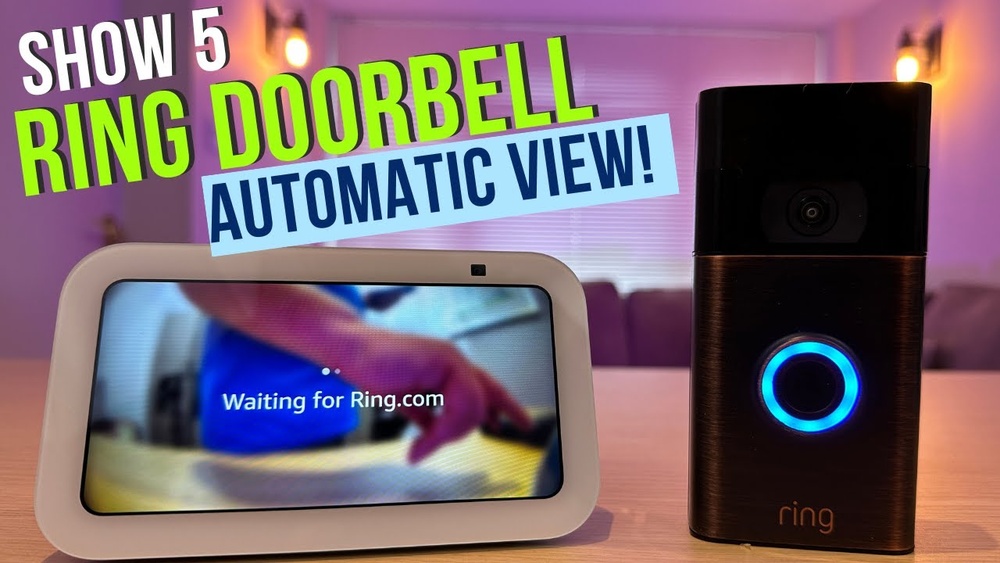

Imagine hearing your front doorbell and instantly seeing who’s there without leaving your seat. If you have a Ring Video Doorbell and an Echo Show, you’re just a few simple steps away from making this a reality.
Connecting these two devices not only boosts your home’s security but also adds convenience to your daily life. In this guide, you’ll discover exactly how to link your Ring Video Doorbell to your Echo Show quickly and easily. Ready to take control of your home’s entryway with just your voice?
Let’s dive in!
Requirements For Connection
Connecting your Ring Video Doorbell to your Echo Show is simple. A few key requirements must be met first. These requirements ensure smooth setup and reliable performance. Check your devices and accounts before starting.
Compatible Devices
Not all devices work together. Your Ring Video Doorbell must be a supported model. Most newer Ring doorbells are compatible. The Echo Show should be any generation with Alexa built-in. Verify device compatibility on official sites.
Stable Wi-fi Network
A strong and stable Wi-Fi network is crucial. Both Ring and Echo Show connect via Wi-Fi. Weak signals cause delays or failures. Use a network with at least 2.4 GHz frequency. Avoid interruptions during setup and use.
Ring And Alexa Accounts
Active Ring and Amazon Alexa accounts are necessary. Sign up on Ring’s app for your doorbell. Create an Amazon account to use Alexa services. Link these accounts during the connection process. This allows communication between devices.
Credit: www.asurion.com
Setting Up Ring Video Doorbell
Setting up your Ring Video Doorbell is the first step to enjoy its smart features. This process helps you connect the device to your home network and customize its functions. Proper setup ensures smooth use with your Echo Show.
Follow simple steps to install the app and configure settings. This lets you control your doorbell easily and receive alerts on your Echo Show screen.
Installing The Ring App
Start by downloading the Ring app from the App Store or Google Play. Open the app and create an account or log in if you already have one. The app guides you through the setup process.
Turn on your Ring Video Doorbell. Use the app to connect the doorbell to your Wi-Fi network. Make sure your phone stays close to the doorbell during setup.
Configuring Doorbell Settings
After installation, customize the doorbell settings in the app. Set up motion detection zones to reduce false alerts. Adjust the alert tones and volume for your preference.
Enable notifications to get alerts on your phone and Echo Show. Test the doorbell by pressing the button and checking the live video feed in the app.
Preparing Echo Show
Preparing your Echo Show is a key step before connecting it to your Ring Video Doorbell. This ensures smooth setup and reliable performance. Taking a few minutes to get your device ready can save time later.
Focus on updating software and checking settings. These actions help your Echo Show work well with the Ring Doorbell. Ready your device now to enjoy clear video and voice features.
Ensuring Software Updates
Keep your Echo Show software up to date. Updates fix bugs and improve compatibility. Open the device settings and select “Device Options.” Choose “Check for Software Updates” to see if new versions are available.
Install any updates before linking your Ring Doorbell. Updated software helps avoid connection problems. It also enhances security and adds new features to your Echo Show.
Checking Device Settings
Verify your Echo Show settings for optimal use. Confirm the device is connected to a strong Wi-Fi network. Poor connection can cause delays or disconnections.
Ensure the microphone and camera are enabled. These are needed for two-way communication with the Ring Doorbell. Check privacy settings to allow video and audio access for Ring.
Adjust volume levels to hear visitors clearly. Setting permissions properly ensures the Echo Show and Ring Doorbell work together without issues.

Credit: vicentetorns.com
Linking Ring With Alexa
Linking your Ring Video Doorbell with Alexa lets you control your doorbell using voice commands. You can see who is at the door on your Echo Show screen. This connection makes home security easier and more convenient. Follow these steps to link your Ring with Alexa smoothly.
Enabling Ring Skill
Open the Alexa app on your smartphone or tablet. Tap the menu icon and select “Skills & Games.” Use the search bar to find the “Ring” skill. Tap “Enable to Use” to add it to your Alexa account. This skill lets Alexa communicate with your Ring devices.
Authorizing Account Access
After enabling the skill, you must connect your Ring account. Enter your Ring login details to authorize access. This step allows Alexa to control and display your Ring Video Doorbell. Once authorized, Alexa can show live video and send doorbell alerts to your Echo Show.
Connecting Doorbell To Echo Show
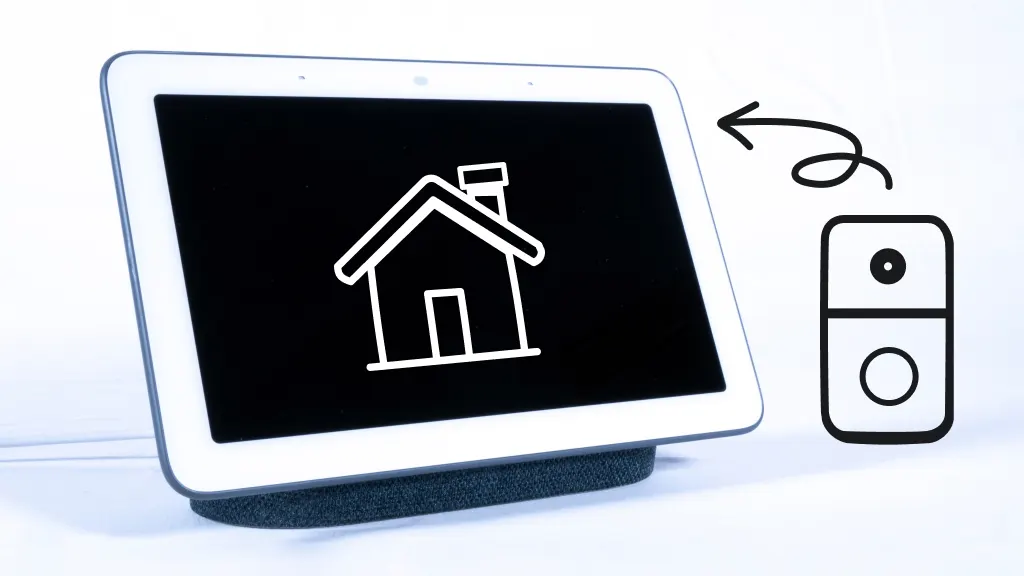
Connecting your Ring Video Doorbell to your Echo Show brings convenience to your home security. This setup lets you see and talk to visitors right from your Echo Show screen. The process is simple and takes only a few steps.
Discovering Devices
Start by opening the Alexa app on your phone. Tap on the Devices tab at the bottom. Select the “+” icon to add a new device. Choose “Doorbell” or “Ring” from the list of device types. Alexa will scan and find your Ring Video Doorbell automatically. Ensure your doorbell is powered and connected to Wi-Fi. Once detected, tap the device name to connect it.
Assigning To Groups
After connecting, assign the doorbell to a group. Groups help manage devices in specific rooms or areas. In the Devices tab, pick the doorbell, then tap “Edit” or “Assign Group.” Select an existing group like “Front Door” or create a new one. This organization allows your Echo Show to show notifications in the right place. It also helps control multiple devices easily.
Using Echo Show With Ring Doorbell
Using Echo Show with Ring Doorbell makes your home safer and smarter. It lets you see who is at your door without moving from your spot. The Echo Show’s screen works perfectly with Ring’s video feed. This section explains how to use these devices together.
Viewing Live Video
Say, “Alexa, show me the front door.” The Echo Show opens the live video from your Ring Doorbell. You can watch visitors or check packages anytime. The video is clear and updates in real time. No need to open your phone or Ring app.
Receiving Doorbell Notifications
Your Echo Show will alert you when someone presses the doorbell. A chime sounds, and a message appears on the screen. You see who is there without walking to the door. This feature helps you respond quickly and stay aware.
Answering Calls
Talk to visitors through the Echo Show’s built-in speaker and microphone. Say, “Alexa, answer the front door.” You can ask who they are or give instructions. It works like an intercom, letting you communicate safely from inside.
Troubleshooting Tips
Troubleshooting helps fix common problems with your Ring Video Doorbell and Echo Show. It saves time and keeps your devices working smoothly. Below are easy tips for common issues.
Connection Issues
Check your Wi-Fi signal strength near both devices. Weak signals cause connection failures. Restart your router and Echo Show. Make sure your Ring app is updated. Use the same Wi-Fi network for both devices. Reset your Ring Doorbell if needed.
Notification Problems
Verify that notifications are enabled in the Ring app. Check Echo Show’s settings for announcements. Silence or Do Not Disturb mode can block alerts. Ensure your device volume is up. Log out and log back into your Amazon account. Update the Ring skill in the Alexa app.
Video Streaming Errors
Slow internet speed causes video lag or freezing. Close other apps using bandwidth. Restart your Echo Show and Ring Doorbell. Clear cache in the Alexa app. Confirm your Ring subscription is active if required. Move devices closer to the router for better streaming.

Credit: www.youtube.com
Frequently Asked Questions
How Do I Connect Ring Video Doorbell To Echo Show?
Open the Alexa app, tap Devices, then Echo & Alexa. Select your Echo Show. Choose “Set Up a Device” and select Ring. Follow the in-app instructions to link your Ring account with Alexa.
Can I View Ring Doorbell Video On Echo Show?
Yes, after linking your Ring account, say “Alexa, show front door. ” Your Echo Show will stream the live video from the Ring doorbell instantly.
Does Echo Show Support Two-way Audio With Ring Doorbell?
Yes, Echo Show supports two-way audio. You can talk to visitors through the doorbell using voice commands via your Echo Show.
What If Echo Show Doesn’t Detect My Ring Doorbell?
Ensure both devices use the same Wi-Fi network. Restart the Echo Show and Ring app. Re-link the devices via the Alexa app if needed.
Conclusion
Connecting your Ring Video Doorbell to Echo Show is simple and useful. You can see visitors without leaving your spot. Just follow the steps carefully and check your settings. This setup helps keep your home safer and more connected. Enjoy the convenience of seeing and talking to guests through your Echo Show.
Keep your devices updated for the best experience. Now, your smart home feels more complete and easy to use.