
Are you worried about how much data your video doorbell might be using? You’re not alone.
If you rely on a video doorbell to keep your home safe, understanding its data consumption is key. Too much data use could slow down your internet or lead to extra charges. But how much data does a video doorbell actually use?
You’ll discover simple answers and easy tips to manage your data without losing the security you need. Keep reading to learn how to protect your home without draining your data plan.
Data Usage Factors
Several factors affect how much data a video doorbell uses. Each element changes the total data consumption. Understanding these helps control data use and costs.
Small changes can lead to big differences in data usage. Knowing what to watch can save you data every day.
Video Resolution And Quality
Higher video resolution means clearer images. More pixels require more data to stream. For example, 1080p video uses twice the data of 720p. Choosing a lower resolution saves data but lowers image sharpness.
Frame Rate Impact
Frame rate shows how many images show per second. Higher frame rates create smoother video. More frames mean more data is sent. Reducing frame rate cuts data use but can make video less smooth.
Audio Streaming Effects
Audio adds to total data use. Streaming sound requires extra data alongside video. Turning off audio reduces data by a small but useful amount. Clear audio can help but costs more data.
Motion Detection And Alerts
Motion detection triggers recording only when movement occurs. This saves data compared to continuous recording. Alerts send short video clips or images. Frequent alerts can increase data use quickly. Adjusting sensitivity controls data use well.

Credit: www.backstreet-surveillance.com
Daily And Monthly Data Estimates
Understanding daily and monthly data use helps manage your internet plan better. Video doorbells send video and audio files over your network. These files take up different amounts of data depending on usage. Knowing typical data consumption aids in avoiding unexpected charges.
Typical Usage Scenarios
Data use changes based on how often your doorbell records. If it records a few events a day, data use stays low. Frequent visitors or package deliveries increase data use. Watching live video also adds to daily data consumption. Typical daily use ranges from 50 MB to 200 MB. Monthly data can range between 1.5 GB and 6 GB.
Continuous Vs Event-based Recording
Continuous recording uses more data than event-based recording. It streams video all the time, even when nothing happens. Event-based only records when motion or sound triggers it. Event-based recording can cut data use by up to 80%. Continuous recording may use over 2 GB per day. Event-based recording usually stays under 500 MB daily.
Cloud Storage Considerations
Many video doorbells store footage in the cloud. Cloud storage requires data to upload videos regularly. Higher video quality increases data use for cloud uploads. Storing longer video history needs more cloud space and data. Some services offer limited free storage with data caps. Paid plans allow more storage but may increase monthly data use.
Bandwidth Requirements
Video doorbells need a certain amount of bandwidth to work well. Bandwidth is the data your internet can send and receive. Knowing the bandwidth requirements helps you avoid slow video and missed alerts.
Different video doorbells use different amounts of data. Factors like video quality and streaming time affect how much bandwidth you need.
Upload Speed Needs
Upload speed is how fast your home sends data to the internet. Video doorbells need good upload speed to send live video clearly. A slow upload speed causes choppy video or delays. Most doorbells need at least 1 Mbps upload speed for smooth video.
Wi-fi Network Stability
A stable Wi-Fi connection keeps your video doorbell working well. If Wi-Fi drops often, the video feed may freeze or disconnect. Place the doorbell close to your router or use Wi-Fi extenders. This reduces interruptions and keeps video streaming steady.
Impact On Home Internet
Video doorbells use your home internet data. If many devices use the internet at once, speeds can slow down. Streaming video takes more bandwidth than other activities. This might affect your internet use during busy times.
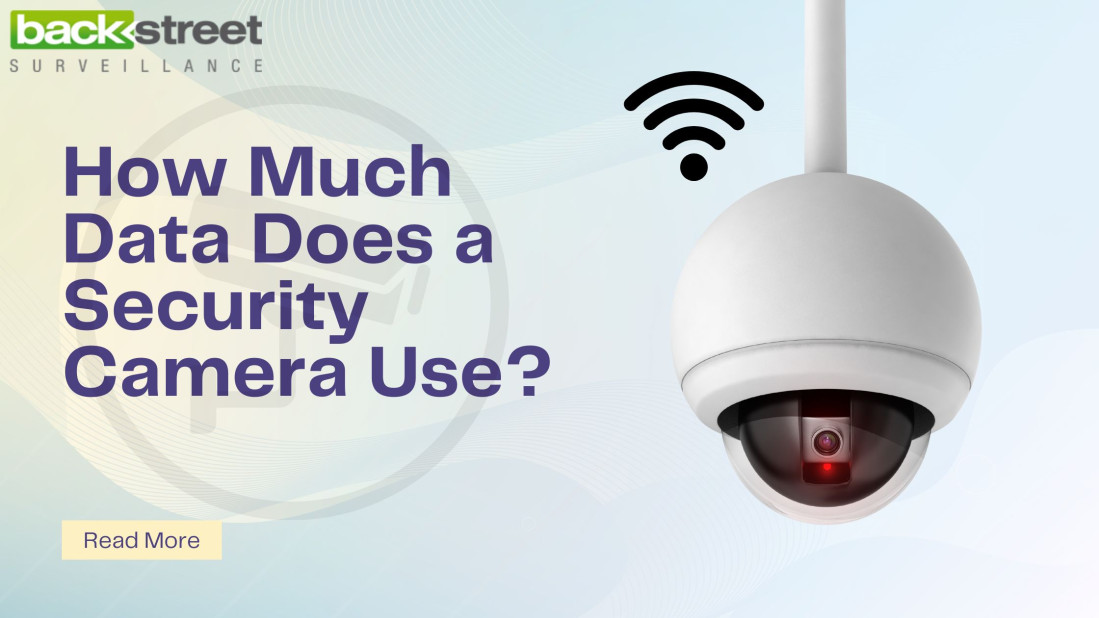
Credit: www.backstreet-surveillance.com
Managing Data Consumption
Managing data use is very important for video doorbell owners. These devices send video and audio over the internet. This can use a lot of data quickly. Controlling how much data your doorbell uses saves your internet plan. It also helps keep your costs low.
There are easy ways to lower data use. You can change settings to suit your needs. Small changes can make a big difference in data use. Here are some tips to manage your video doorbell’s data consumption.
Adjusting Video Quality Settings
Most video doorbells allow you to change video quality. Lower quality means less data used. You can choose between HD, standard, or low resolution. Pick a lower setting for less data use. This still lets you see visitors clearly.
Check your doorbell app for video quality options. Adjust these settings depending on your data limit. It can reduce data use by half or more.
Scheduling Recording Times
Set your doorbell to record only during certain times. This stops it from using data all day. Record only when you expect visitors or activity. For example, during the day or evening hours.
Use your app to create a recording schedule. This limits data use and still keeps your home safe. It also reduces unnecessary recordings and data uploads.
Using Local Storage Options
Some video doorbells offer local storage. This means videos save on a memory card or hub. Local storage does not use internet data for saving files. You can watch videos without using data.
Check if your doorbell supports local storage. Use it to lower your monthly data use. It also gives you quick access to recorded videos.
Comparing Popular Video Doorbells
Choosing a video doorbell means thinking about data use. Different brands use different amounts of data. This affects your internet and costs. Understanding these differences helps pick the right doorbell for your home.
Below, we compare popular video doorbells by their data use, features, and costs. This helps you see what fits your needs and budget.
Data Usage By Brand
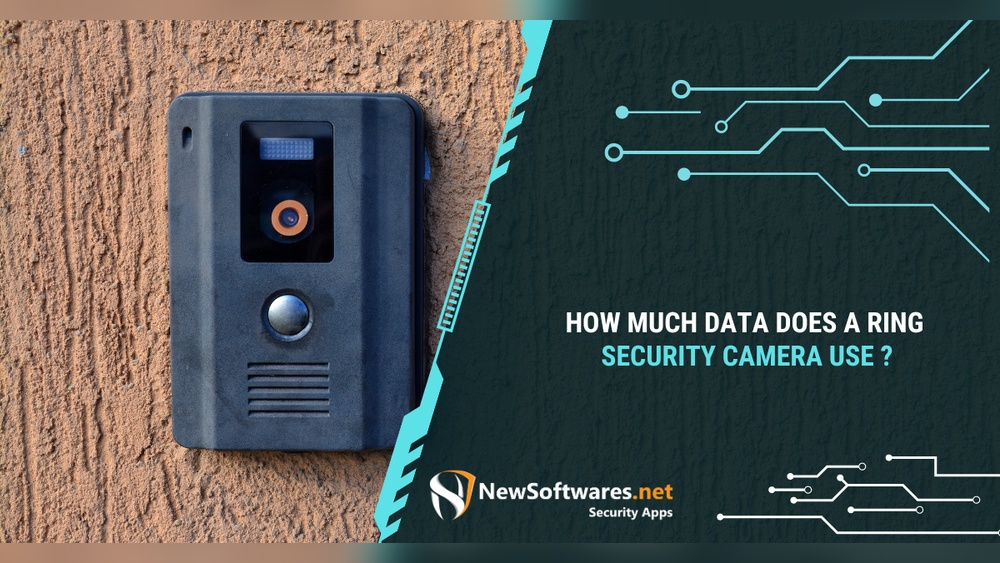
Ring doorbells use about 150 MB per hour of live video streaming. Nest doorbells can use up to 200 MB per hour due to higher video quality. Arlo doorbells use around 120 MB per hour, balancing quality and data. These numbers change with video resolution and activity.
Feature Differences Affecting Data
Higher video resolution means more data use. Motion detection settings impact data too. Continuous recording uses more data than event-only recording. Two-way audio adds a small amount of data. Cloud storage options vary and affect data consumption.
Cost Vs Data Efficiency
Some brands charge more for unlimited cloud storage. Cheaper models may limit video history to save data. Paying for better plans often means more data use allowed. Choosing a plan depends on how much video you watch. Saving data can lower your internet bills.
Security And Privacy Implications
Video doorbells capture important data to keep homes safe. This data includes video footage, audio, and device activity. Handling this data properly matters for your privacy and security. Understanding how video doorbells protect or expose your information helps you make smart choices.
Data Encryption Practices
Data encryption keeps your information safe. It scrambles video and audio so only authorized users can see them. Strong encryption stops hackers from accessing your doorbell’s data. Many brands use end-to-end encryption for extra security. Without encryption, your personal footage could be exposed online.
Risks Of Data Overuse
Video doorbells use data to send alerts and store videos. Excessive data use may drain your internet and slow down your network. Some devices upload footage to cloud servers constantly. This can raise privacy risks if the company mismanages data. Too much data sharing might also attract cyber threats.
User Control Over Data
Users should control what data the doorbell collects. Many models allow you to adjust settings for video recording and sharing. You can delete old videos or choose not to save some clips. Clear privacy settings help limit data exposure. Always review and update your preferences regularly.
Credit: www.newsoftwares.net
Frequently Asked Questions
How Much Data Does A Video Doorbell Use Daily?
A video doorbell uses about 150MB to 1GB of data daily. Usage depends on video quality, streaming time, and motion alerts. Higher resolution and continuous streaming increase data consumption significantly.
Does Video Quality Affect Data Usage On Doorbells?
Yes, higher video quality increases data usage. HD and 4K videos consume more data than standard definition. Adjusting video quality settings can help manage your data plan effectively.
How Can I Reduce My Video Doorbell’s Data Usage?
Reduce data usage by lowering video resolution and limiting live streaming. Disable continuous recording and adjust motion sensitivity for fewer alerts. Use Wi-Fi instead of cellular data for better control.
Is Wi-fi Or Cellular Better For Video Doorbell Data?
Wi-Fi is better for video doorbells as it offers stable, unlimited data. Cellular connections may have data caps and higher costs. Use Wi-Fi to avoid excessive data charges and ensure smooth video streaming.
Conclusion
Video doorbells use different amounts of data depending on settings. Streaming live video uses more data than simple alerts. Lower video quality saves data but may reduce clarity. Knowing your doorbell’s data use helps manage your internet plan. Choose settings that balance video quality and data use.
This keeps your home secure without extra internet costs. Understanding data use avoids surprises on your bill. Smart choices make your video doorbell both efficient and reliable.