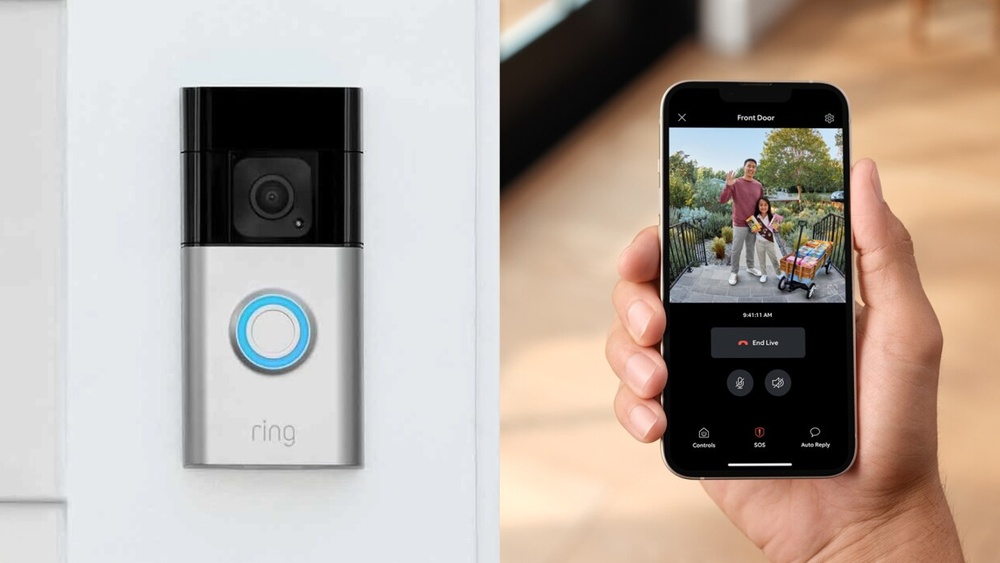

Have you ever wondered who’s at your door before you even open it? A Ring Video Doorbell lets you see, hear, and speak to visitors right from your phone.
Imagine the peace of mind knowing you can check on packages, greet guests, or spot strangers, no matter where you are. You’ll discover exactly what a Ring Video Doorbell is, how it works, and why it might be the smart upgrade your home needs.
Keep reading to find out how this simple device can make your life safer and more convenient.
Ring Video Doorbell Basics
The Ring Video Doorbell is a smart device that helps you see and talk to visitors at your door. It works like a traditional doorbell but with added security features. You can watch live video, receive alerts, and speak through your phone or tablet. This technology makes your home safer and more connected.
Understanding the basics of the Ring Video Doorbell helps you decide if it fits your needs. It combines convenience and security in one small device. Below are key details about its features, how it works, and the different models available.
Key Features
The Ring Video Doorbell has a built-in camera that records video in HD quality. It detects motion and sends alerts to your phone. You can see and speak to visitors using two-way audio. Night vision helps you see clearly in the dark. The device connects to Wi-Fi for easy remote access. It also stores video clips for later review.
How It Works
The doorbell connects to your home Wi-Fi network. When someone presses the button or triggers motion detection, you get an instant alert. Open the app on your phone to see live video and talk to visitors. The device uses a rechargeable battery or connects to existing doorbell wiring for power. All interactions happen through the Ring app, which is simple to use.
Different Models
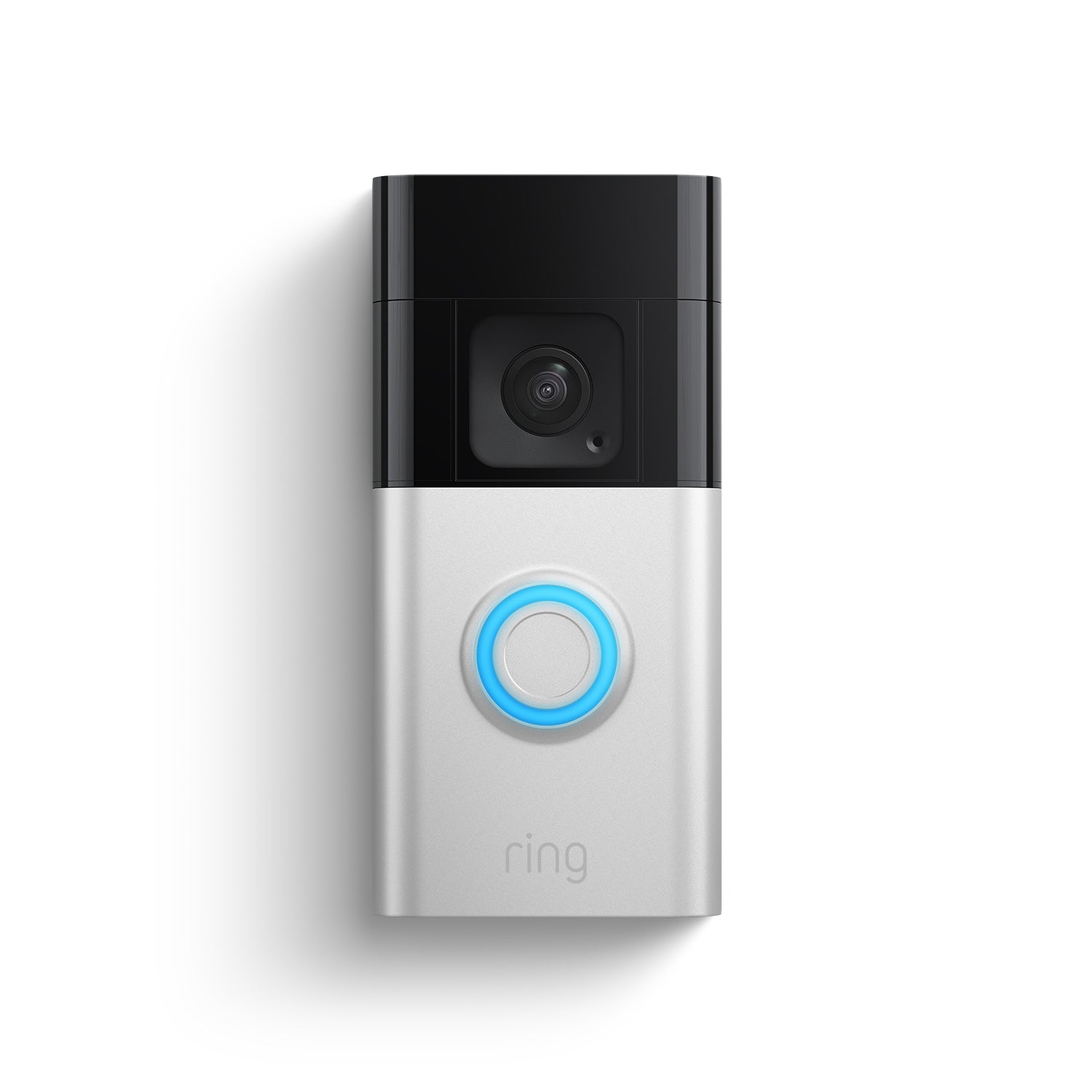
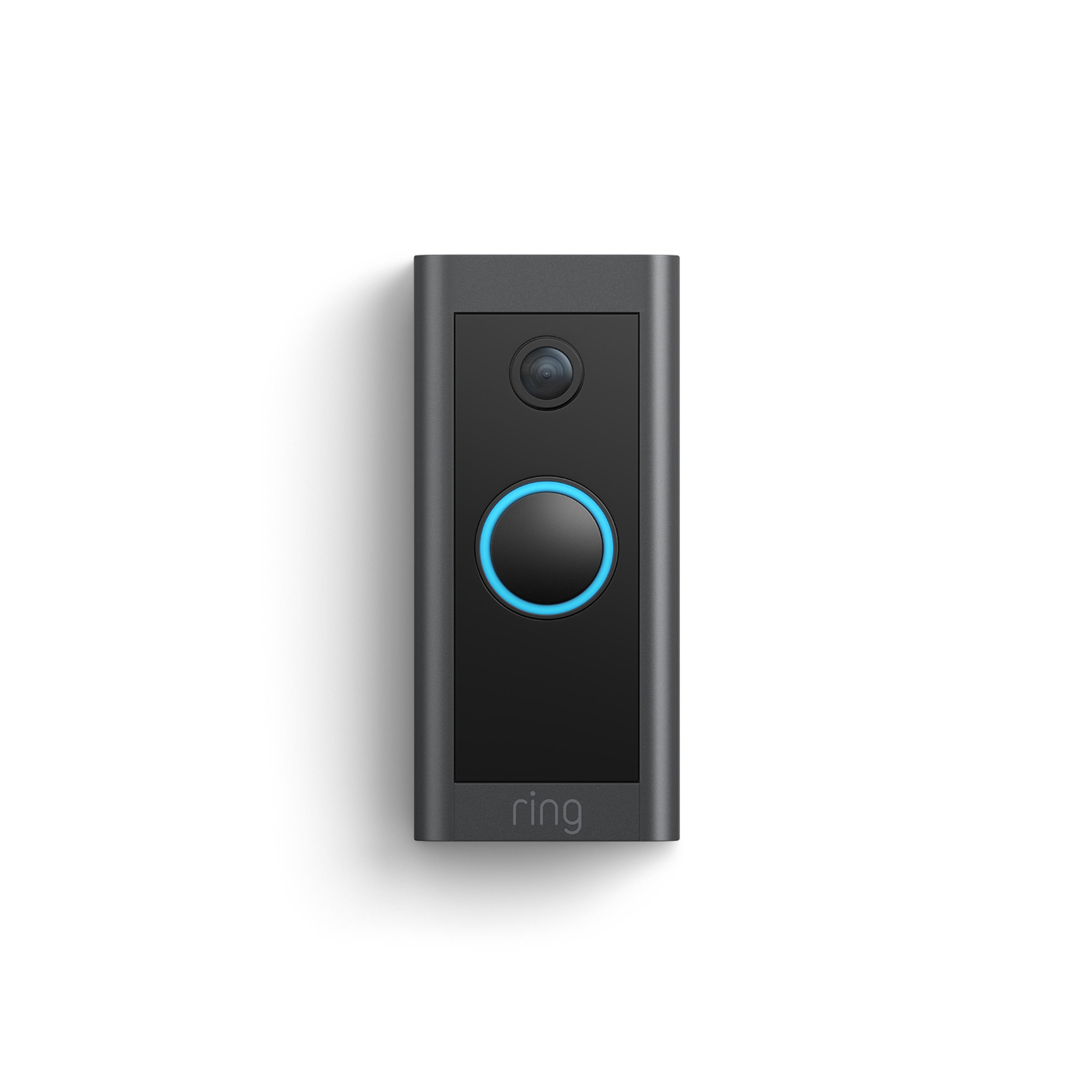
Ring offers several models to fit different needs and budgets. The basic model provides standard video and motion detection. The Pro version offers higher video quality and advanced motion zones. The Elite model connects directly to your home network via Ethernet for faster response. Some models include additional features like improved audio and wider field of view. Choose the model that suits your security needs best.
Installation Tips
Installing a Ring Video Doorbell is simple with the right guide. Clear steps help avoid mistakes and save time. This section shares useful tips for a smooth setup.
Tools Needed
Gather the right tools before starting. You will need a drill, screwdriver, and level. A pencil helps mark spots on the wall. Have the Ring Video Doorbell kit ready too.
Step-by-step Setup
Start by charging the battery fully. Use the drill to make holes for the mounting bracket. Attach the bracket with screws and check it is level. Snap the doorbell onto the bracket. Connect it to your Wi-Fi network using the app. Test the doorbell to ensure it works well.
Common Issues
Some users face Wi-Fi connection problems. Move your router closer if the signal is weak. Check battery charge if the doorbell does not turn on. Ensure the screws are tight for a secure mount. Restart the app to fix syncing issues.
Smart Security Benefits
The Ring Video Doorbell offers smart security benefits that help protect your home. It lets you see and talk to visitors at your door from anywhere. These features give you more control and peace of mind.
Real-time Alerts
The doorbell sends instant alerts to your phone. You know right away if someone is at your door. This helps you act fast and stay aware of any activity.
Two-way Communication
Talk to visitors without opening the door. The built-in microphone and speaker make it easy. You can greet guests or warn strangers safely.
Integration With Smart Home
The Ring Doorbell works with other smart devices. Connect it to lights, alarms, or voice assistants. This creates a full security system that is easy to manage.
Subscription Plans
Ring Video Doorbell offers subscription plans to enhance its basic features. These plans add value by providing extra video storage and advanced functions. Understanding the difference between free and paid features helps you decide what fits your needs.
Free Vs Paid Features
The free plan lets you receive alerts and view live video anytime. It does not save video clips for later review. Paid plans add video recording and sharing options. They also offer motion detection zones and professional monitoring. These features improve home security and convenience.
Video Storage Options
Without a subscription, you cannot save videos. Paid plans store videos in the cloud for a set time. You can access, download, or share recordings anytime during this period. The storage duration depends on the plan you choose. This helps keep important footage safe and accessible.
Cost Breakdown
Ring’s subscription plans usually start at a low monthly fee. There are options for individual devices or full home coverage. Annual plans offer a discount compared to monthly payments. The cost varies by region and the number of devices covered. Choose a plan based on your budget and security needs.
Privacy And Security Concerns
Ring Video Doorbells offer great convenience but raise important privacy and security questions. These smart devices record video and audio at your doorstep. This data can be sensitive. Understanding how your information is protected matters. You should also know what controls you have. The effects on your neighborhood are worth considering too.
Data Protection
Ring stores video footage in the cloud. The company uses encryption to keep data safe. Encryption makes it hard for hackers to steal information. Ring also requires strong passwords to access accounts. Users should update passwords regularly. Despite these steps, no system is fully immune to breaches. Knowing how Ring handles your data reduces risks.
User Controls
Users can customize privacy settings on Ring devices. You can turn off video recording temporarily. Motion detection zones help limit what the camera watches. Sharing footage is optional and controlled by you. Ring also sends alerts for suspicious activity. These controls help balance security with privacy.
Community Impact
Ring devices create a network of neighborhood cameras. This shared footage can help solve crimes. Some worry about constant surveillance in public spaces. It may affect how people feel in their community. Talking with neighbors about camera use promotes trust. Awareness of community impact guides responsible use.
Credit: ring.com
Troubleshooting And Maintenance
Owning a Ring Video Doorbell means staying alert and secure. Regular troubleshooting and maintenance keep it working well. Small issues can stop it from doing its job. This guide helps you fix common problems fast.
Battery Life Tips
Keep your doorbell charged for best performance. Remove the device to charge if the battery runs low. Check battery status in the Ring app often. Lower motion sensitivity to save power. Avoid extreme temperatures that can drain battery faster.
Firmware Updates
Firmware updates improve your device’s features and security. The Ring app alerts you about new updates. Connect your doorbell to Wi-Fi before updating. Never turn off your device during an update. Update regularly to avoid bugs and improve stability.
Connectivity Problems
Strong Wi-Fi is vital for your Ring Doorbell. Place your router near the doorbell for better signal. Restart your router to fix connection issues. Check Wi-Fi password and network name in the app. Remove any obstacles blocking the Wi-Fi signal.
Alternatives And Competitors
Ring Video Doorbell is popular, but it is not the only option. Many brands offer smart doorbells with similar features. Exploring alternatives helps find the best fit for your home and budget.
Other Smart Doorbells
Brands like Nest, Arlo, and Eufy provide smart doorbells. Nest Hello offers clear video and good integration with Google devices. Arlo Video Doorbell has a wide field of view and strong motion detection. Eufy Security Doorbell focuses on privacy with local storage options. Each brand has unique features and pricing.
Comparison Factors
Look at video quality, night vision, and two-way audio. Consider motion detection accuracy and app usability. Check if the device works with your smart home system. Battery life and wired or wireless options matter too. Price and subscription fees for cloud storage influence choices.
Choosing The Right Device
Think about your home’s layout and internet speed. Choose a doorbell that fits your tech comfort level. Balance features with your budget. Prioritize important functions like real-time alerts or video storage. Testing apps and reading reviews can help decide.
Credit: ring.com

Credit: www.aboutamazon.com
Frequently Asked Questions
What Is A Ring Video Doorbell Used For?
A Ring Video Doorbell lets you see and speak to visitors remotely. It enhances home security by alerting you to motion and doorbell presses. You can monitor your front door anytime via a smartphone app, providing convenience and peace of mind.
How Does A Ring Video Doorbell Work?
The device connects to Wi-Fi and streams live video to your phone. It has a built-in camera and microphone to capture audio and video. Motion sensors trigger alerts, so you know when someone approaches your door instantly.
Is A Ring Video Doorbell Easy To Install?
Yes, it is designed for simple DIY installation. Most models mount with a few screws and connect to existing doorbell wiring or use battery power. The setup process is guided through the Ring app for user-friendly experience.
Does Ring Video Doorbell Improve Home Security?
Absolutely, it acts as a deterrent to burglars by recording activity. Real-time alerts help you respond quickly to suspicious visitors. Recorded footage can also be reviewed later or shared with law enforcement if needed.
Conclusion
A Ring Video Doorbell helps you see visitors anytime, anywhere. It offers extra security and peace of mind for your home. You can talk to guests without opening the door. The device is easy to install and use every day.
Many people trust it to keep their homes safe. Choosing a Ring Video Doorbell adds convenience and protection. It fits well in modern homes and busy lifestyles. Simple, smart, and useful—this device works for many families.